How to adjust a device's screen and audio settings
Only admins can adjust a device's screen and audio settings.
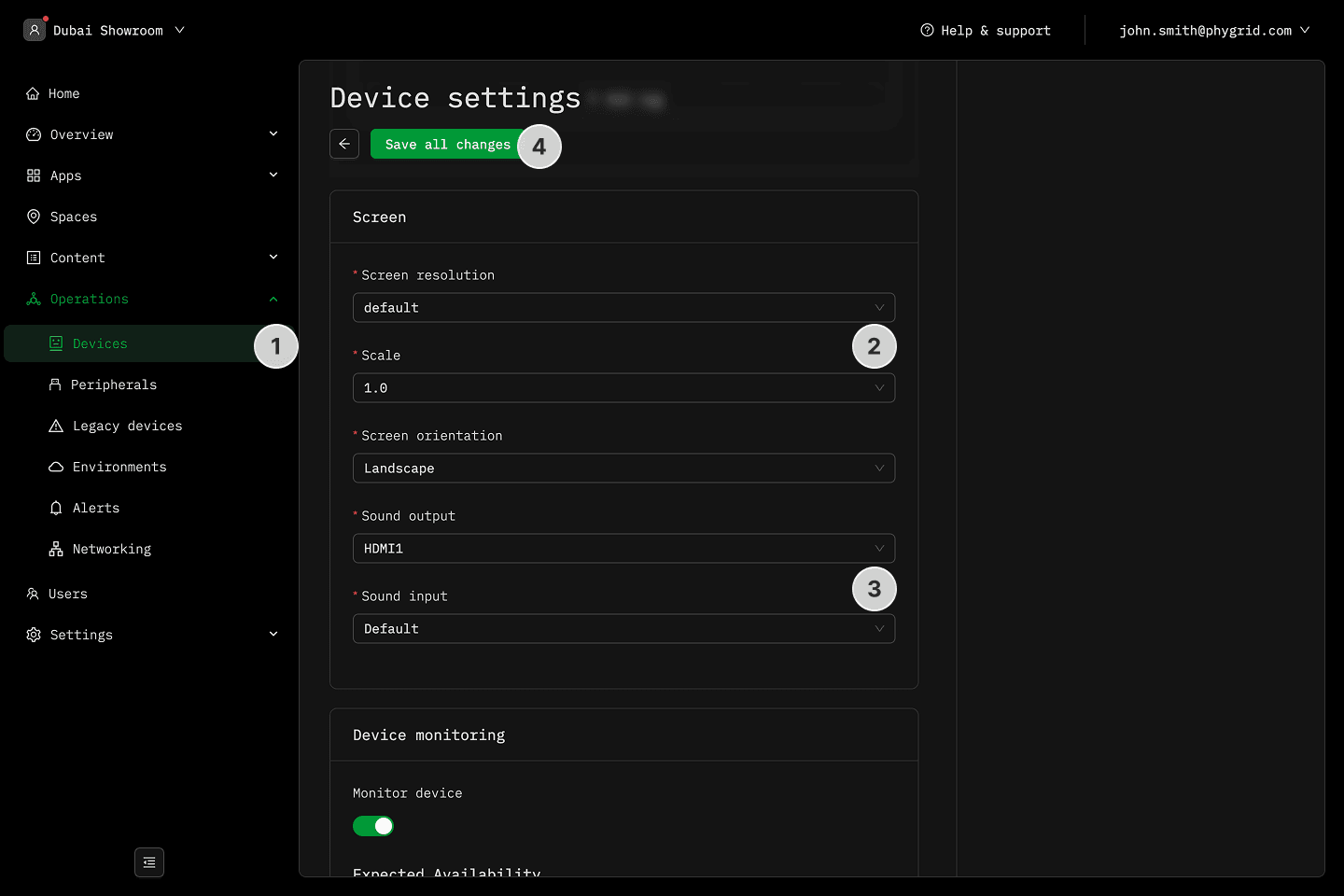
- Navigate to Operations → Devices and select a device
- Go to the screen settings
- Set the screen orientation, resolution, and scale
- Adjust the sound input and output settings
- Save all changes