How to add files to the media library
There are three ways to add files to the media library:
Uploaded videos are automatically converted and optimized for use on the platform
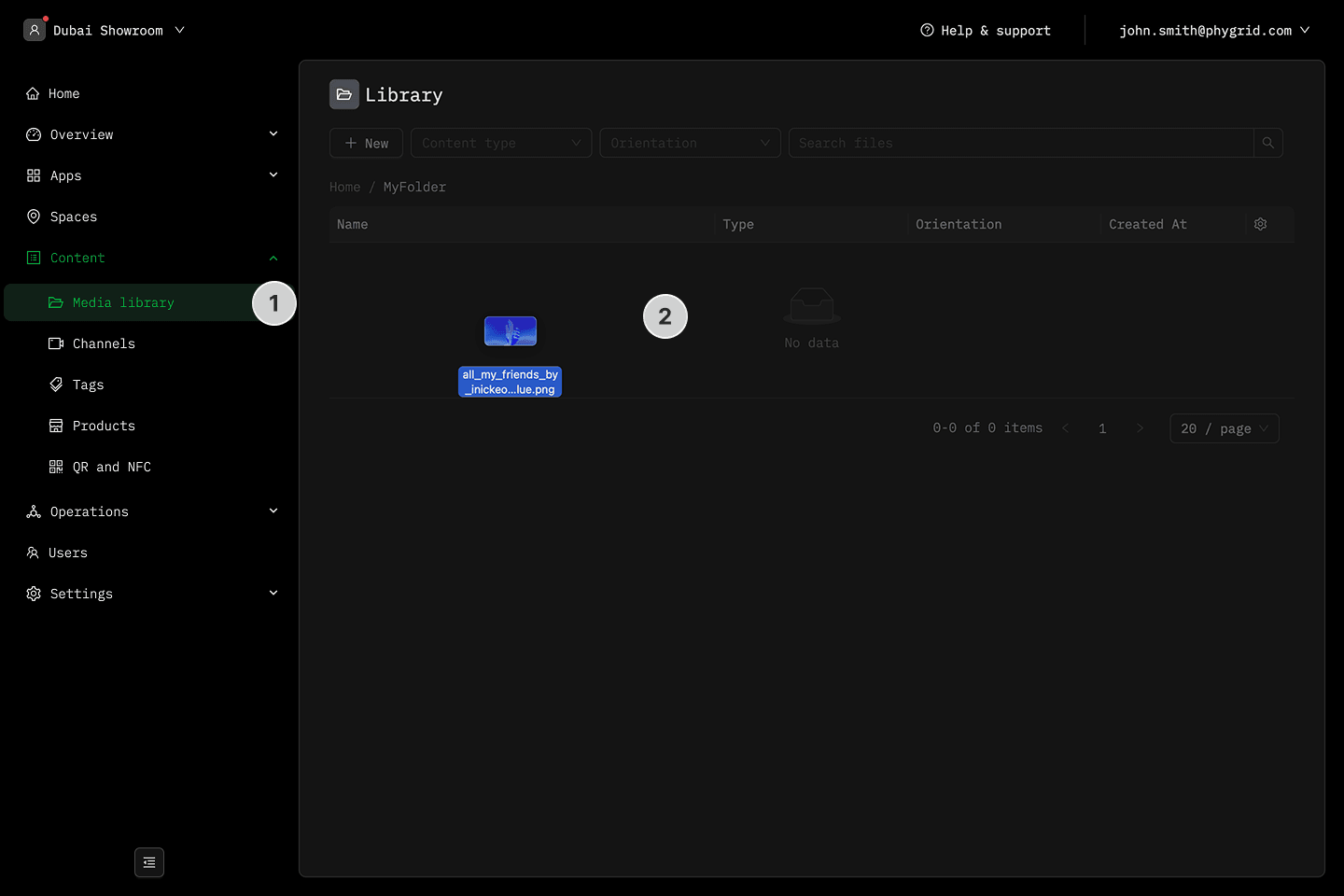
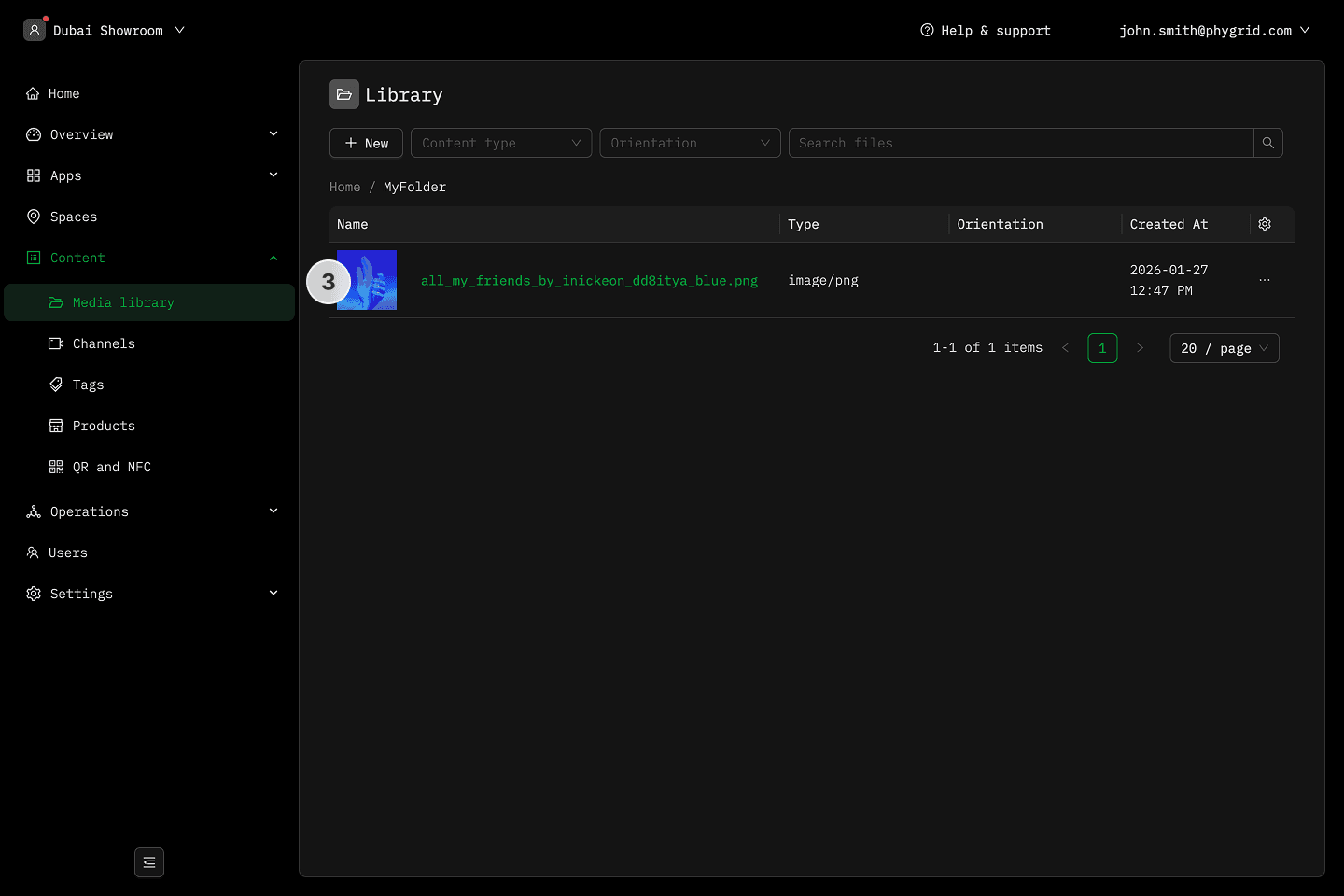
Drag and drop
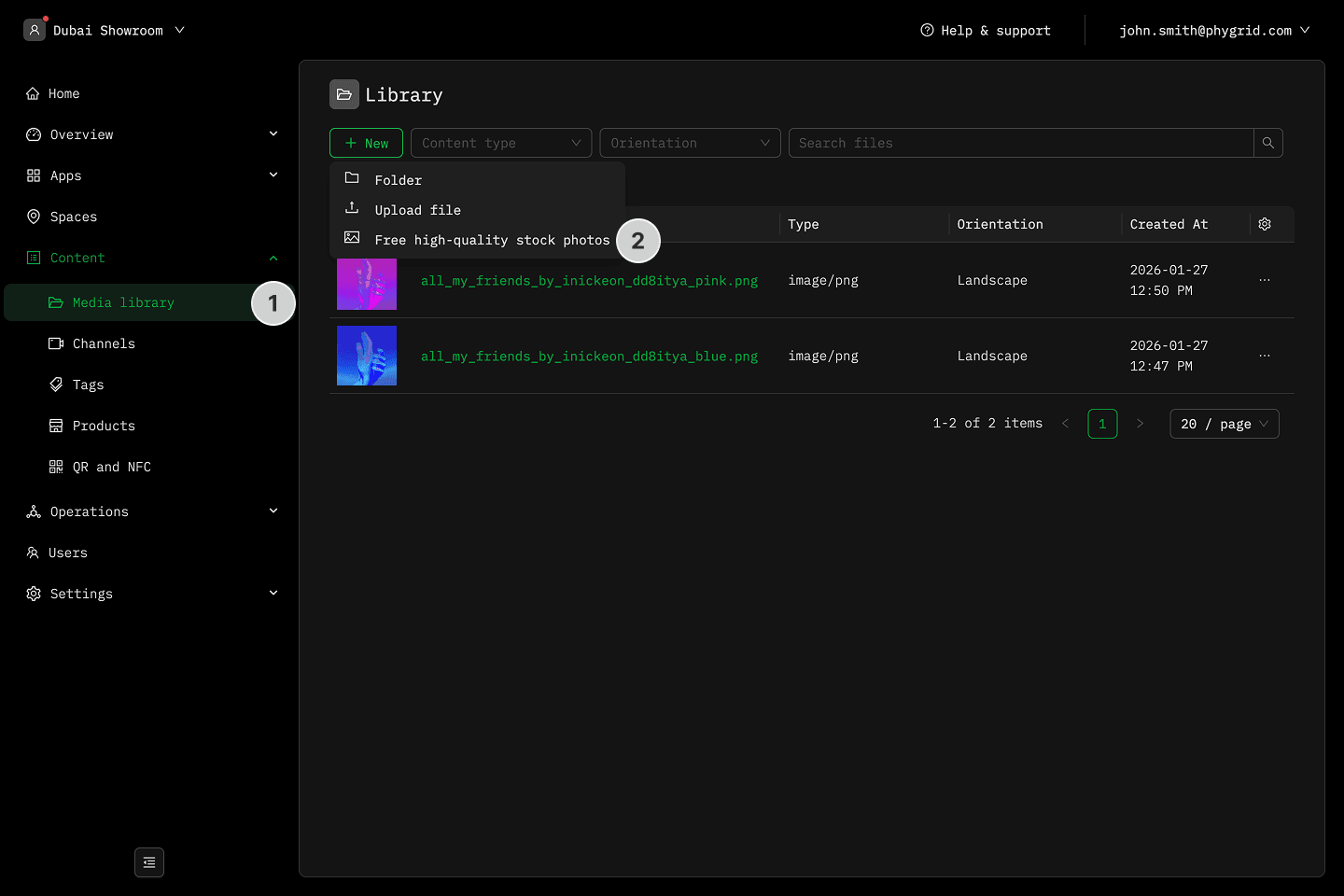
- In the sidebar, navigate to Content → Media library
- Drag your files anywhere on the media library page
- Wait for the file(s) to upload and appear in the list
Upload dialog
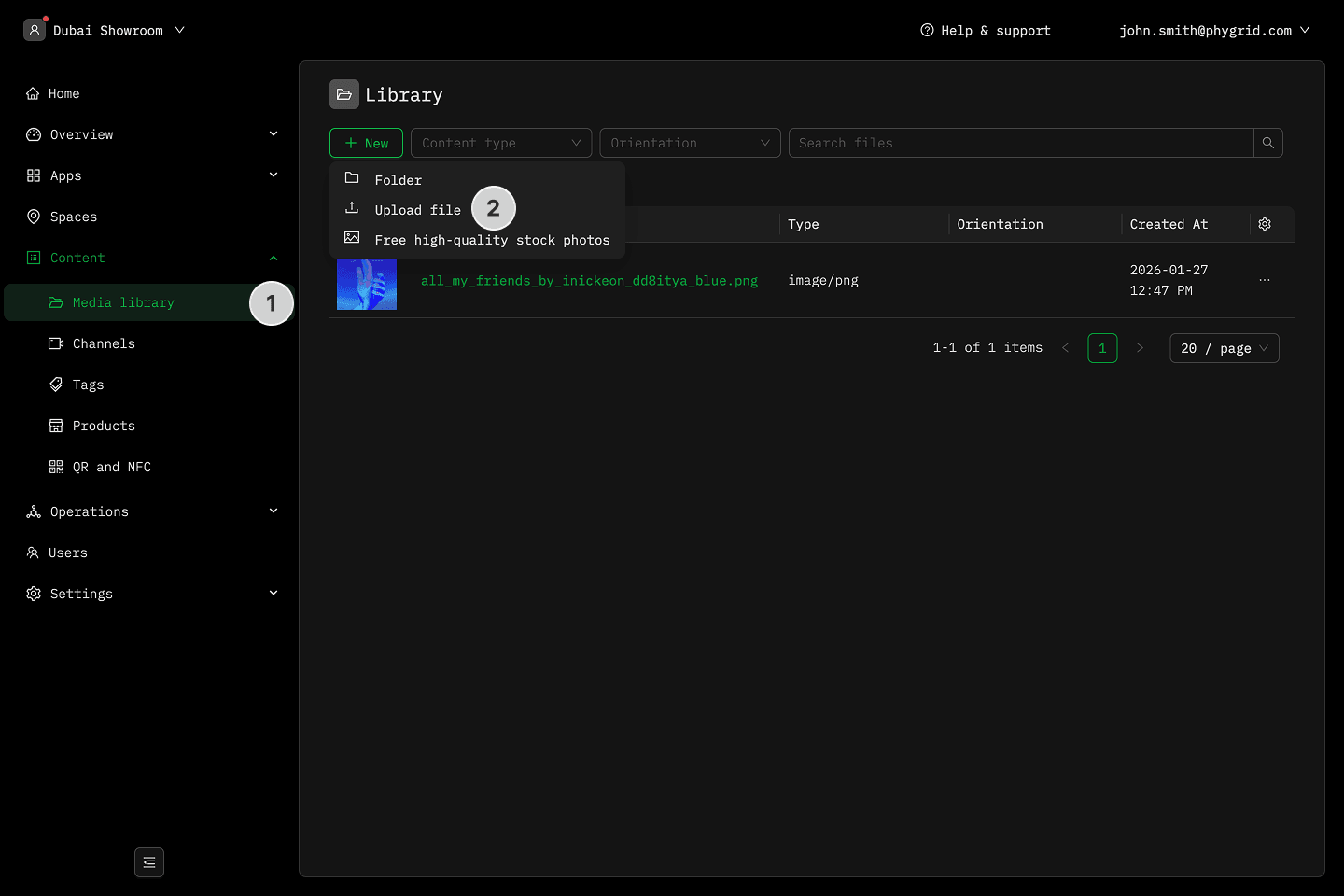
- In the sidebar, navigate to Content → Media library
- Click New and select Upload file
- Select your file and wait for it to upload, it will then show up in the list
Free high-quality stock photos
- In the sidebar, navigate to Content → Media library
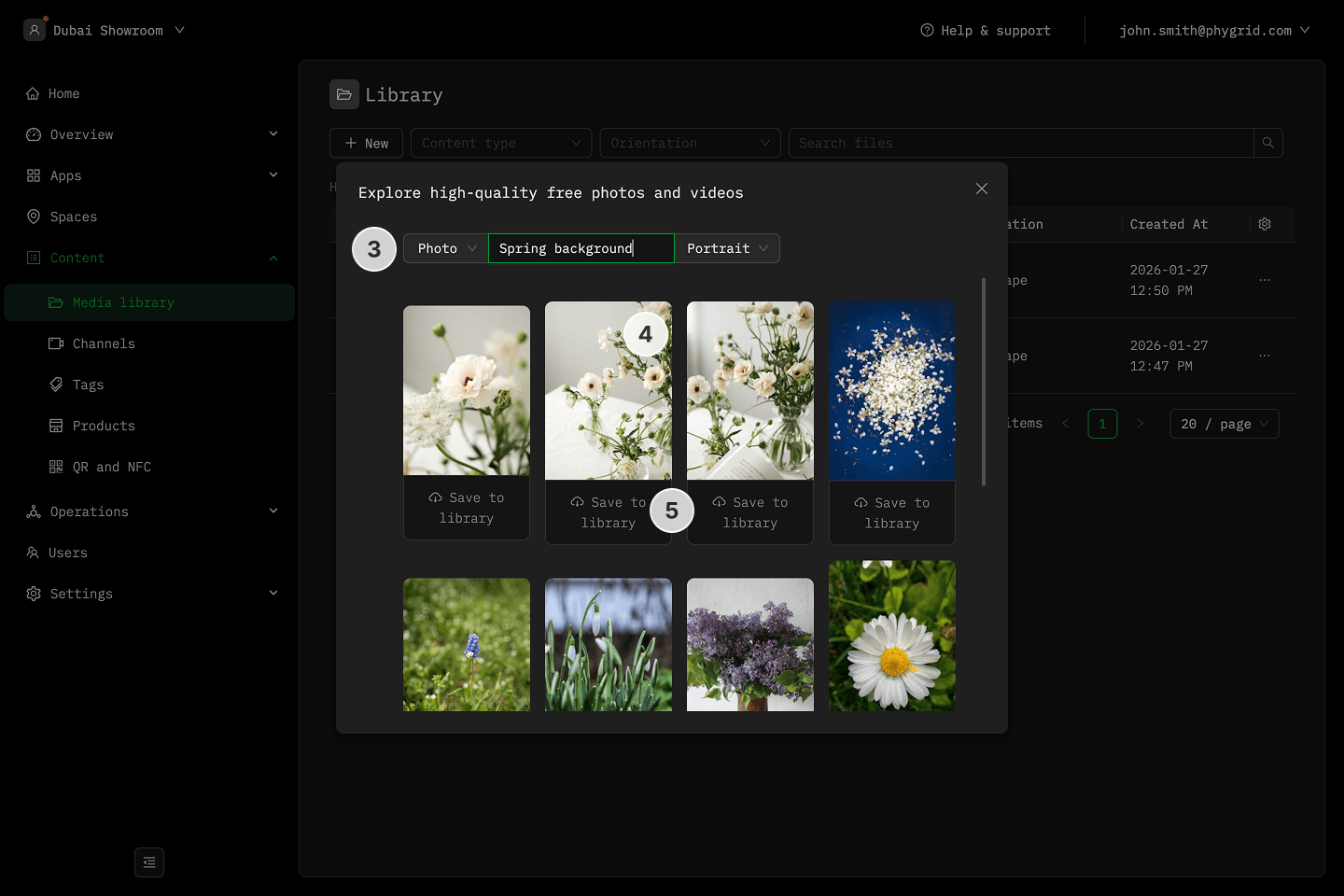
- Click New and select Free high-quality stock photos
- Search for a photo and set search filters
- Click on a photo to preview it
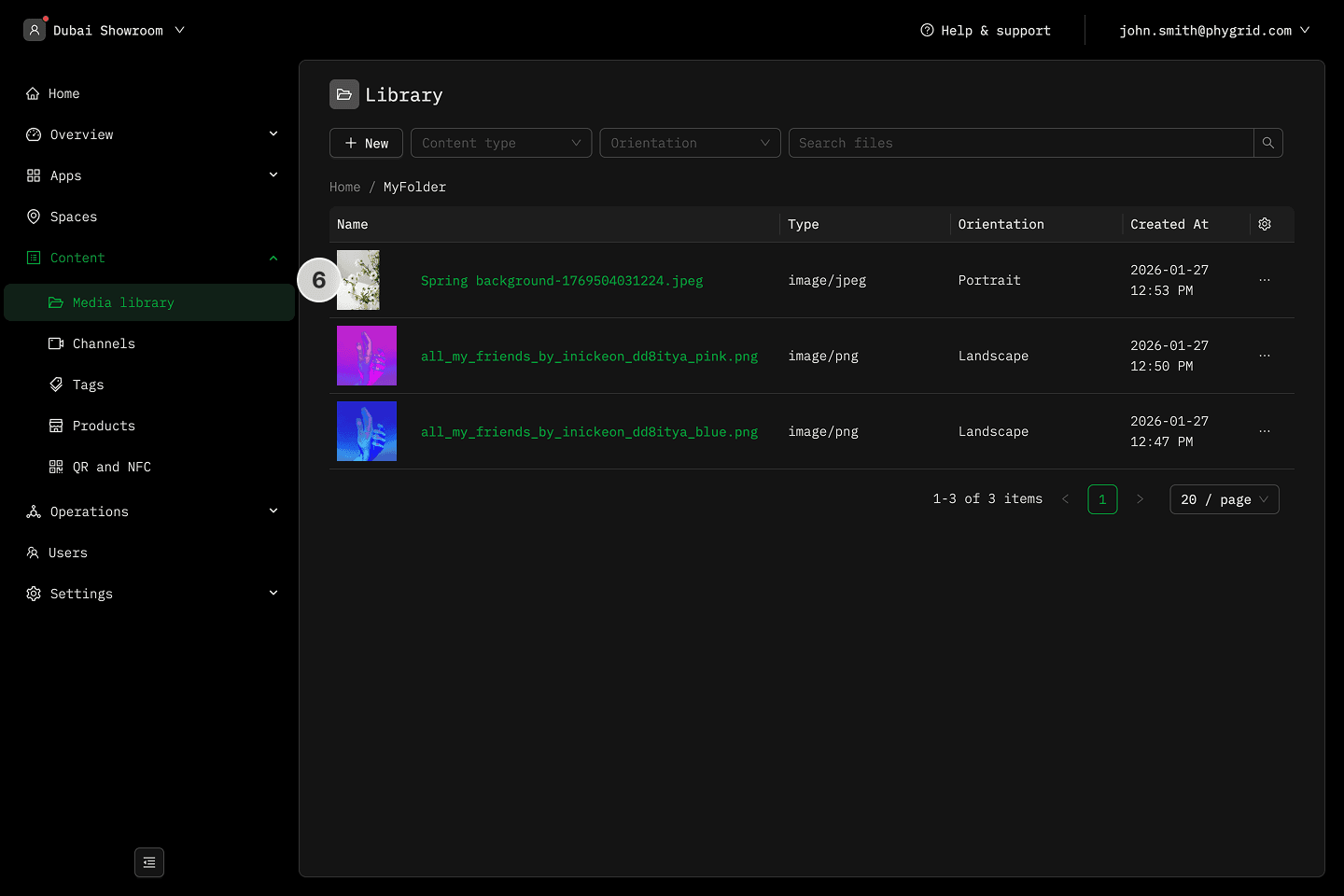
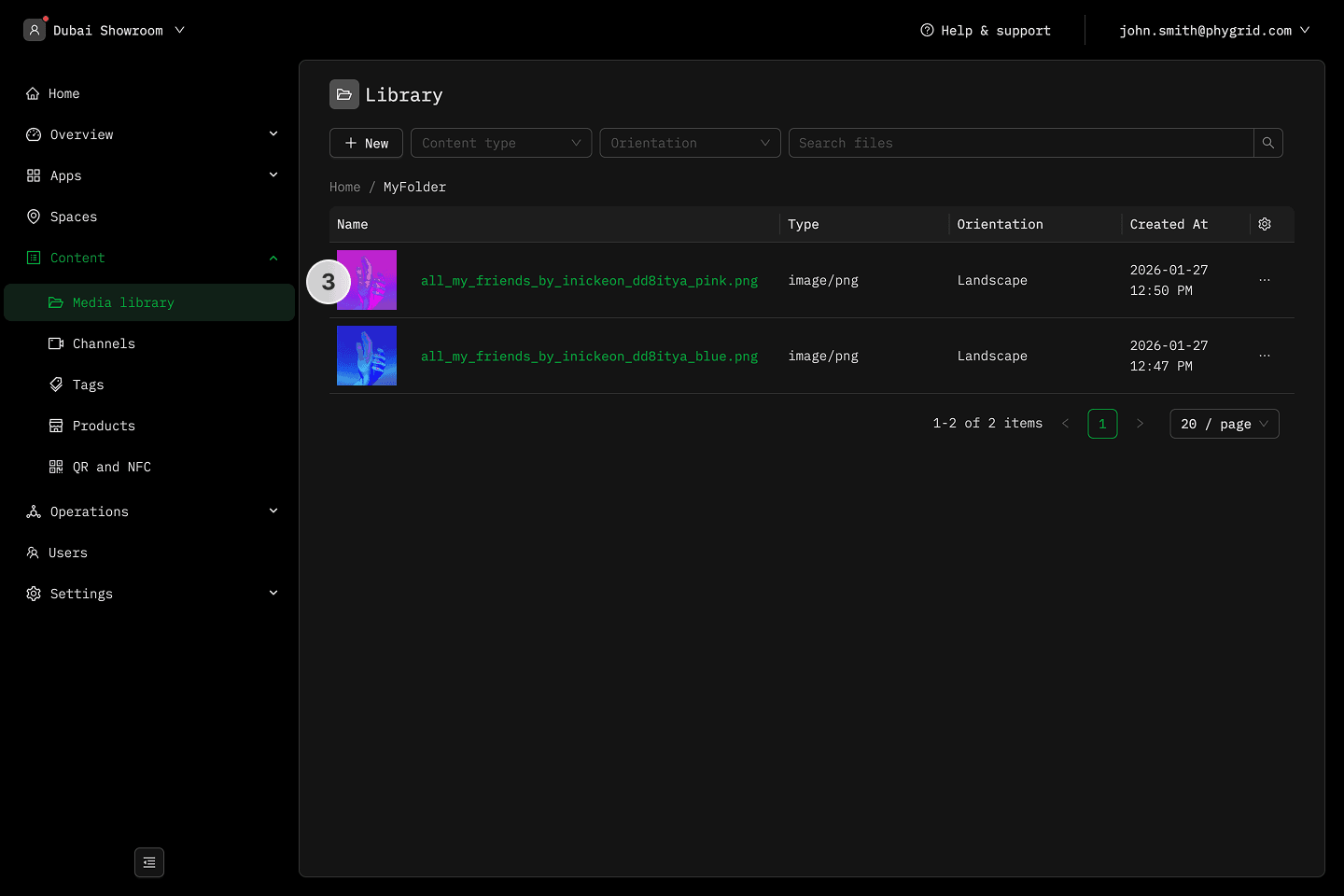
- Click Add to library to add the photo to the media library
- Your photo is now available and appears in the list with your other files