How to manage a space
Only admins can manage spaces
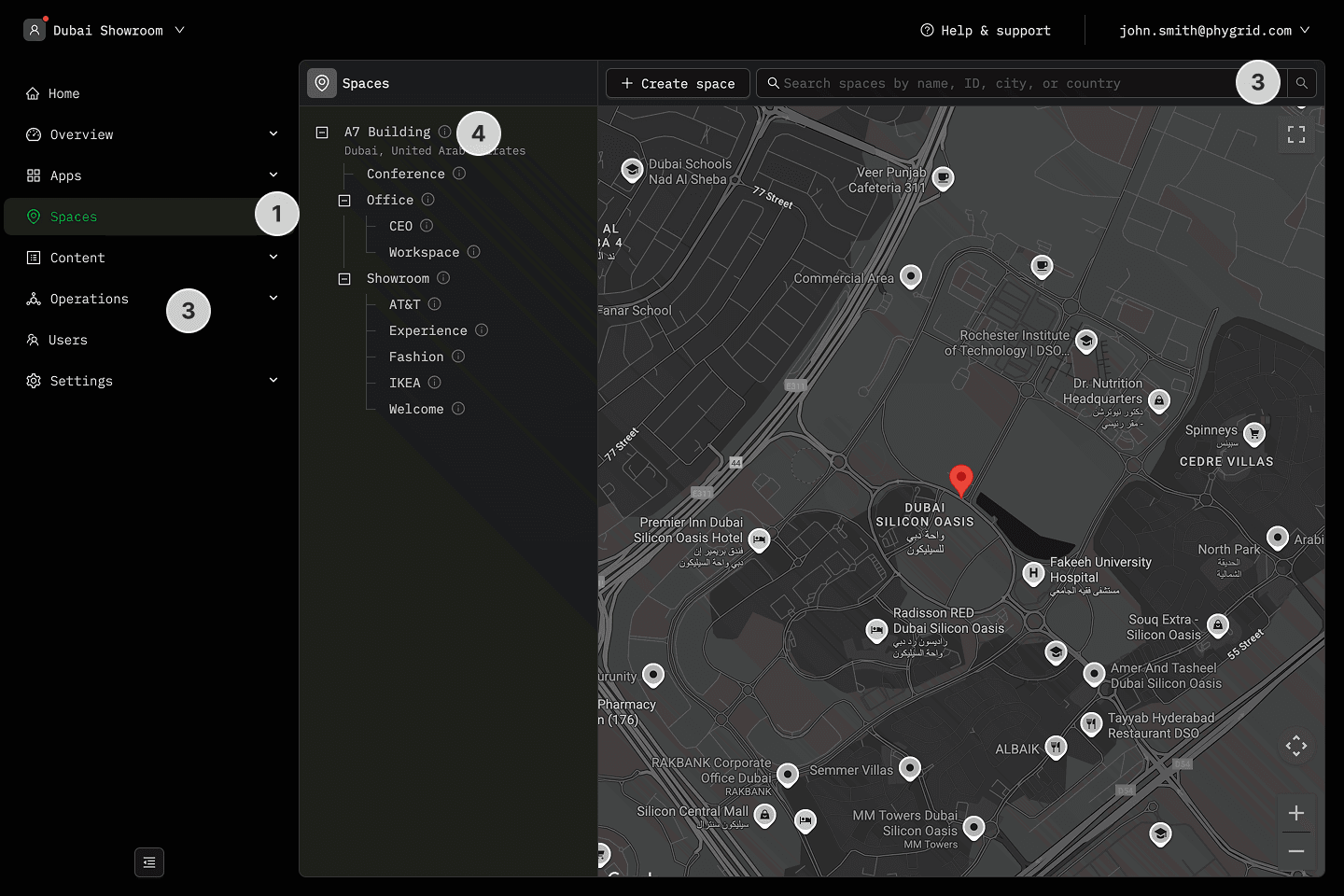
- Navigate to the Spaces section
- Browse the tree sidebar to find the space you want to manage
- Use the search bar to find the space you want to manage
- Click on the Space to view details
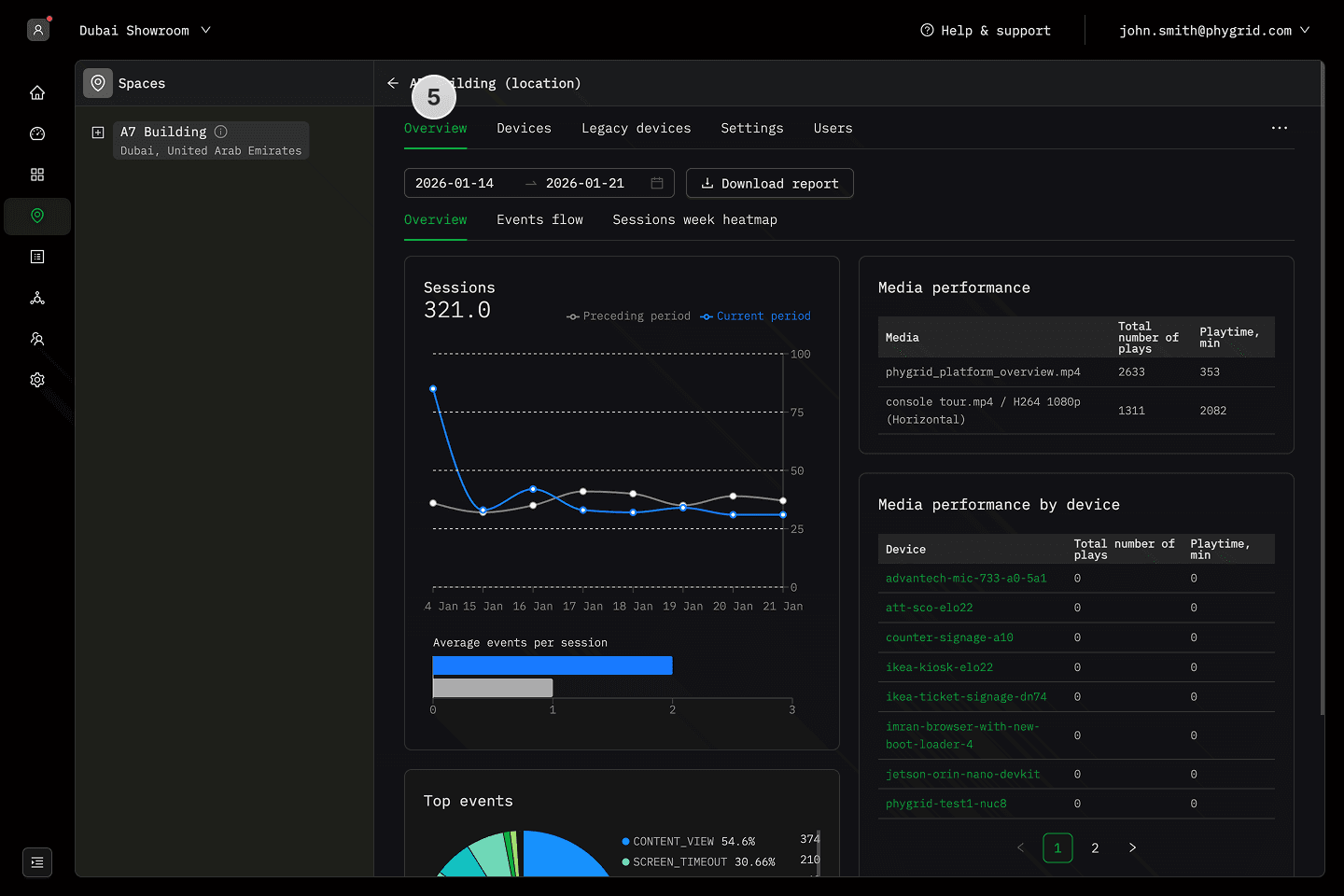
- On the Overview tab, you will see space analytics
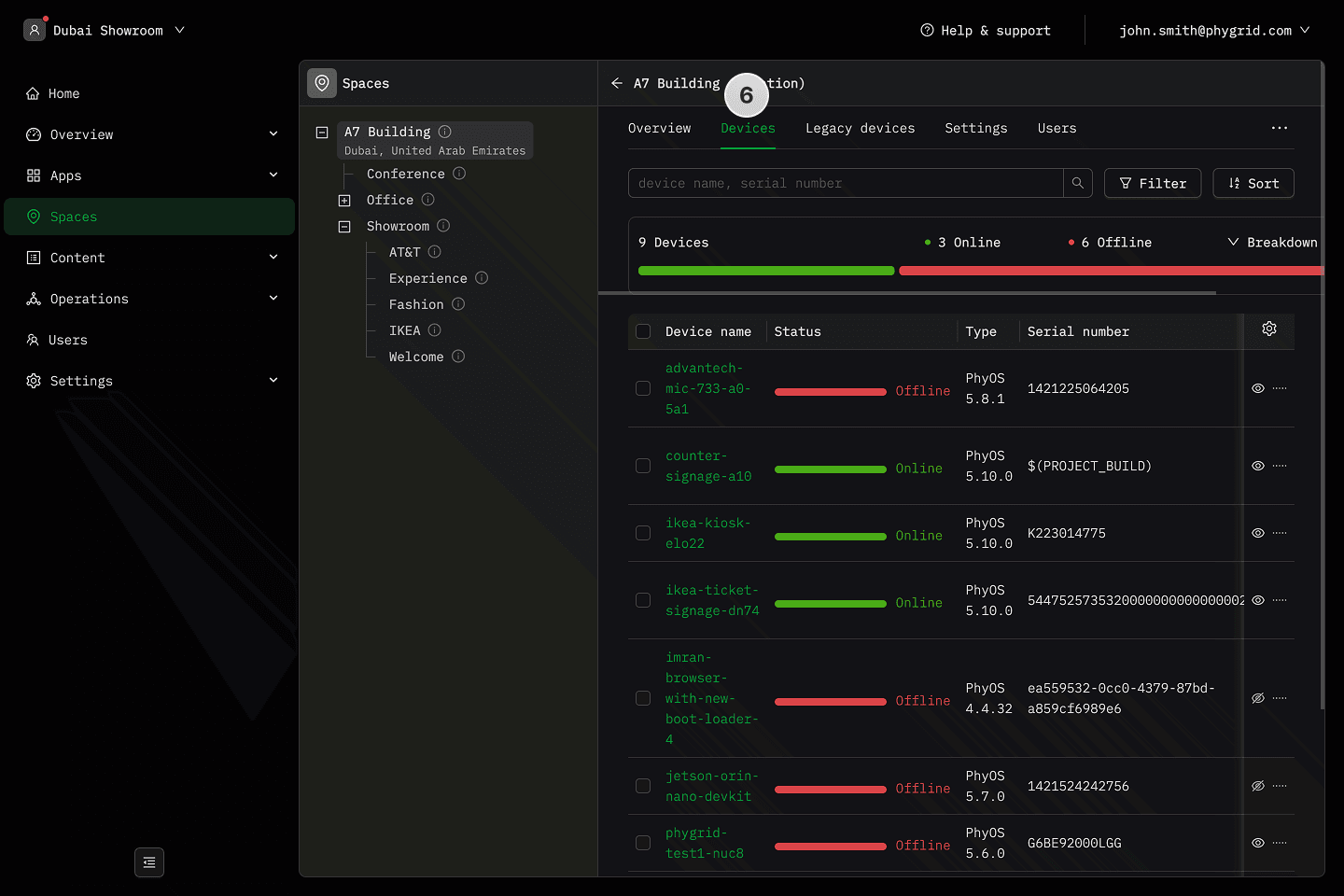
- See connected devices on the Devices tab
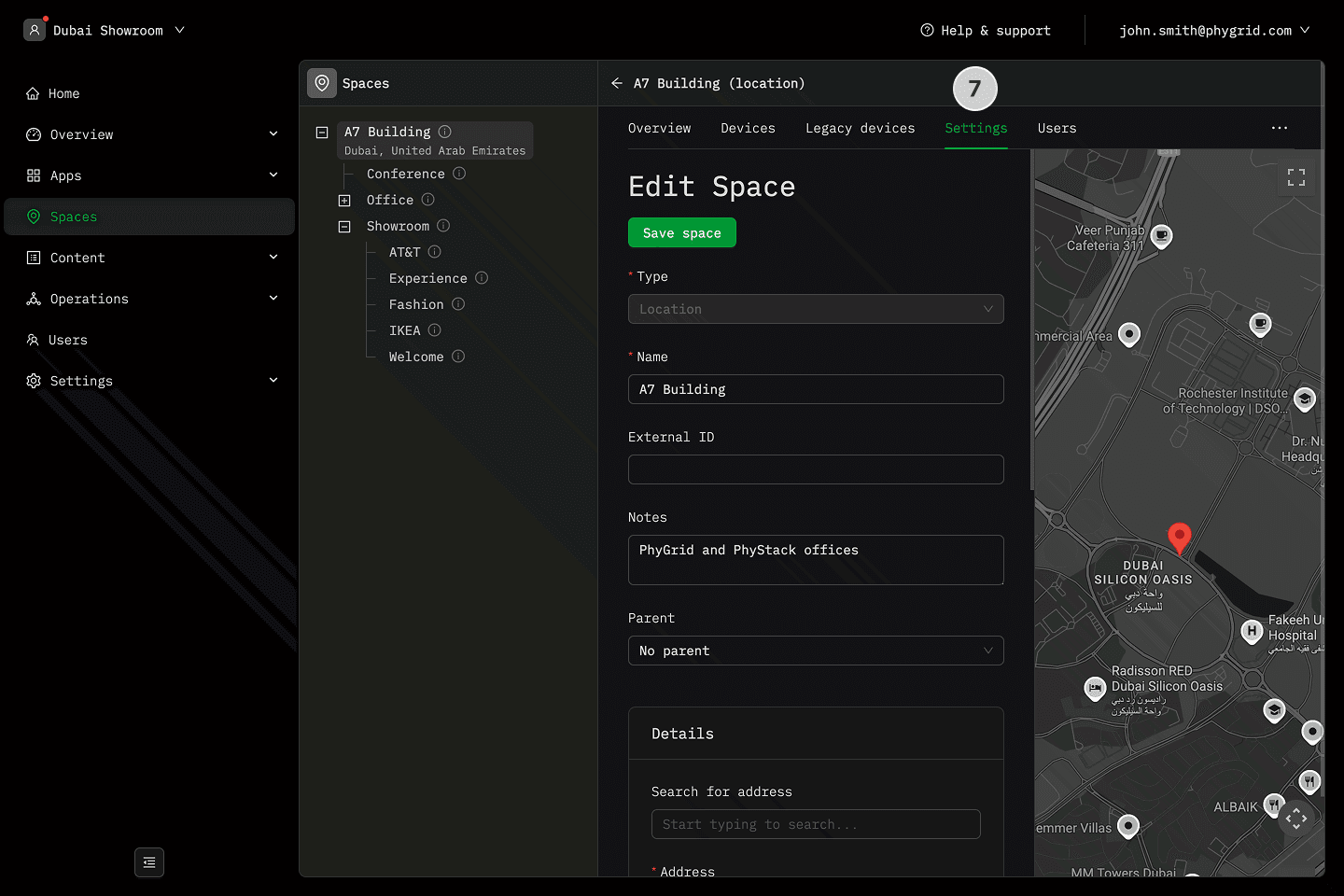
- Modify space settings by going to the Settings tab
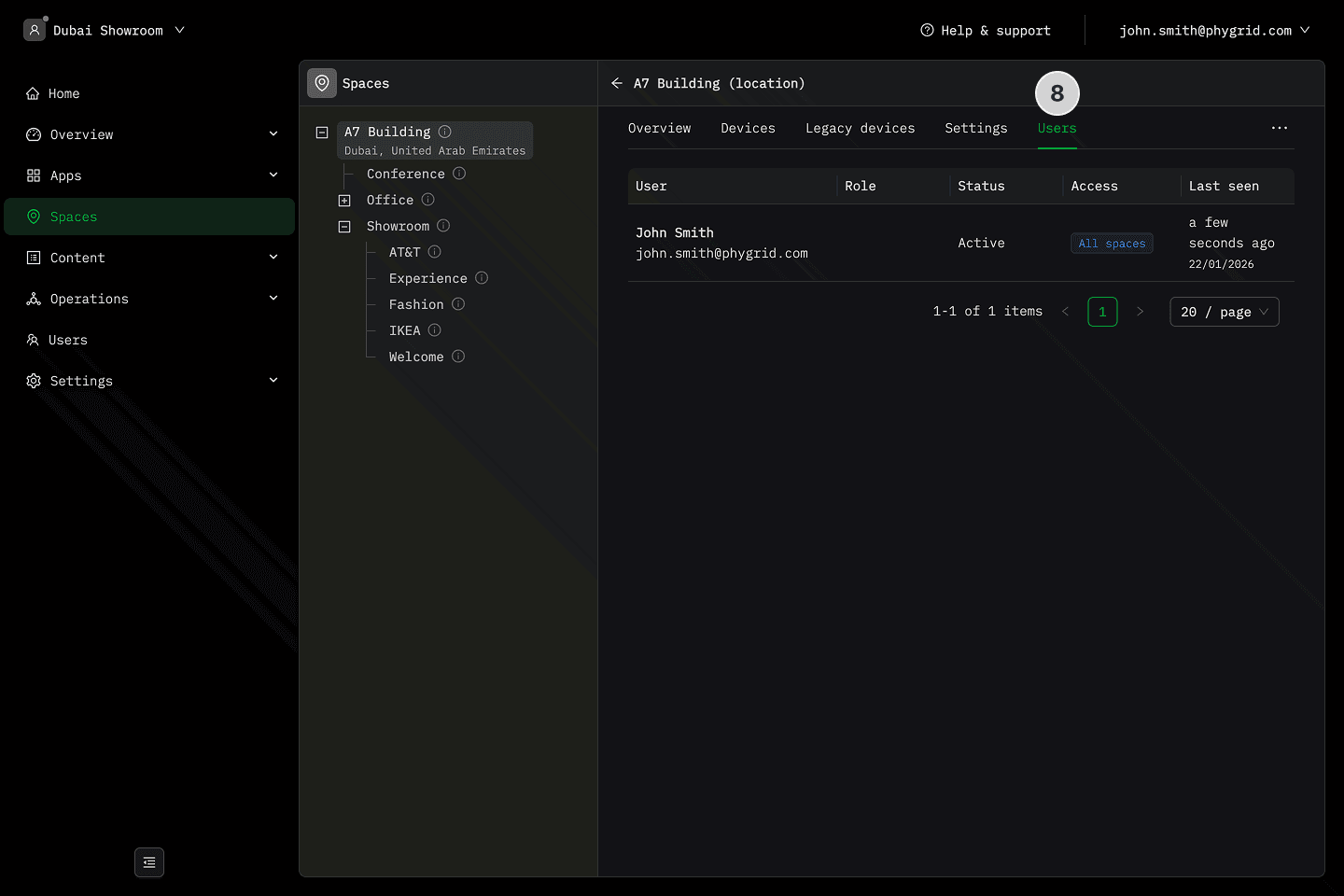
- See users with access to the space by going to the Users tab
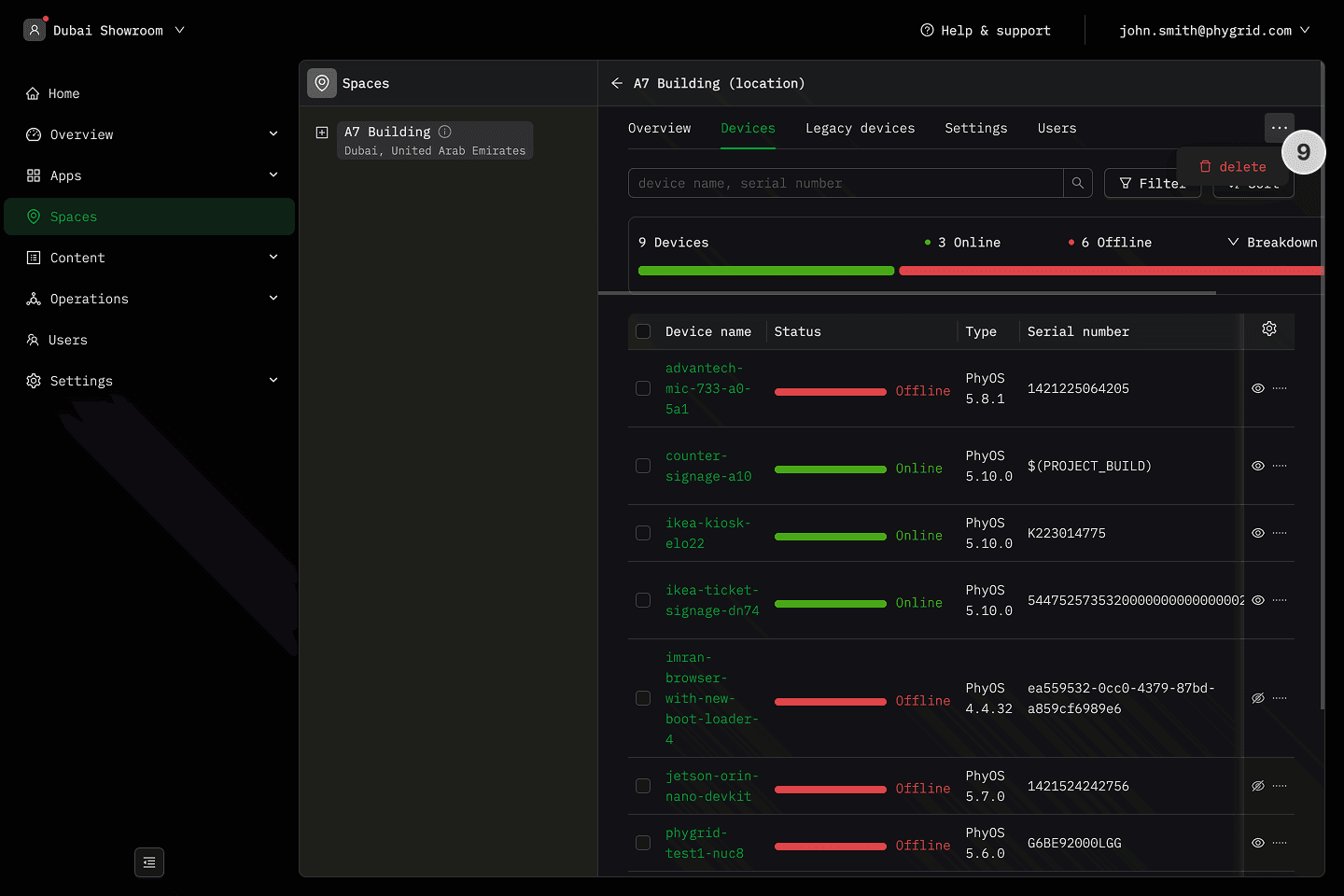
- Click on the More (···) button, and select Delete to remove the space