Delete an alert or notification group
How to delete an alert
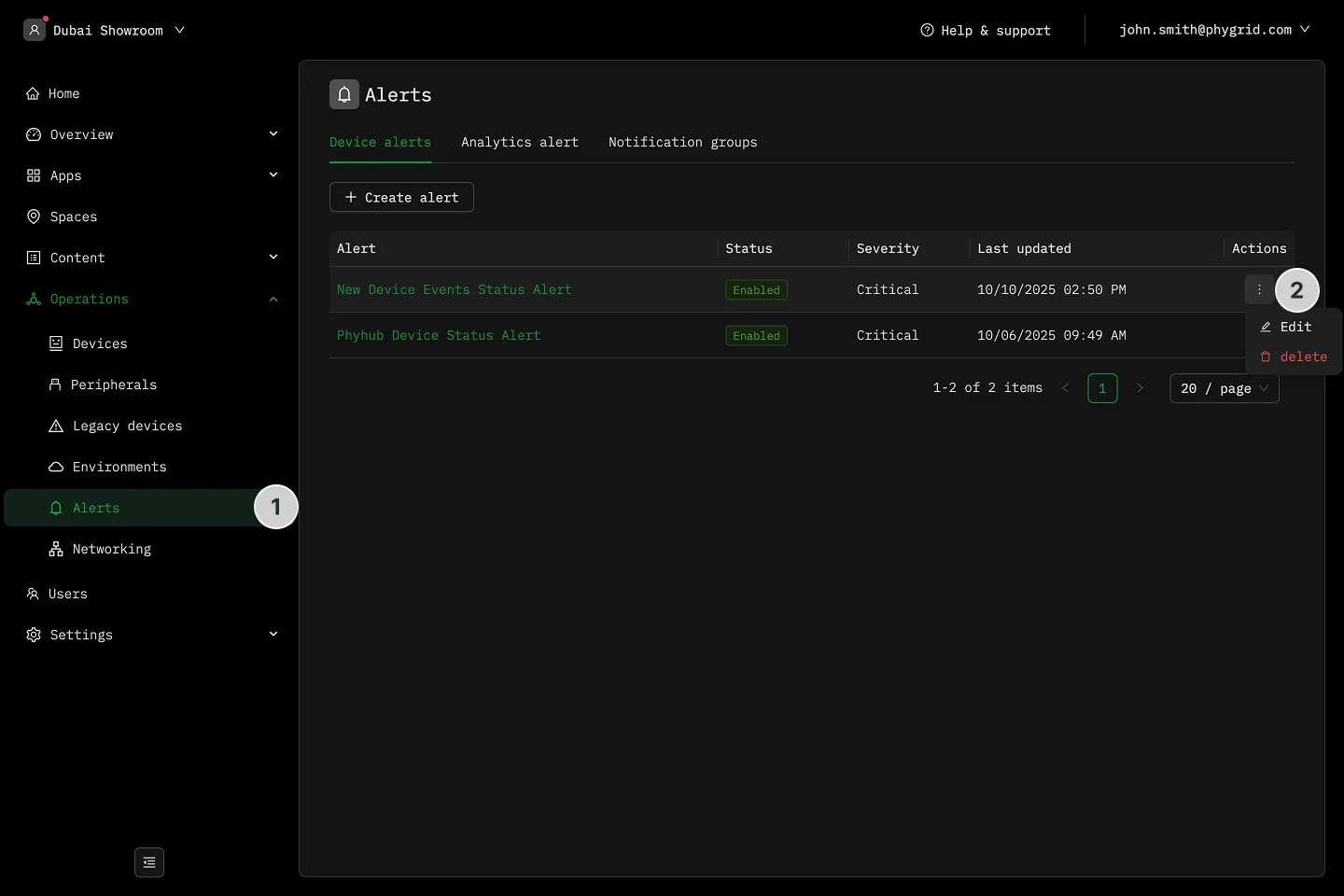
Section titled “How to delete an alert”- Navigate to Operations → Alerts
- In the Alert rules, Analytics rules, or Notification groups tabs, click on the More (···) button next to the item you want to manage
- Select Delete to remove the item