
Delete a managed tenant
How to delete a managed tenant
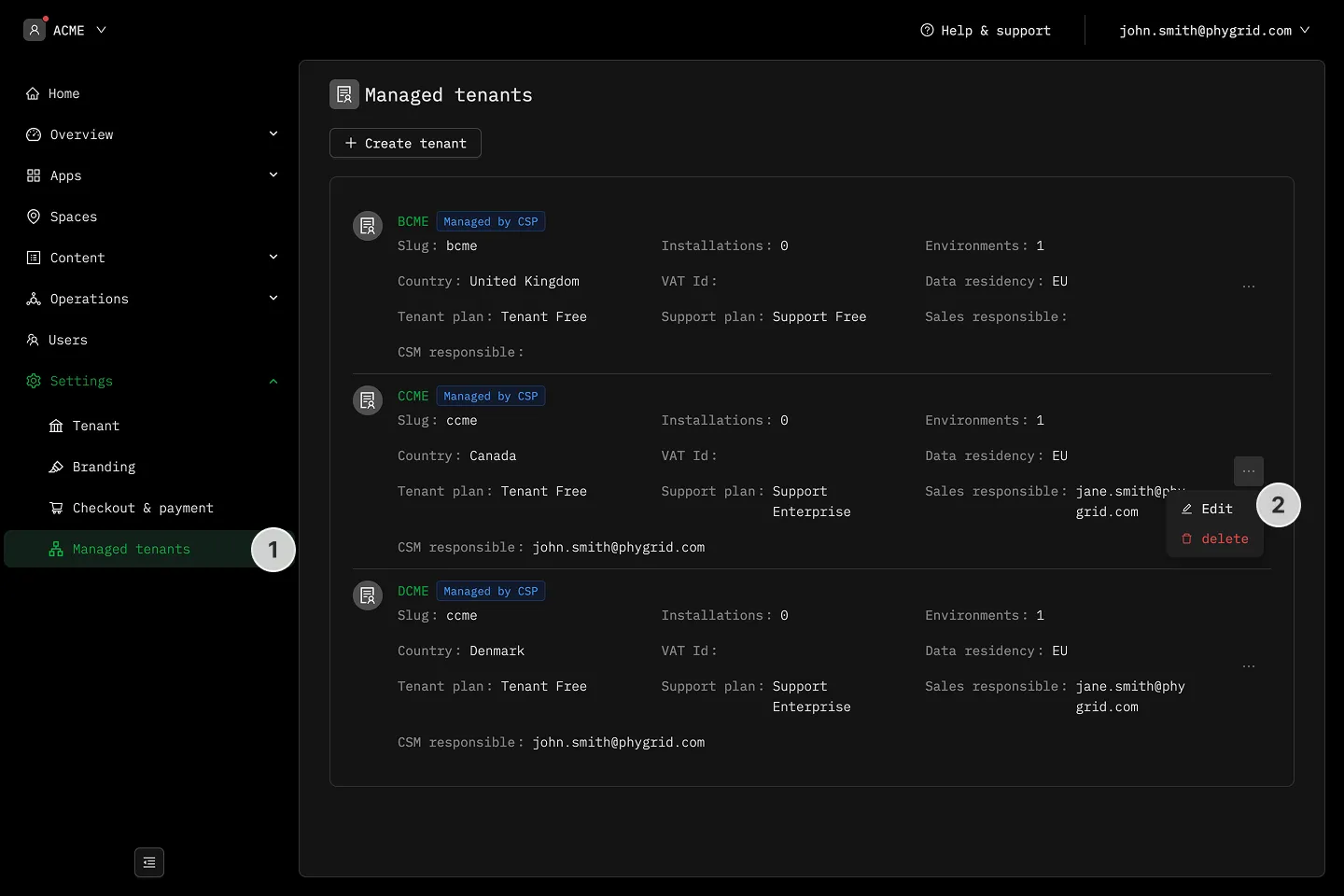
Section titled “How to delete a managed tenant”- Open your partner tenant and click Settings → Managed tenants.
- Click the More (···) menu for the tenant you want to delete and choose Delete.
- Confirm the deletion.
Constraints
Section titled “Constraints”Delete is rejected if the managed tenant still has any of:
- Child tenants of its own
- Spaces
- Installations
Remove or migrate those first, then re-run the delete. This guard exists to stop accidental data loss when a managed tenant is still in active use.