
Add a segment to a channel
How to add a segment to a channel
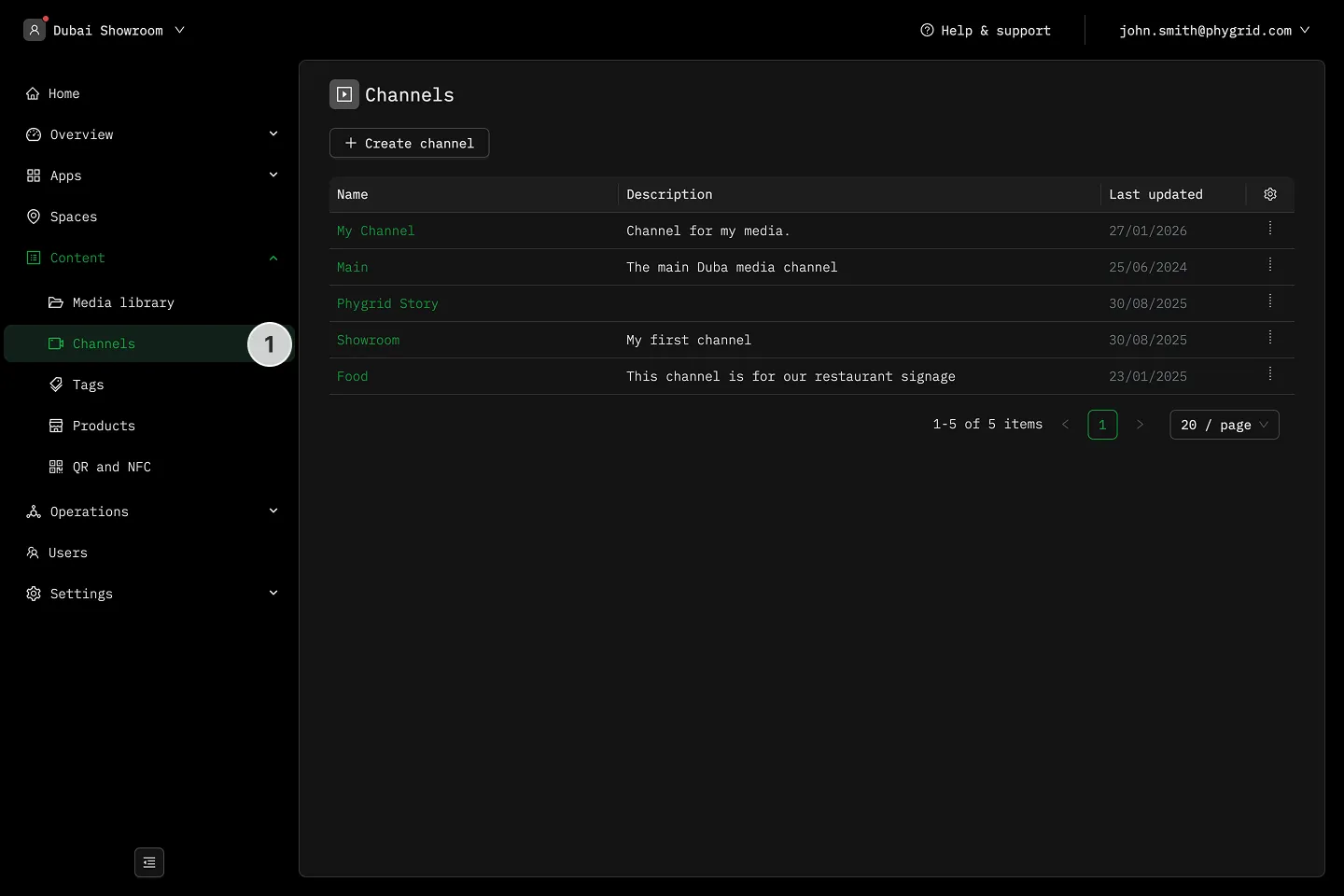
Section titled “How to add a segment to a channel”- In the sidebar, navigate to Content → Channels and select a channel
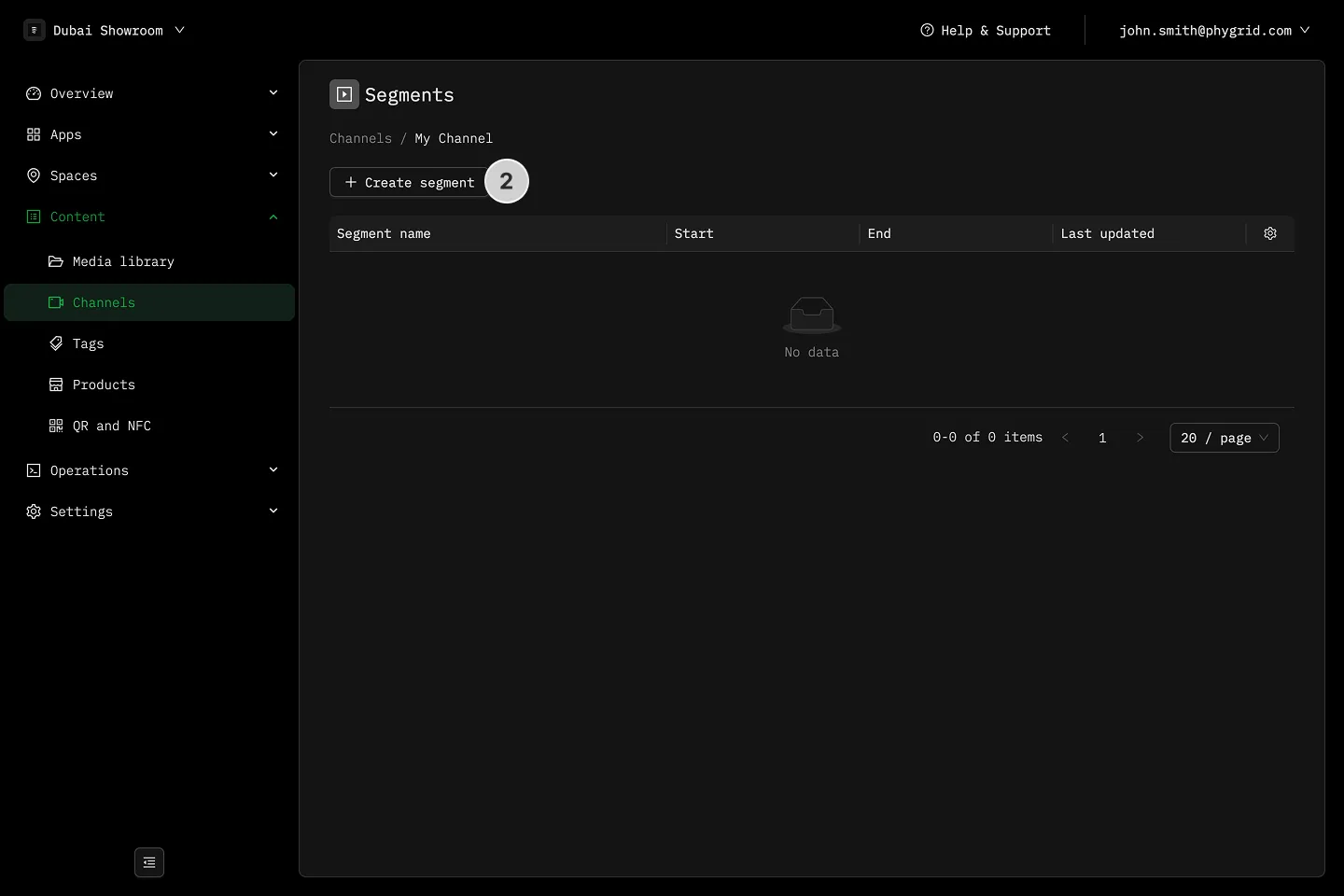
- Click Create segment
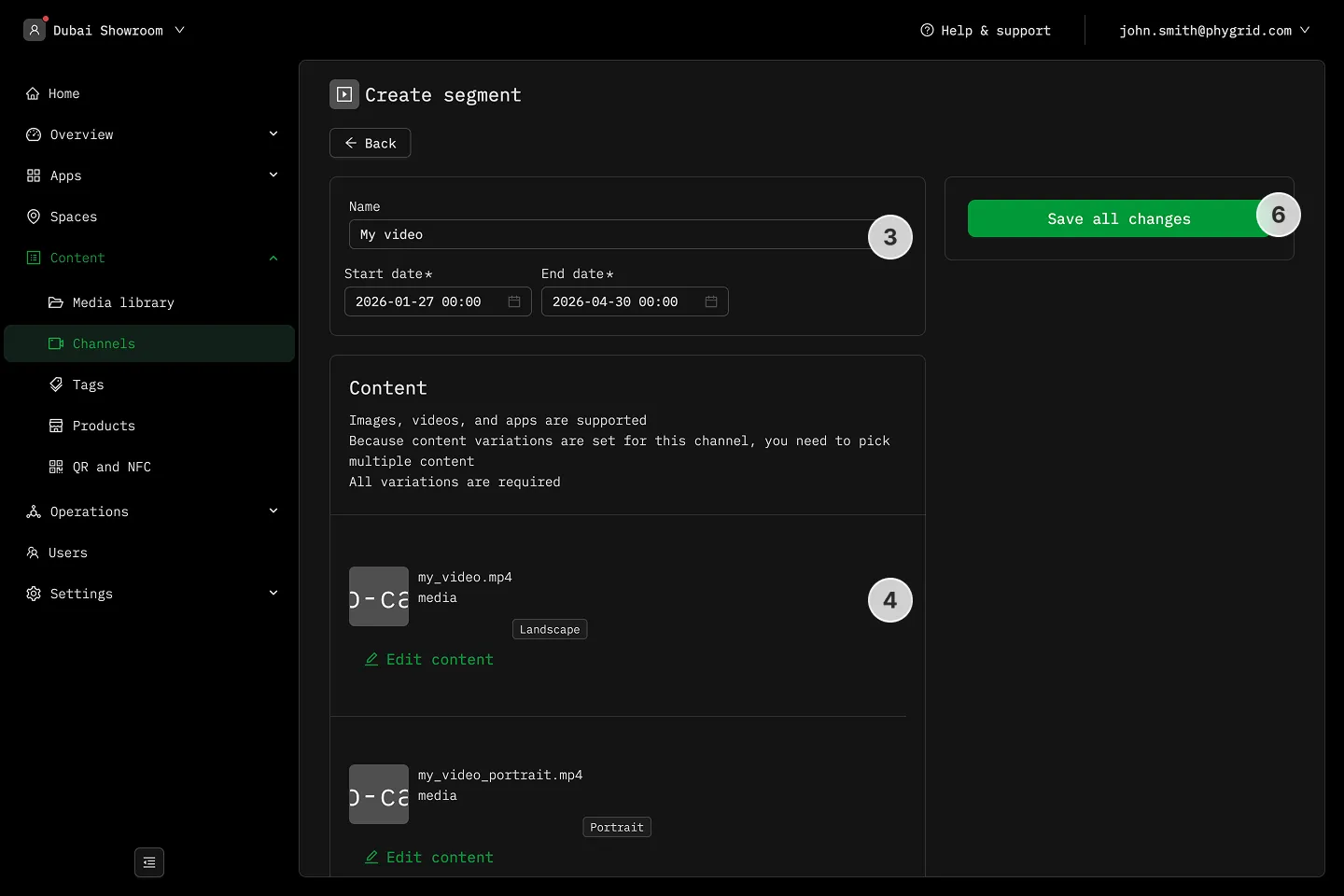
- Name the segment and set start and end dates if needed
- Add content (upload files) for any content variation
- Orientation content variants are usually enabled by default
- Any other content variant you selected when creating the channel will appear here
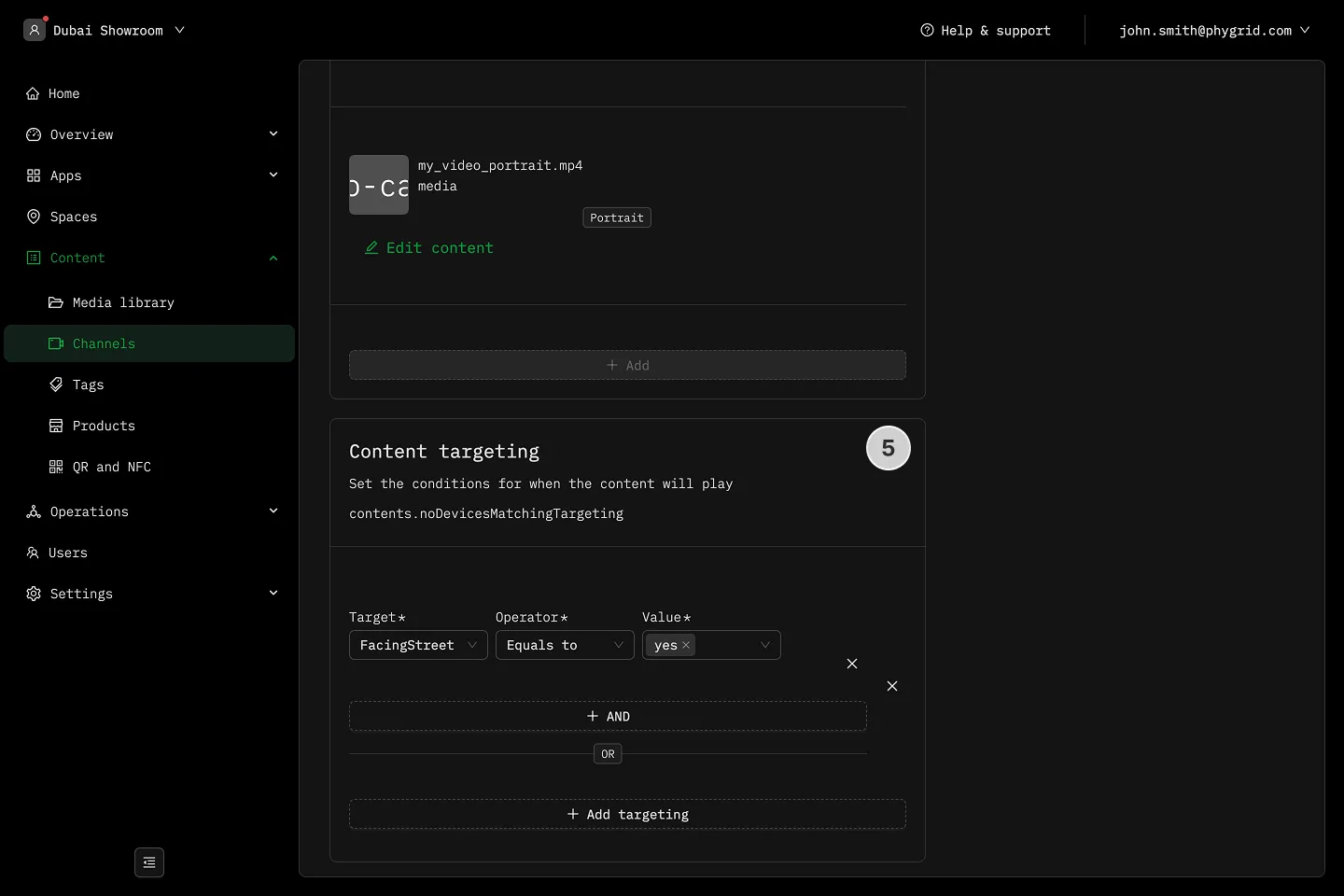
- Set additional content targeting. Set the tag and its value, and content will then played only if the condition is met.
- Save the segment
Explanations
Section titled “Explanations”- What are segments?
- What is the difference between a segment and a file?