Adjust tenant branding
How to adjust tenant branding
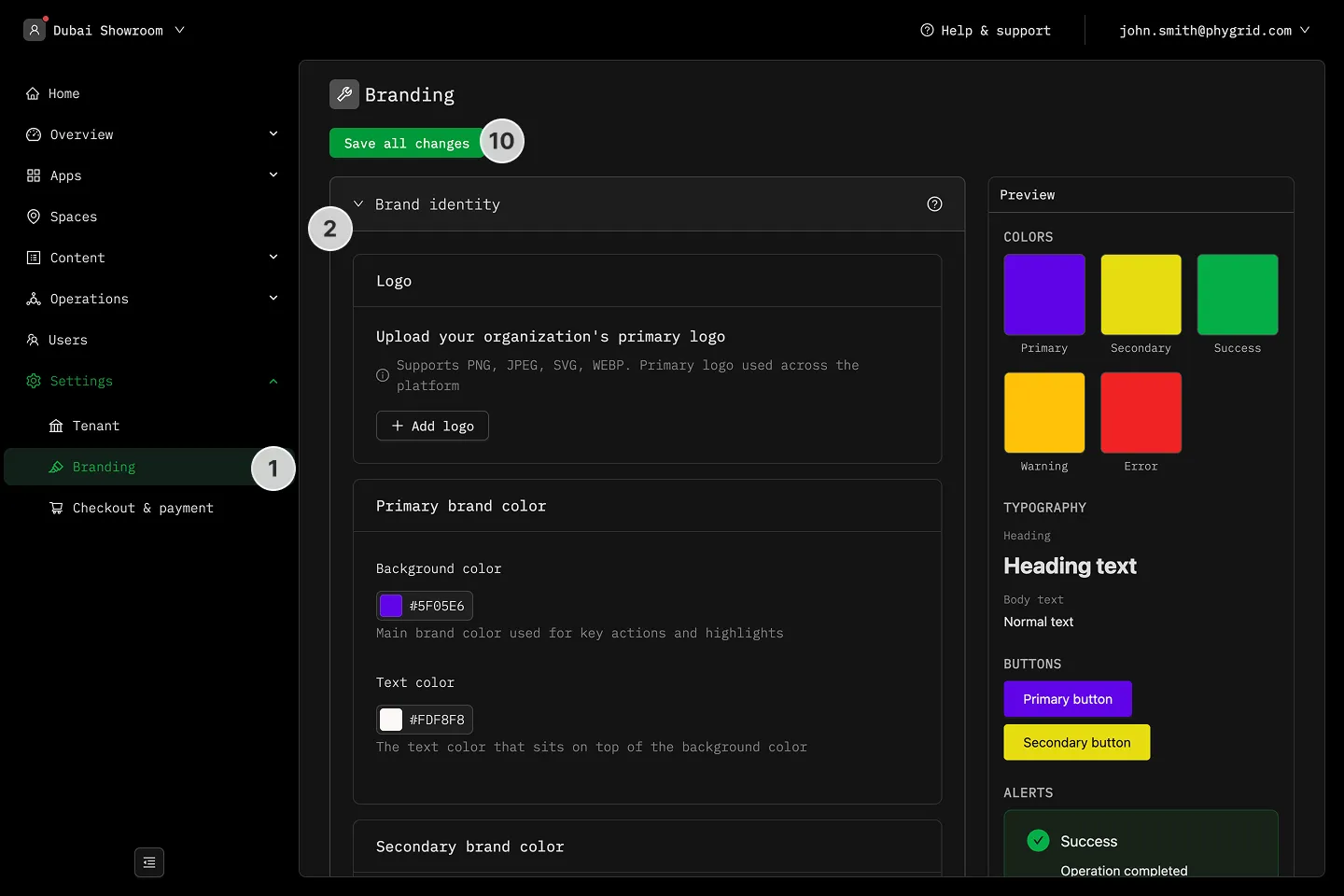
Section titled “How to adjust tenant branding”- In the sidebar, navigate to Settings → Branding
- Set the basic branding styles for your organization
- Upload your organization’s primary logo
- Customize primary brand colors
- Customize secondary brand colors
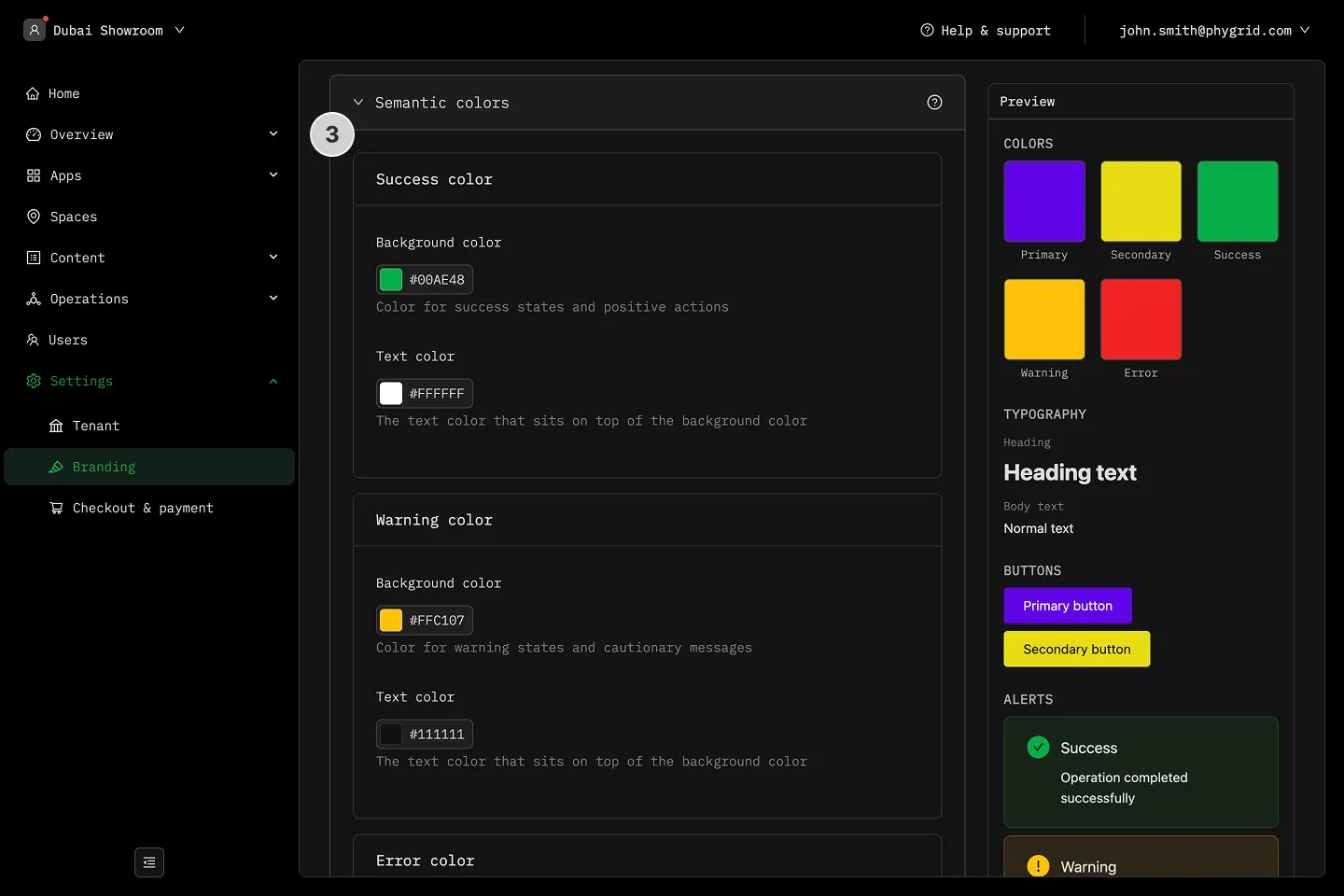
- Customize success, warning, and error colors
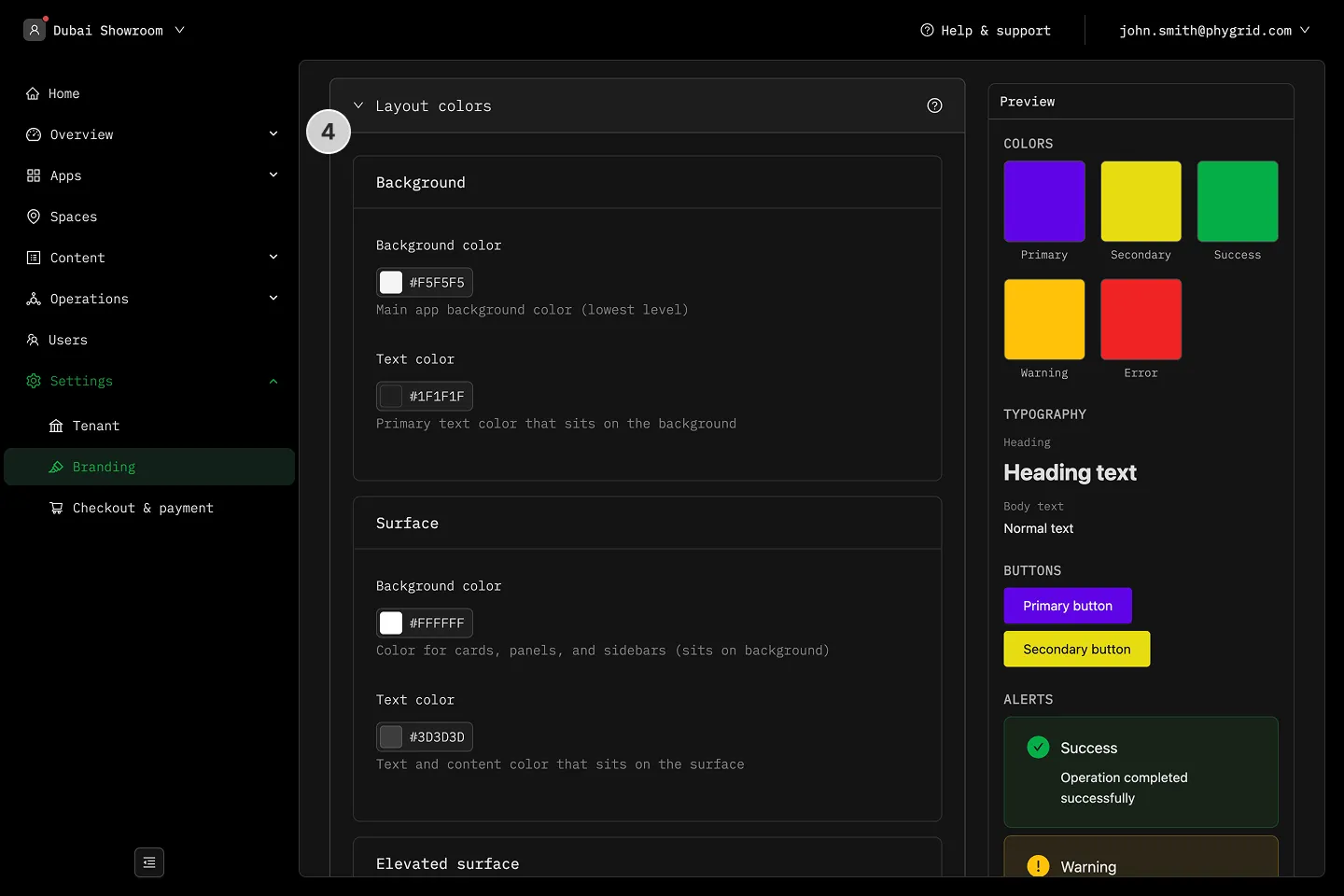
- Customize layout colors
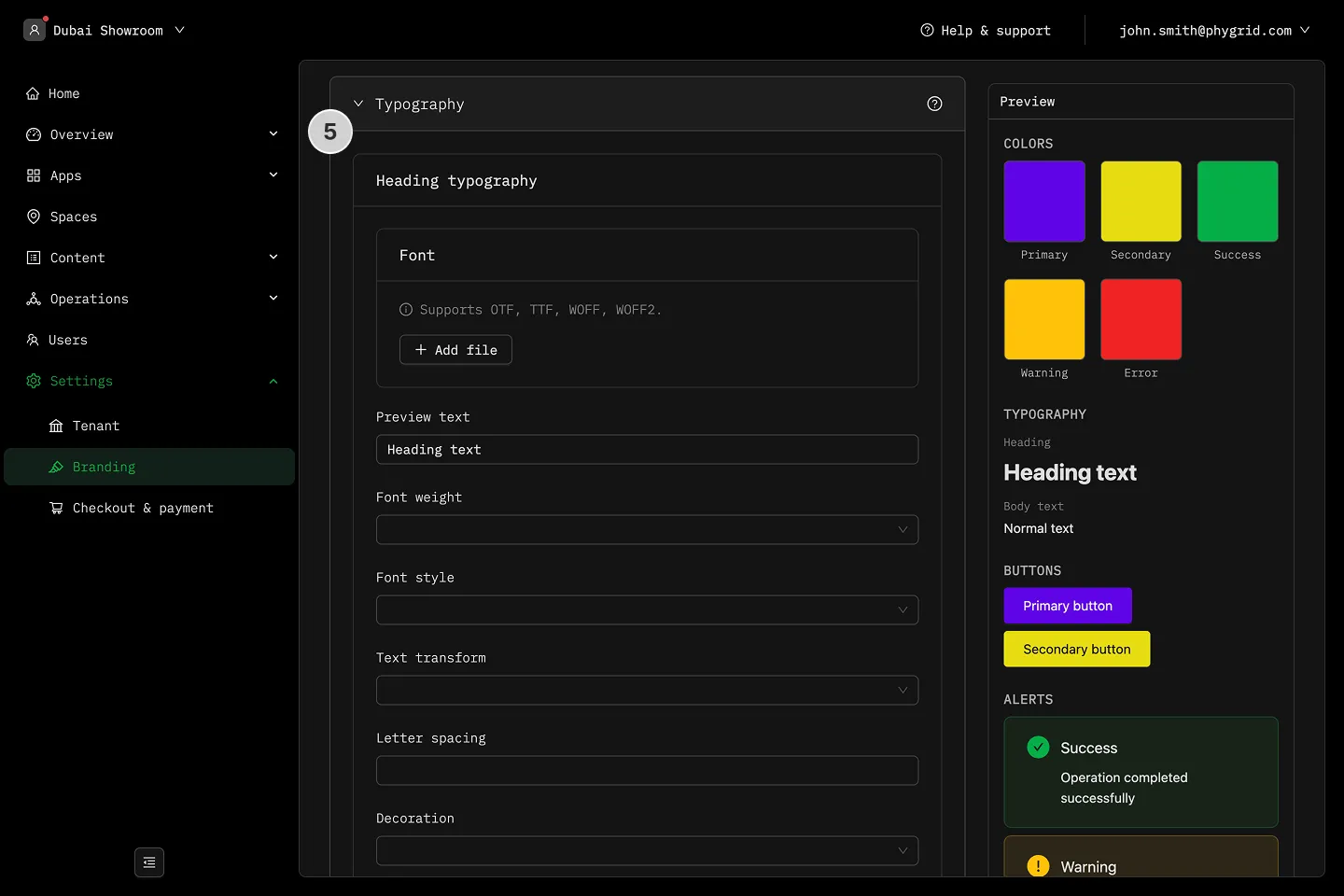
- Customize typography settings and fonts
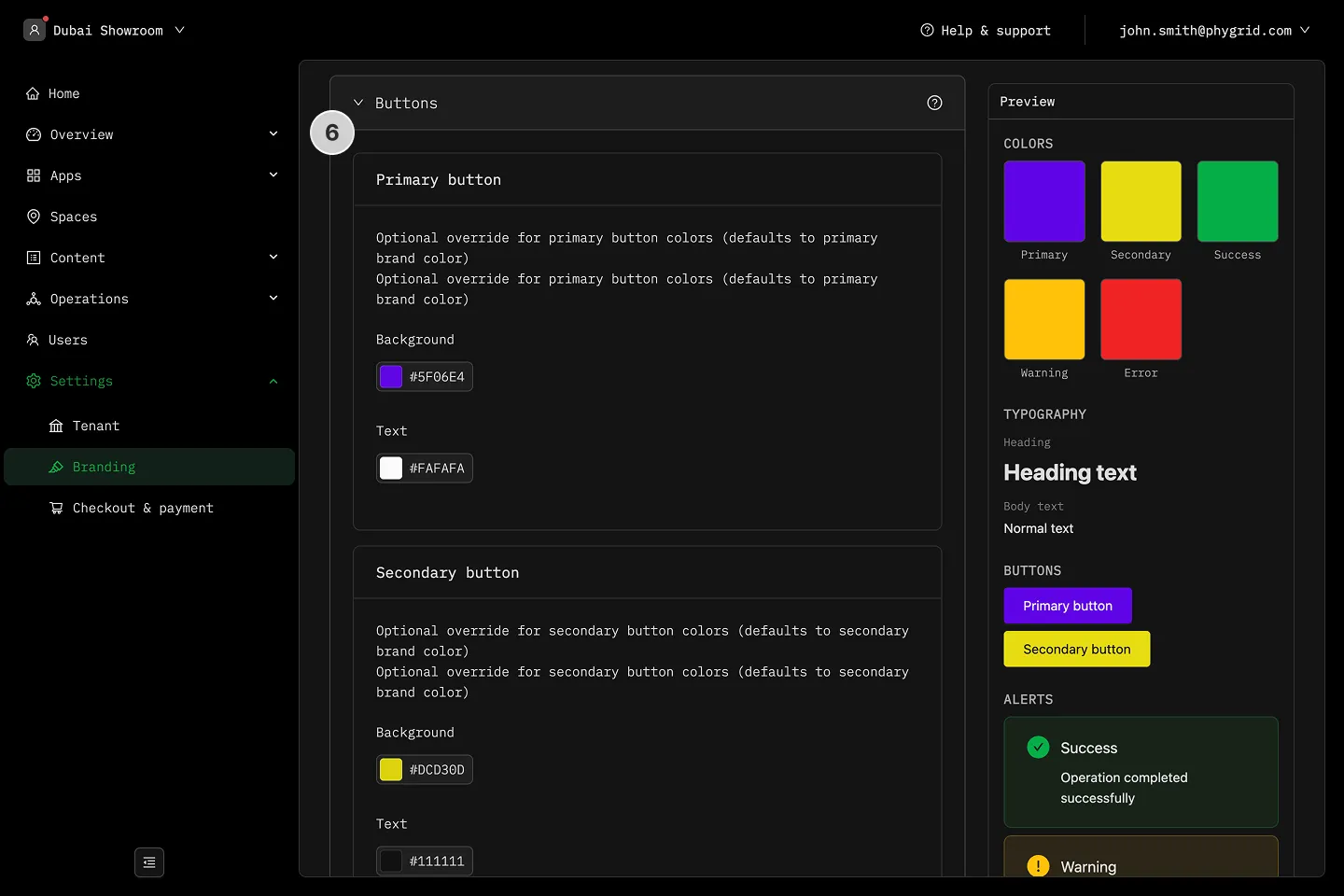
- Customize button styles
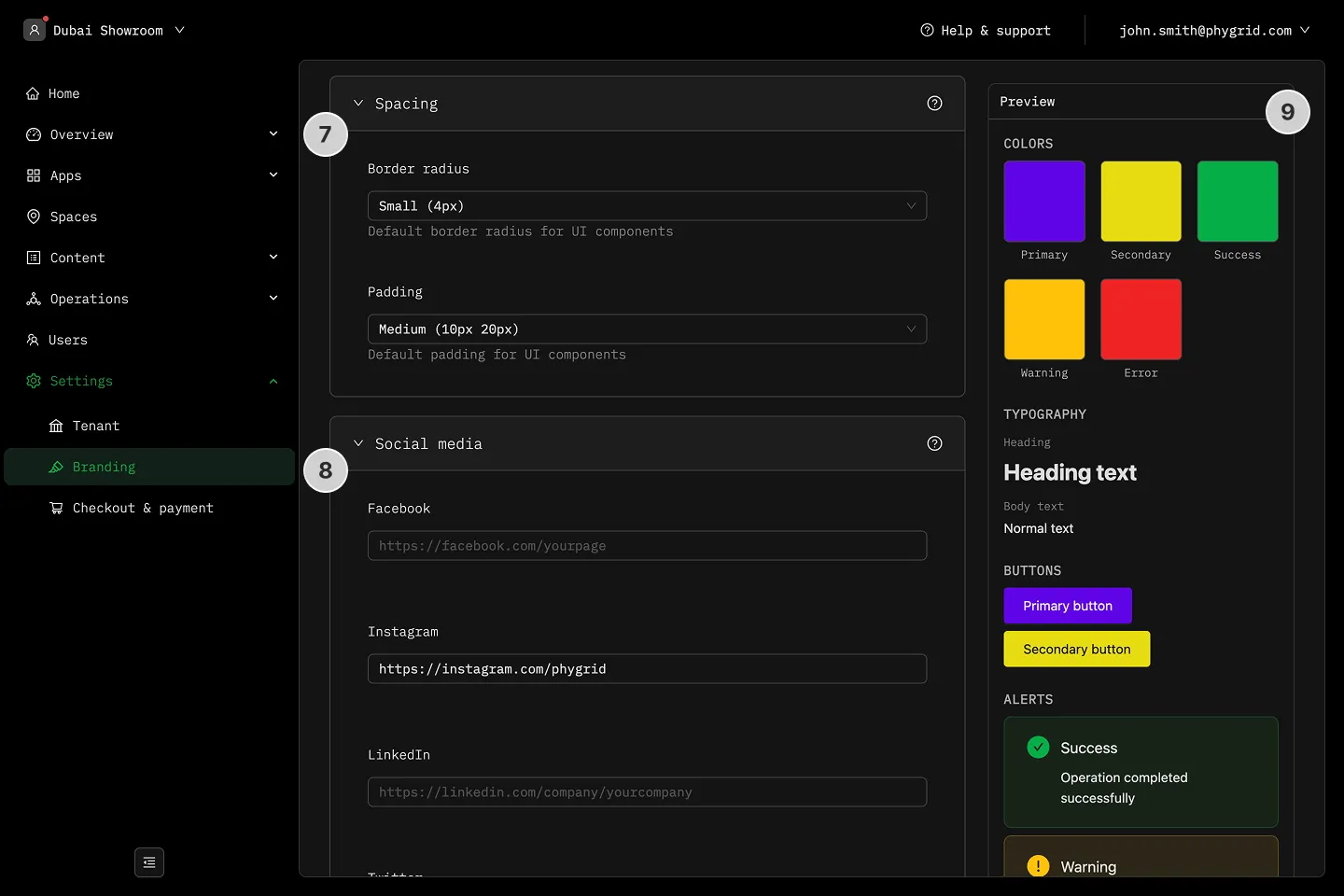
- Adjust border radius and padding for UI components
- Enter your social media links
- Preview changes in the right sidebar