
Edit a managed tenant
How to edit a managed tenant
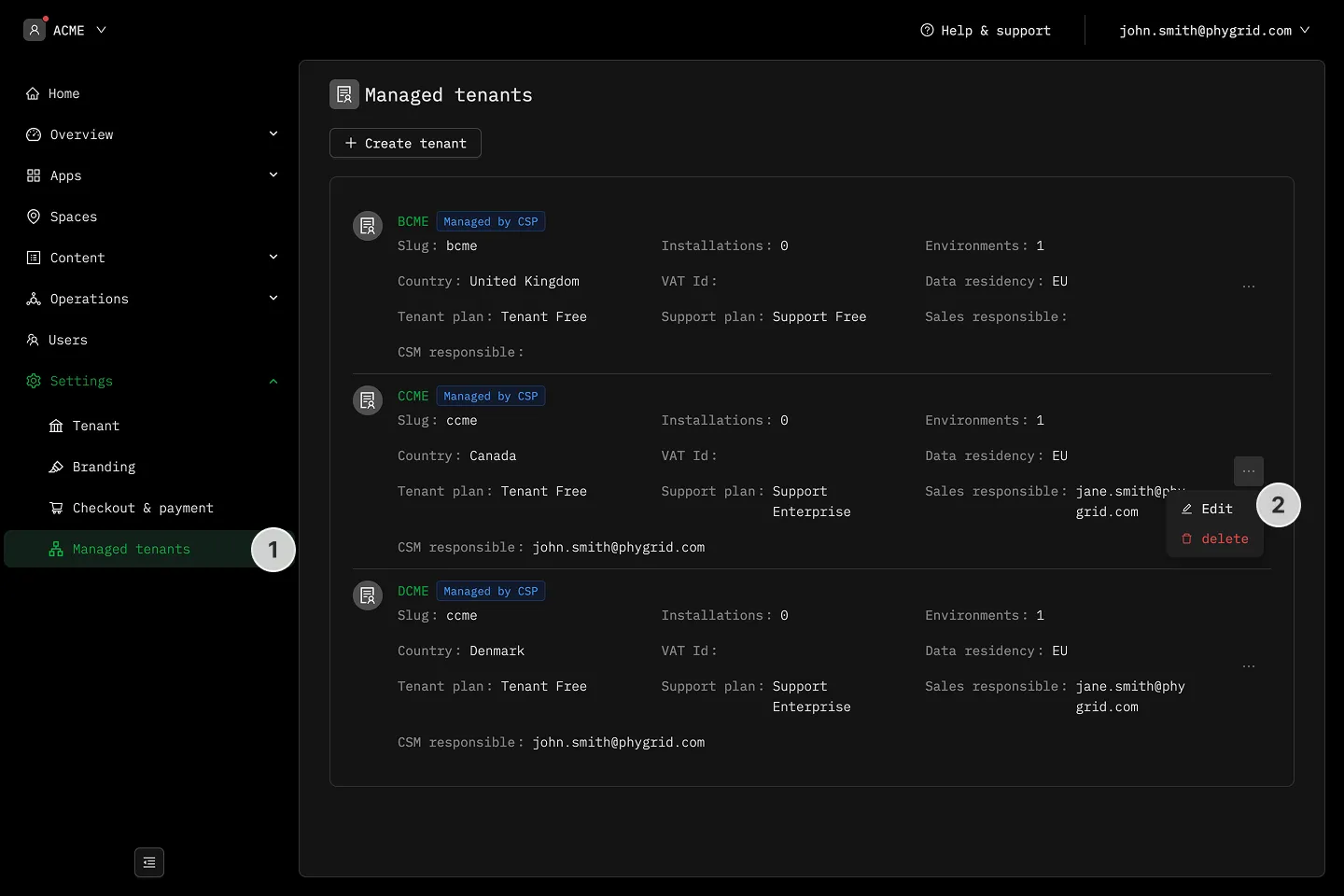
Section titled “How to edit a managed tenant”- Open your partner tenant and click Settings → Managed tenants.
- Click the row of the managed tenant you want to edit, or click the More (···) menu and choose Edit.
- On the managed tenant’s Settings → Tenant page, update the fields you need to change and save.
Most fields — display name, timezone, billing contact email, VAT ID, billing address, allowed email domains — are edited directly on the managed tenant’s own settings page. Currency and billing entity are inherited from the partner tenant and aren’t editable.