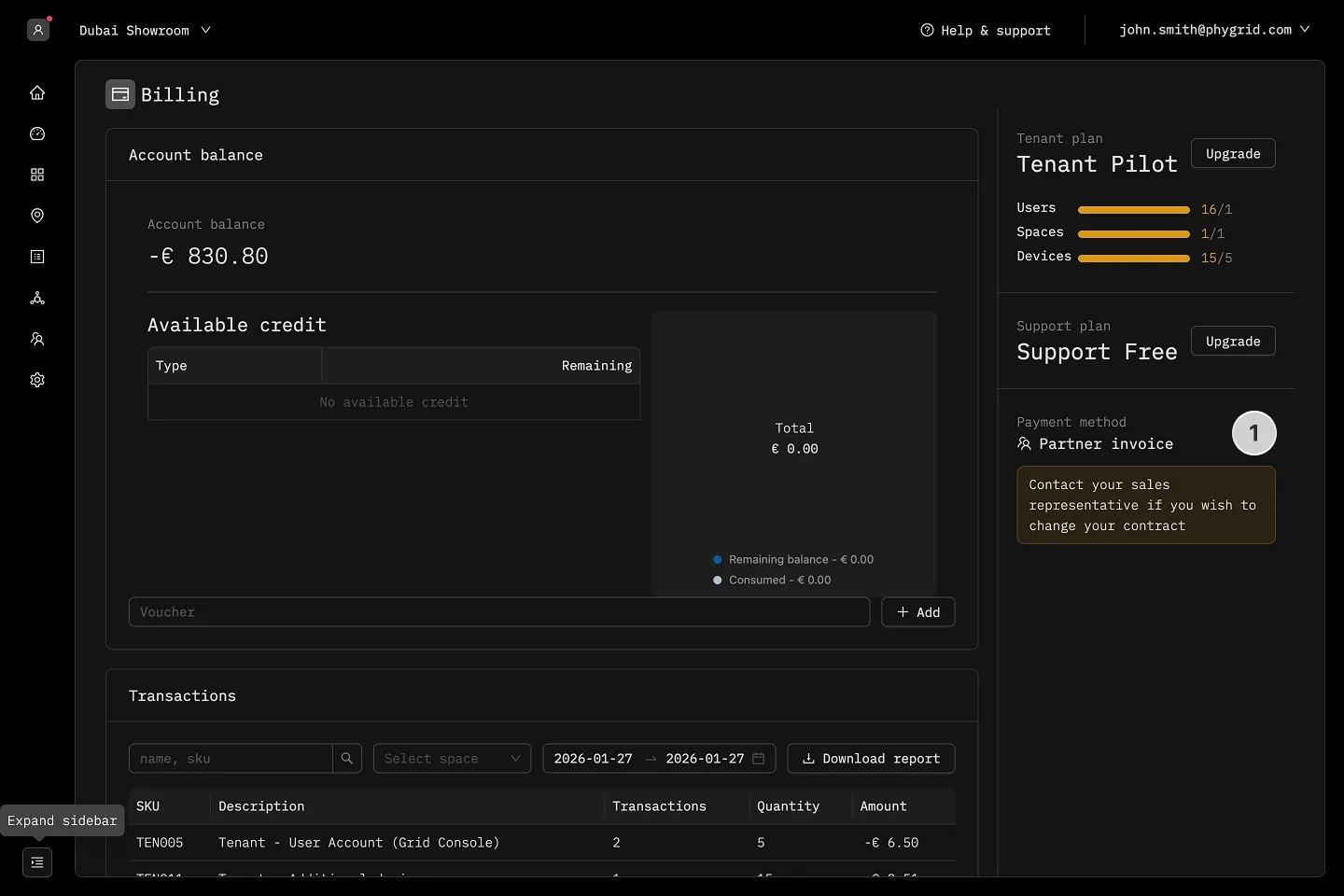
View billing details
How to view account balance
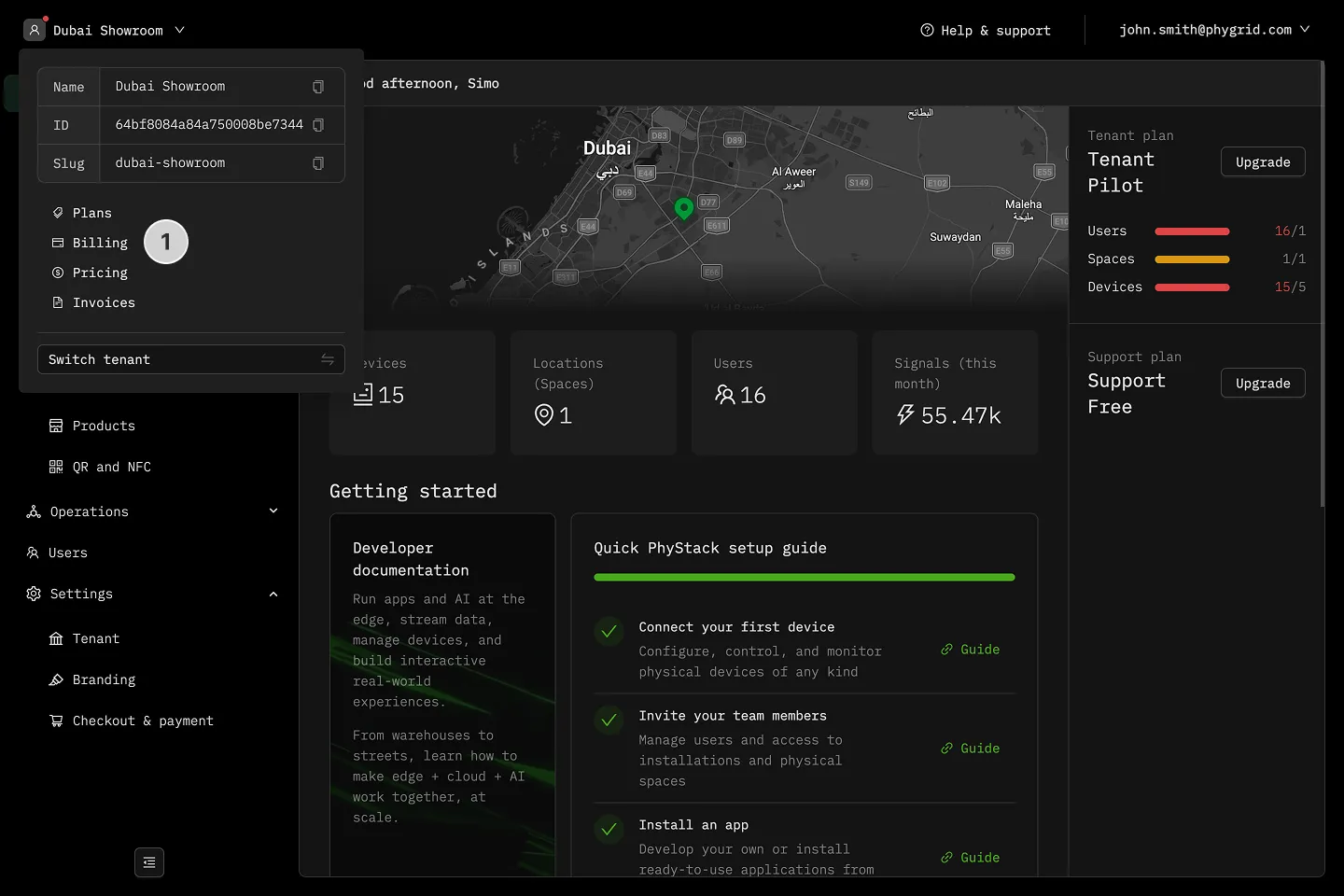
Section titled “How to view account balance”- Click the tenant dropdown in the header and select Billing
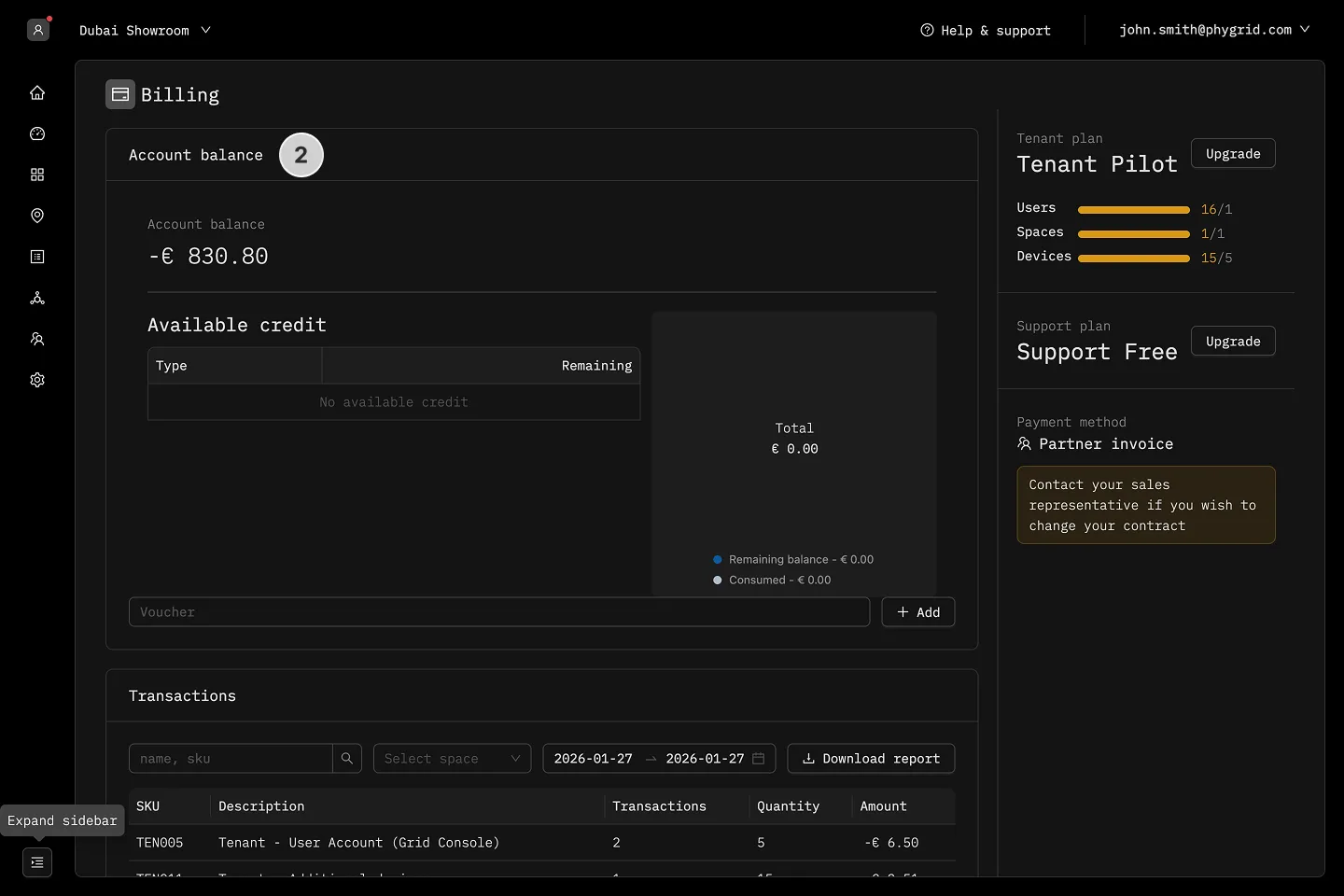
- Go to Account Balance section and see the available credit
How to add vouchers
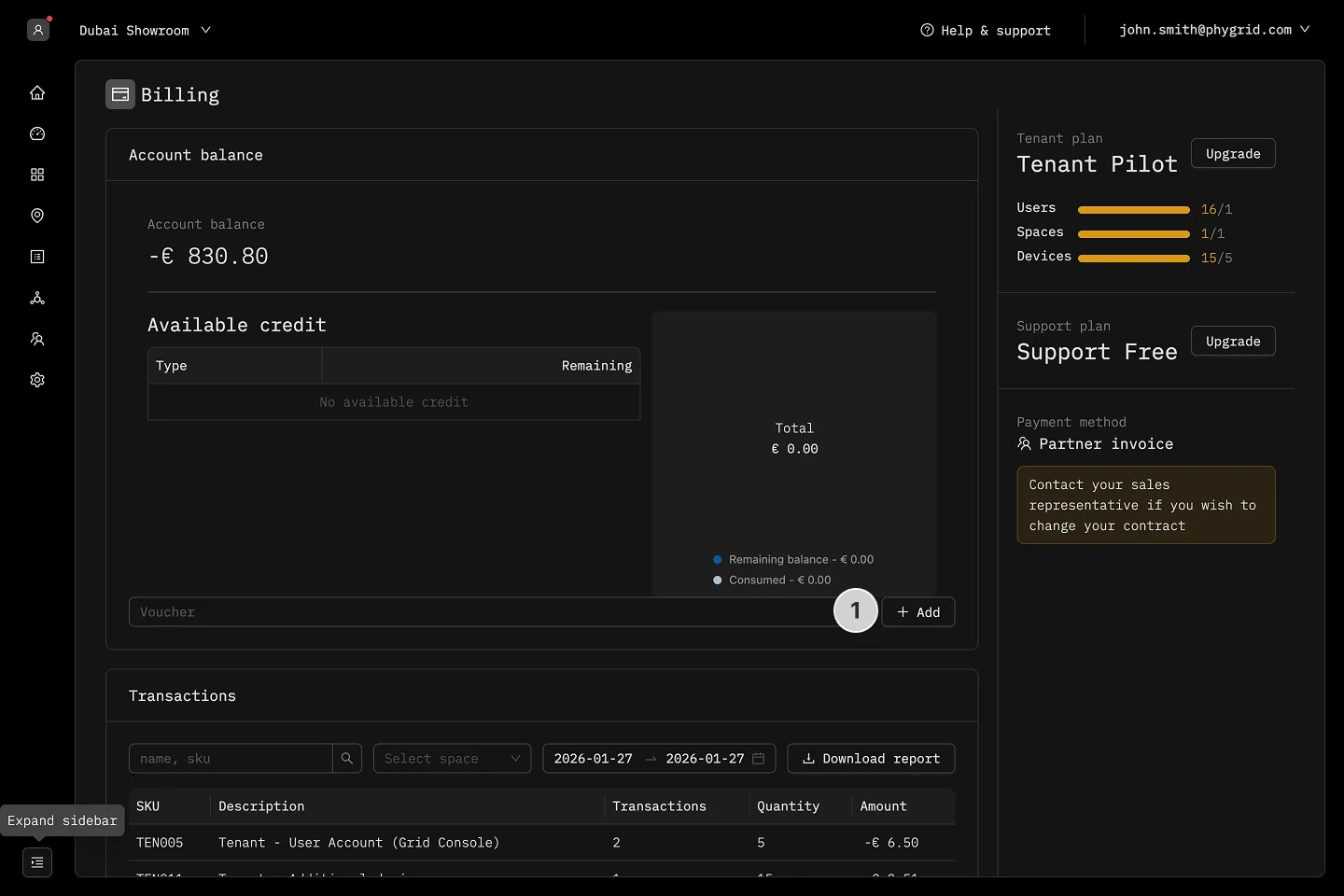
Section titled “How to add vouchers”- Go to Account Balance section, and enter the voucher code in the designated field and click Add
How to view transactions
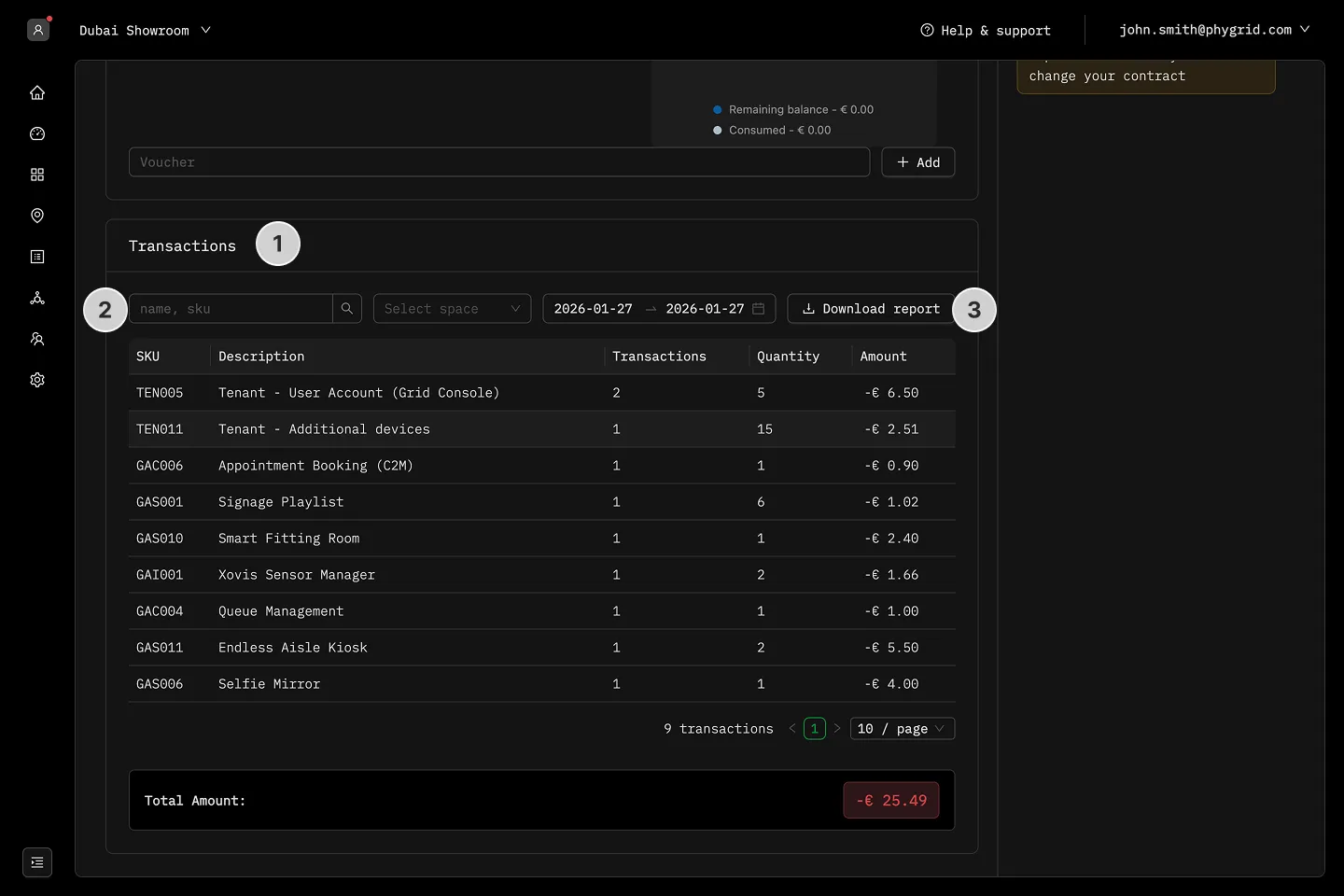
Section titled “How to view transactions”- Go to the Transactions section and review the list of transactions for specific items
- Modify the table layout and filter by date, name, SKU, or space
- Download the report if needed
How to cancel subscription
Section titled “How to cancel subscription”- In the Overview tab, go to the Payment Method section in your admin console and click the Cancel Subscription button to terminate your subscription