Find a space
How to find a space
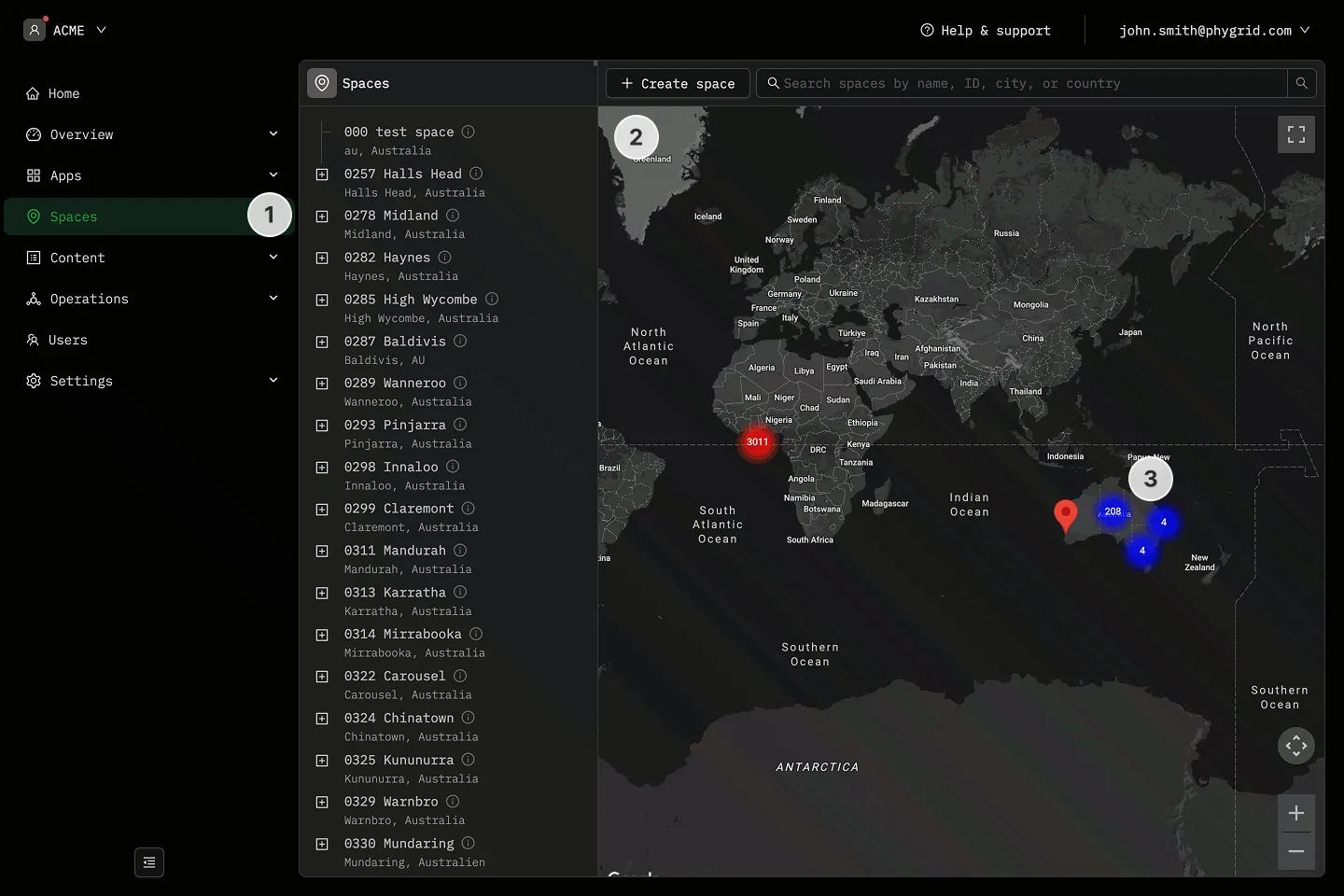
Section titled “How to find a space”The Spaces section provides multiple ways to find and navigate to a specific space, especially useful when managing many locations.
Using the tree sidebar
Section titled “Using the tree sidebar”- Navigate to Spaces in the sidebar
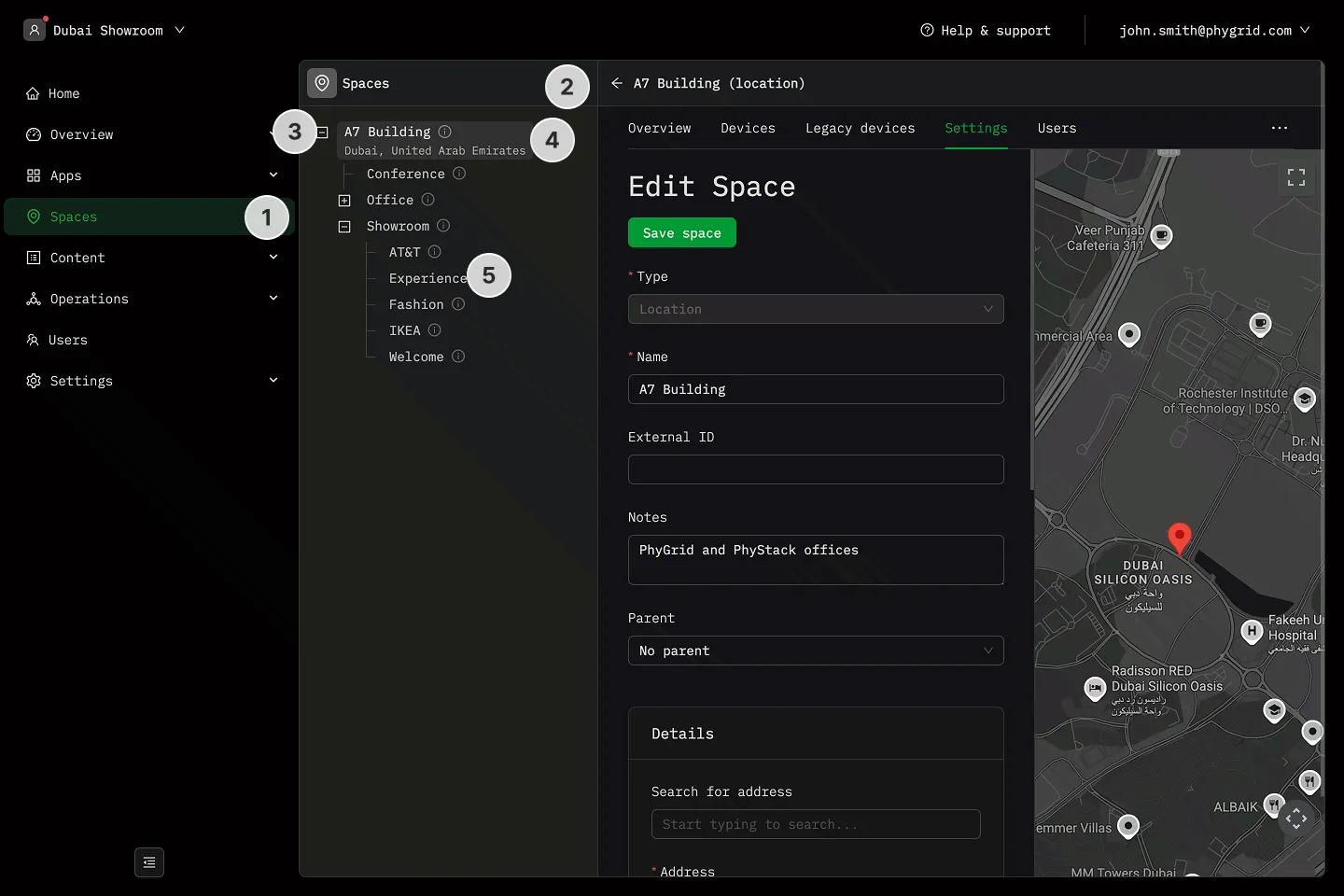
- The tree sidebar displays all spaces in their hierarchical structure
- Click the expand arrow next to a space to reveal its child spaces
- Each space shows its name and location (city, country) when available
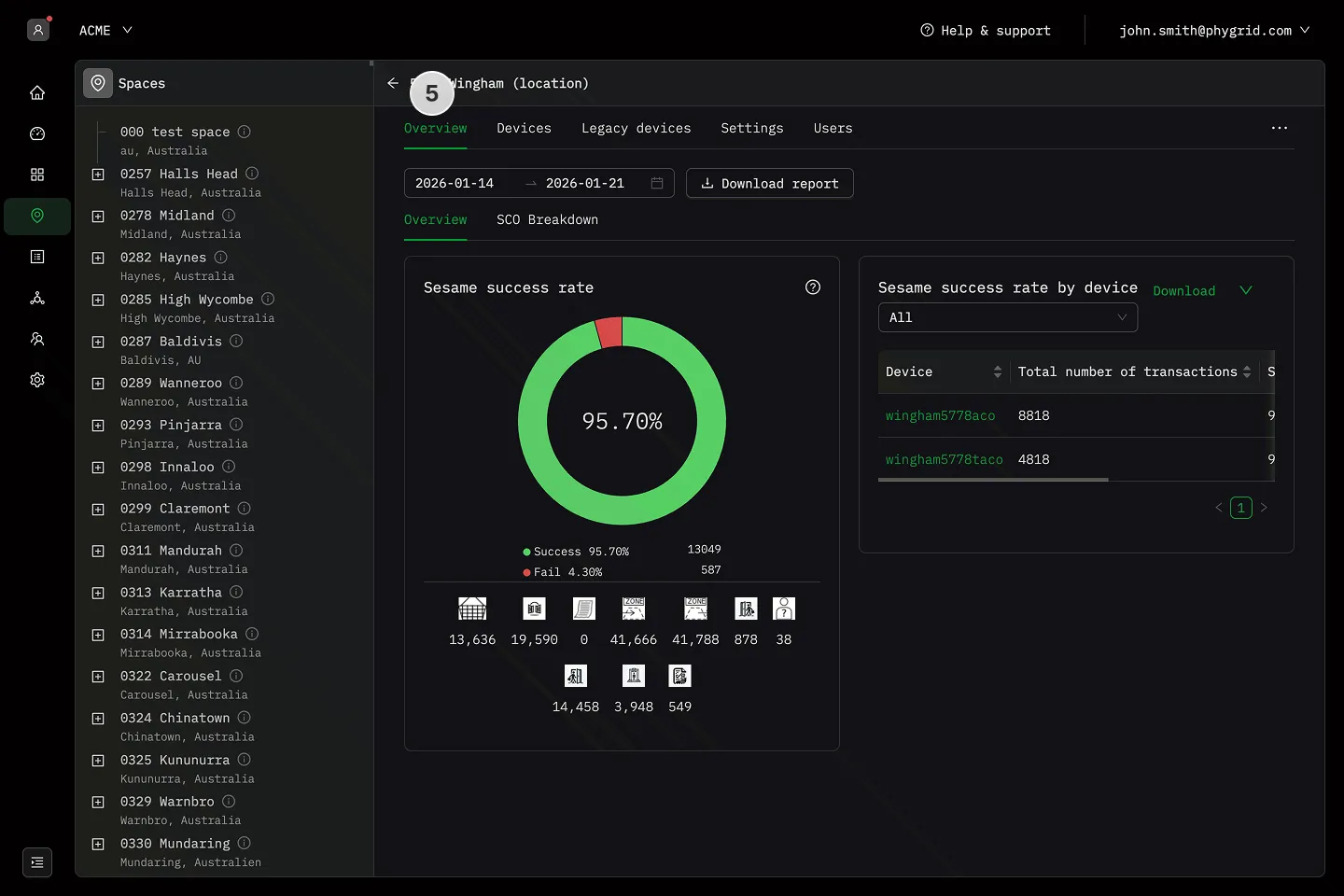
- Click on any space to open its details
Using search
Section titled “Using search”- Navigate to Spaces in the sidebar
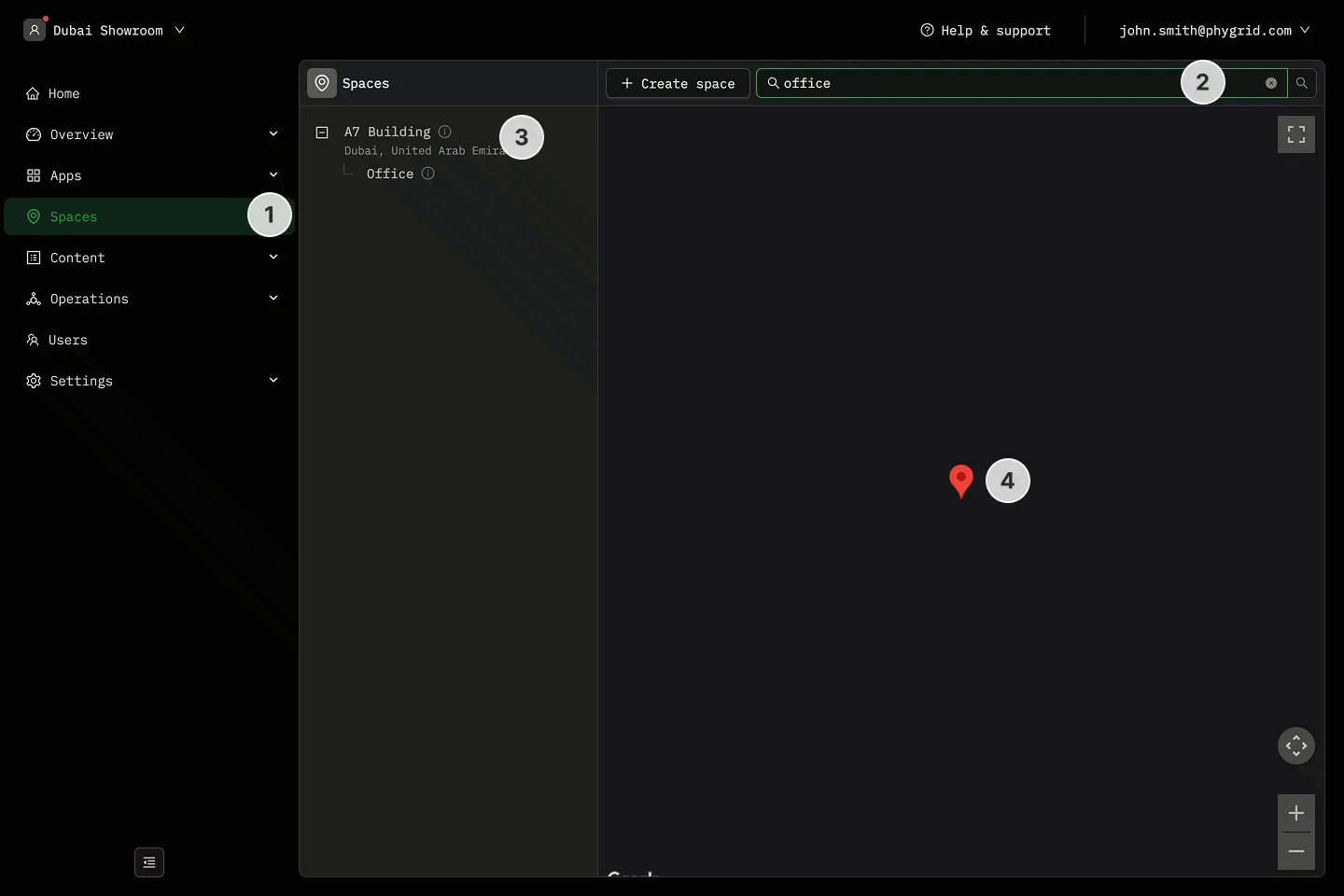
- Use the search bar at the top of the page. Search filters spaces by:
- Space name
- External ID
- City
- Country
- The tree automatically expands to show matching results
- The map view also filters to show only matching spaces
Using the map view
Section titled “Using the map view”- Navigate to Spaces in the sidebar
- The map displays all spaces that have location addresses
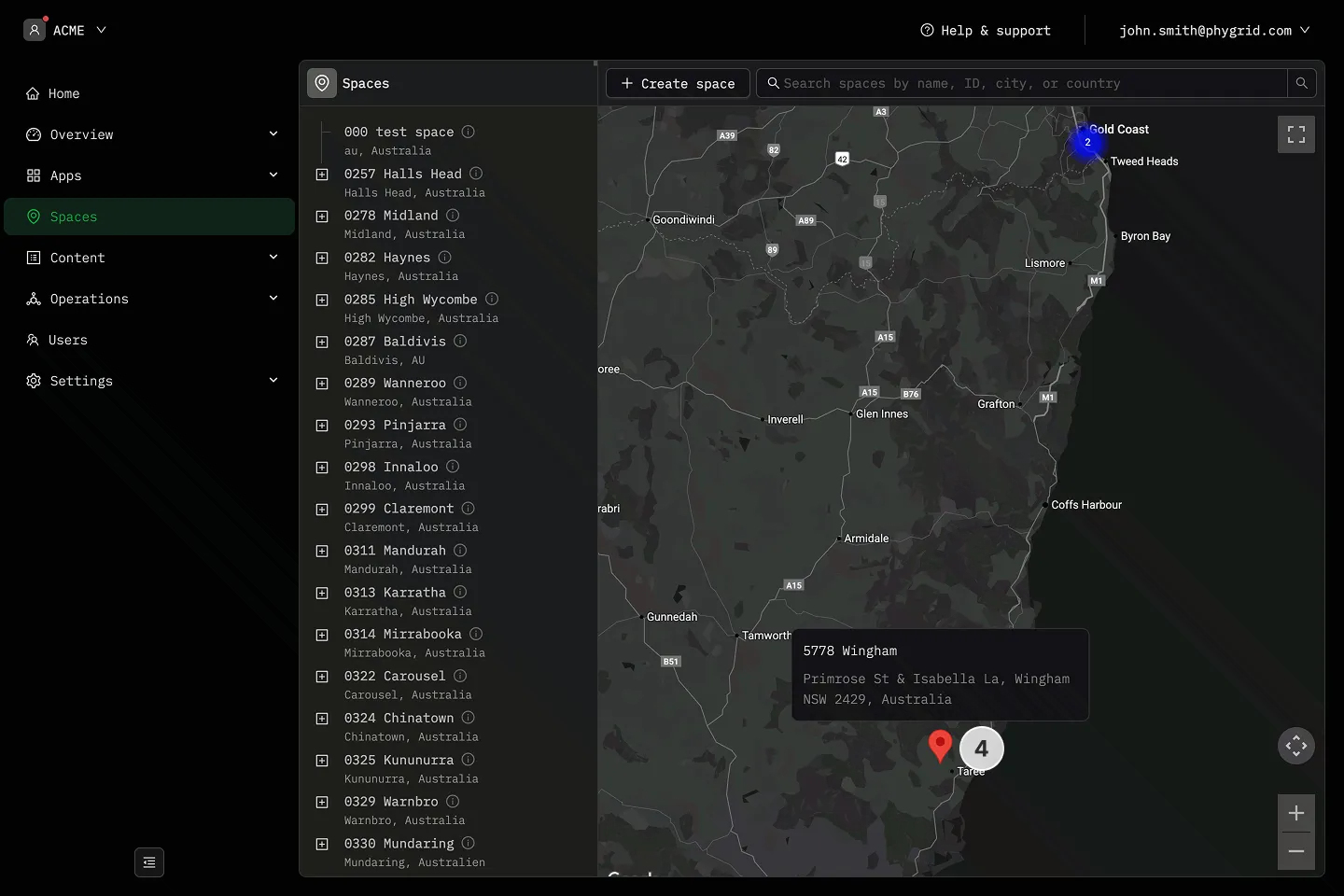
- When zoomed out, nearby spaces are clustered together — click a cluster to zoom in
- Hover over a marker to see the space name and address
- Click a marker to navigate directly to that space’s details