Change tenant and support plans
How to change tenant plan
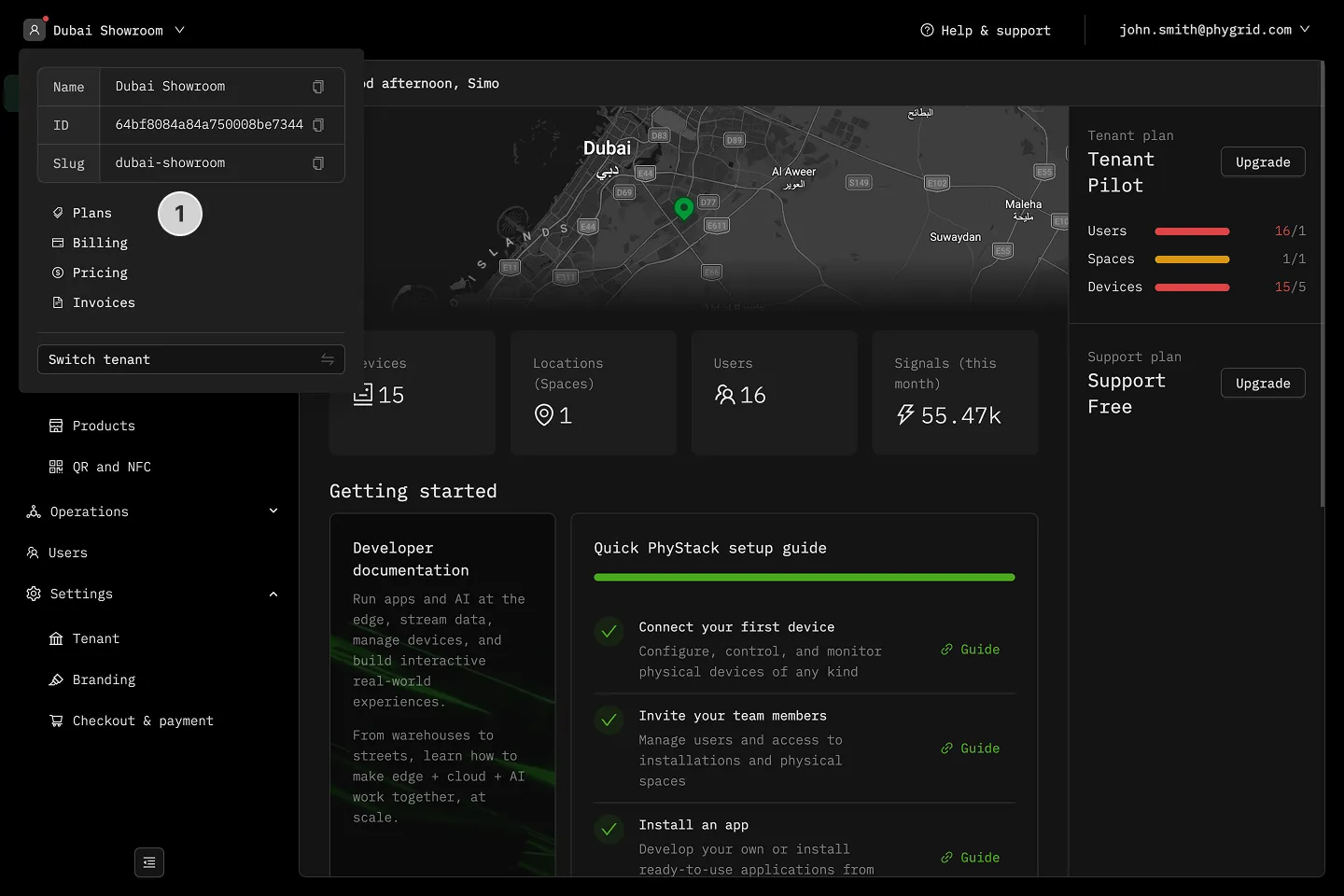
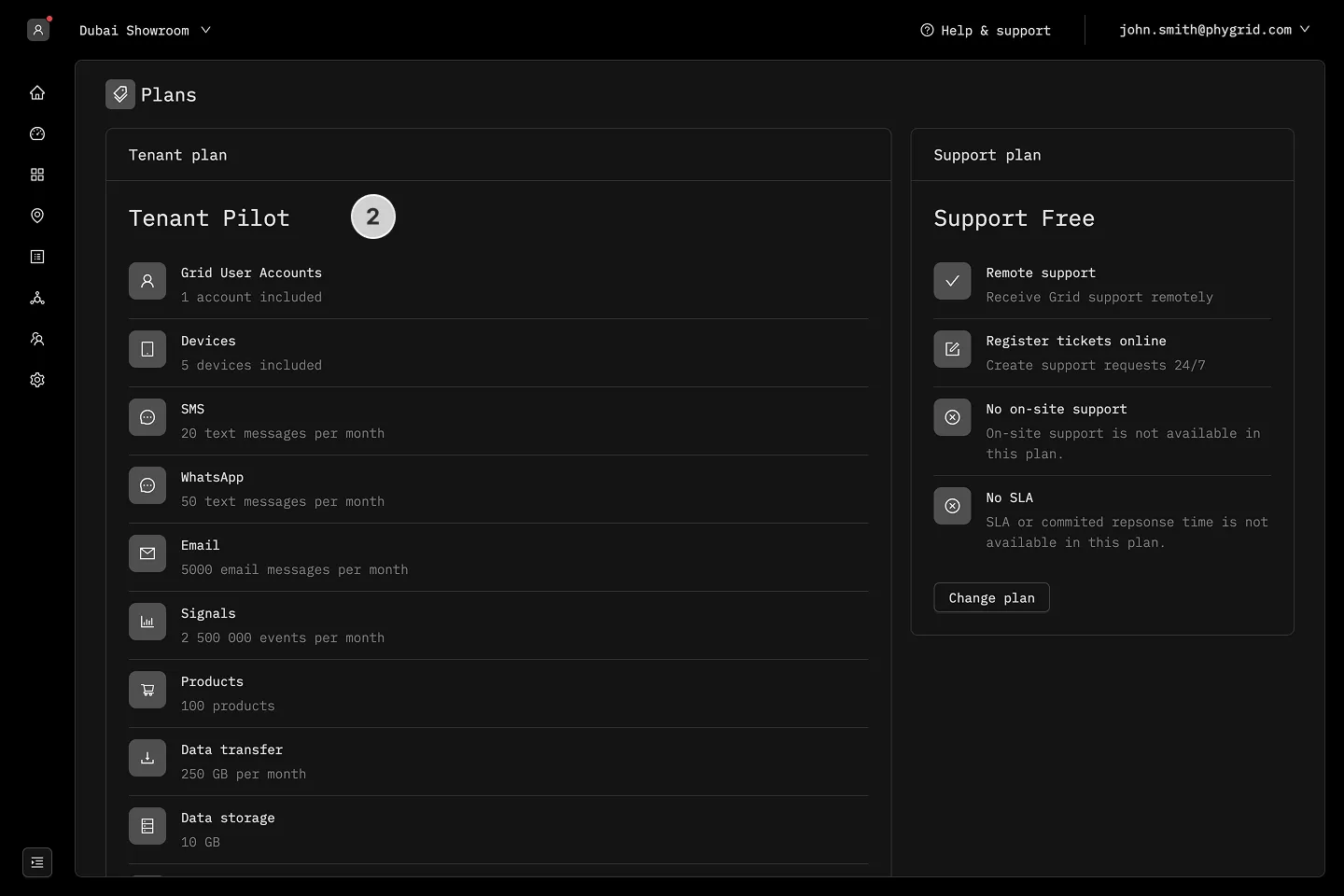
Section titled “How to change tenant plan”- Click the tenant dropdown in the header and select Plans
- View details of your current plan
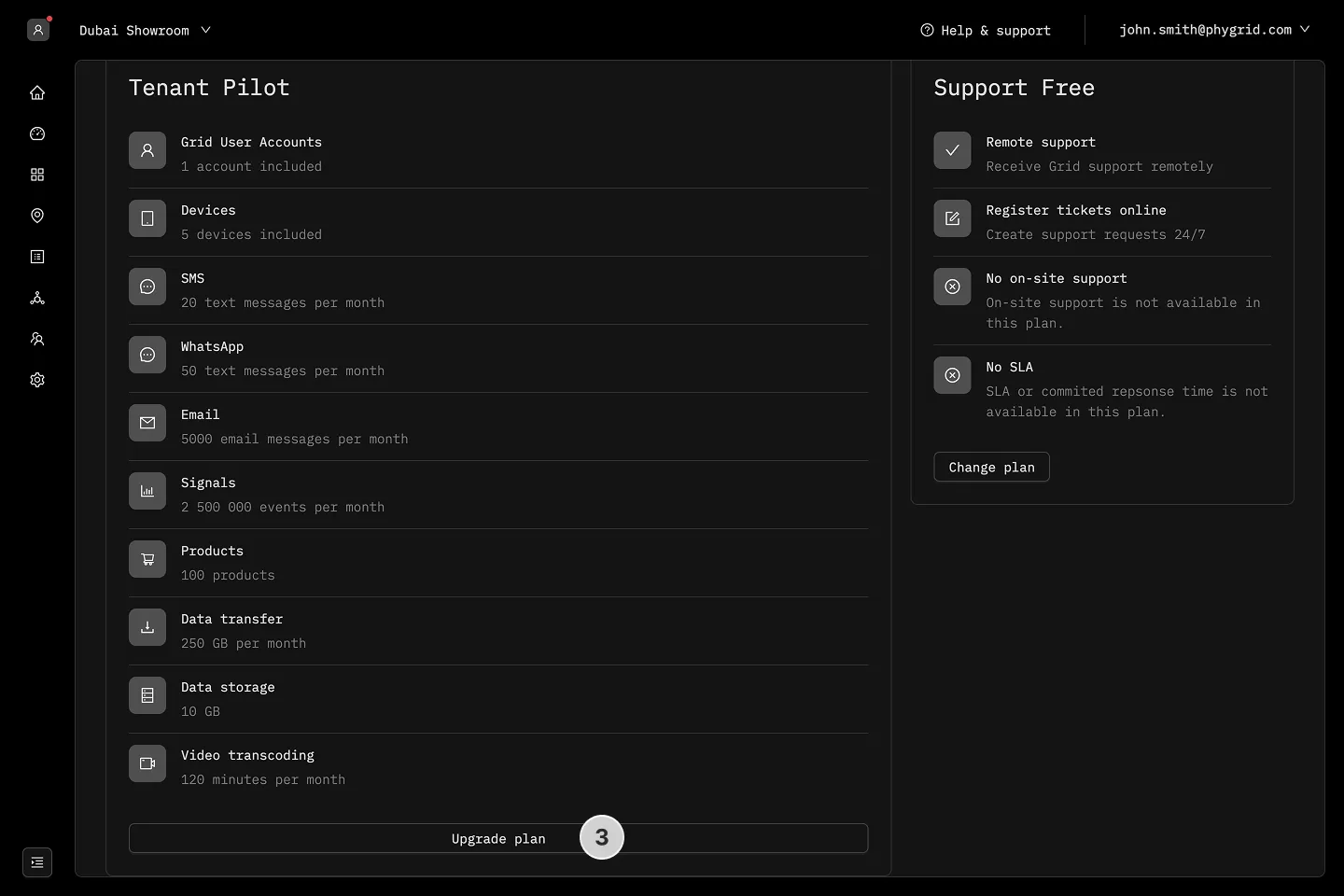
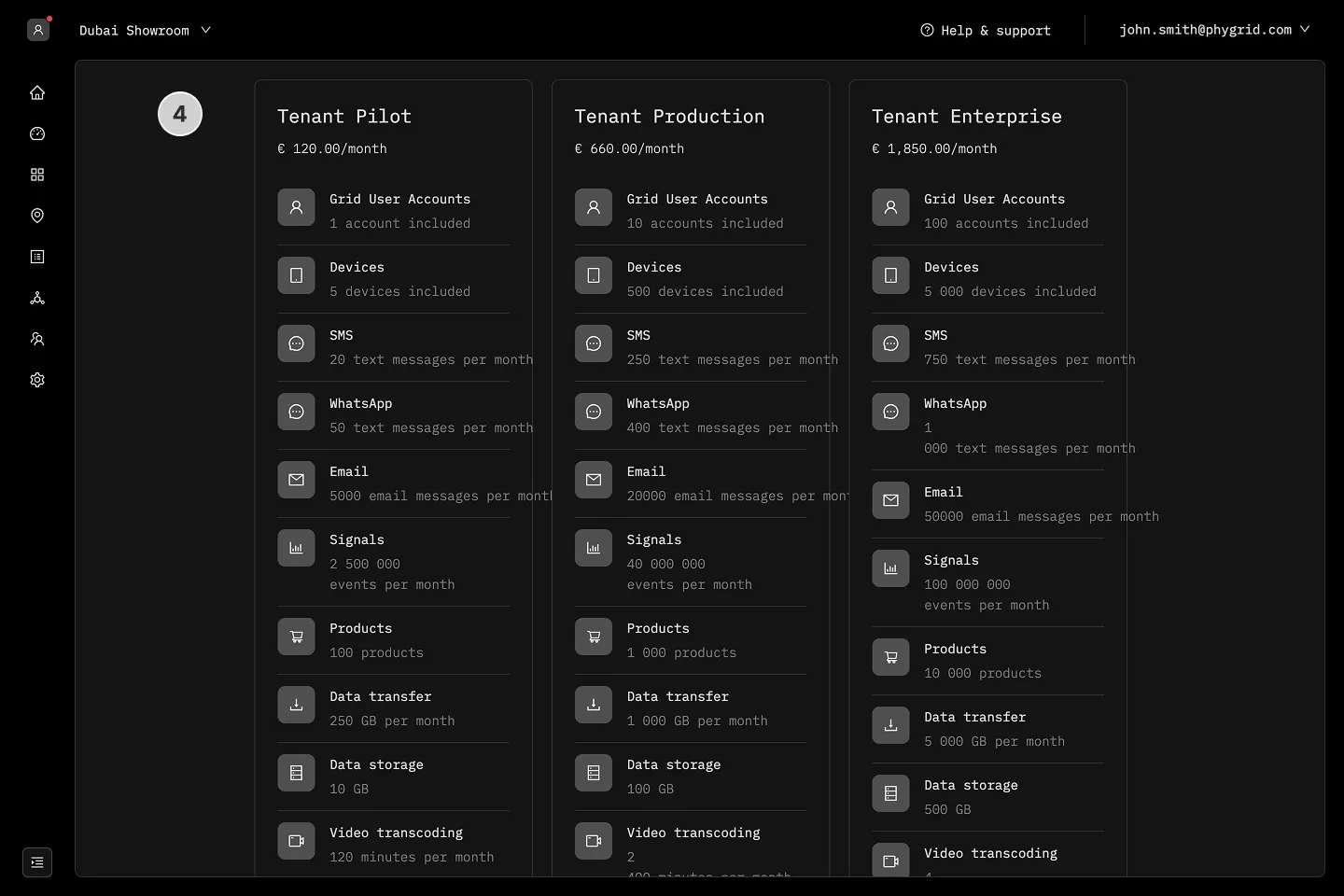
- Click on the Change or Upgrade plan button to view available options
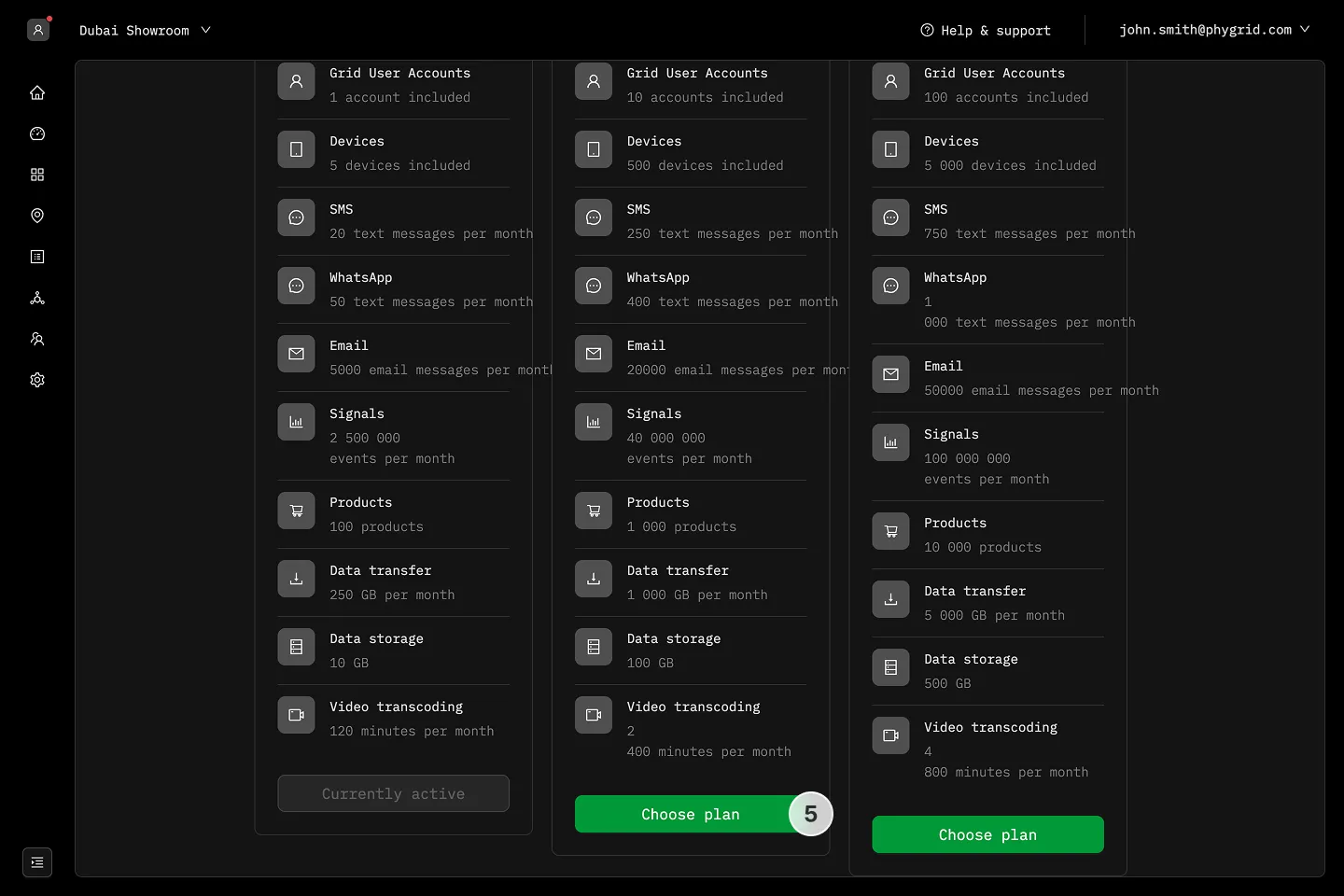
- Choose the plan that best suits your needs
- Click the Choose plan button and follow the prompts to complete the payment process
How to change support plan
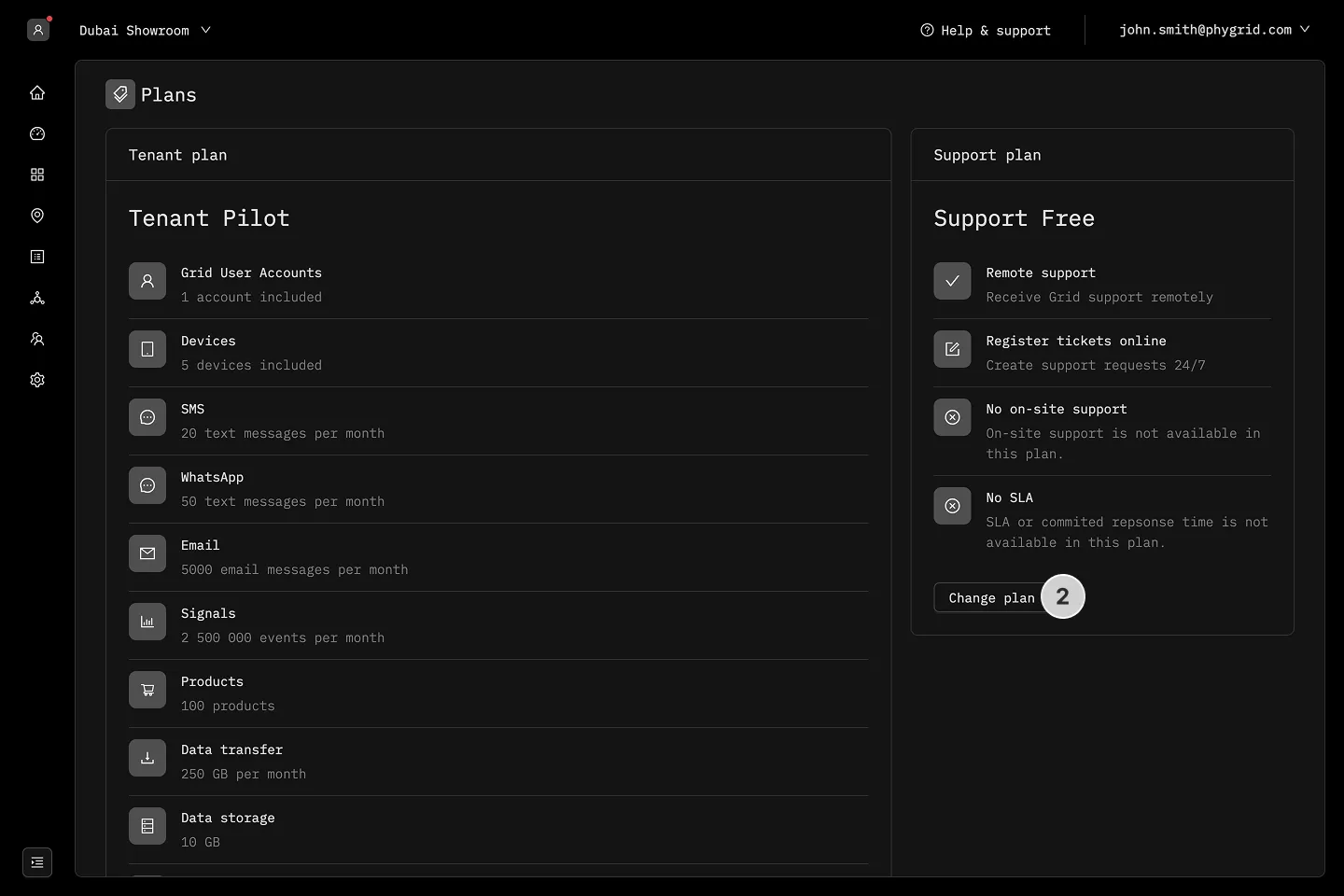
Section titled “How to change support plan”- Click the tenant dropdown in the header and select Plans, then go to the support plans section
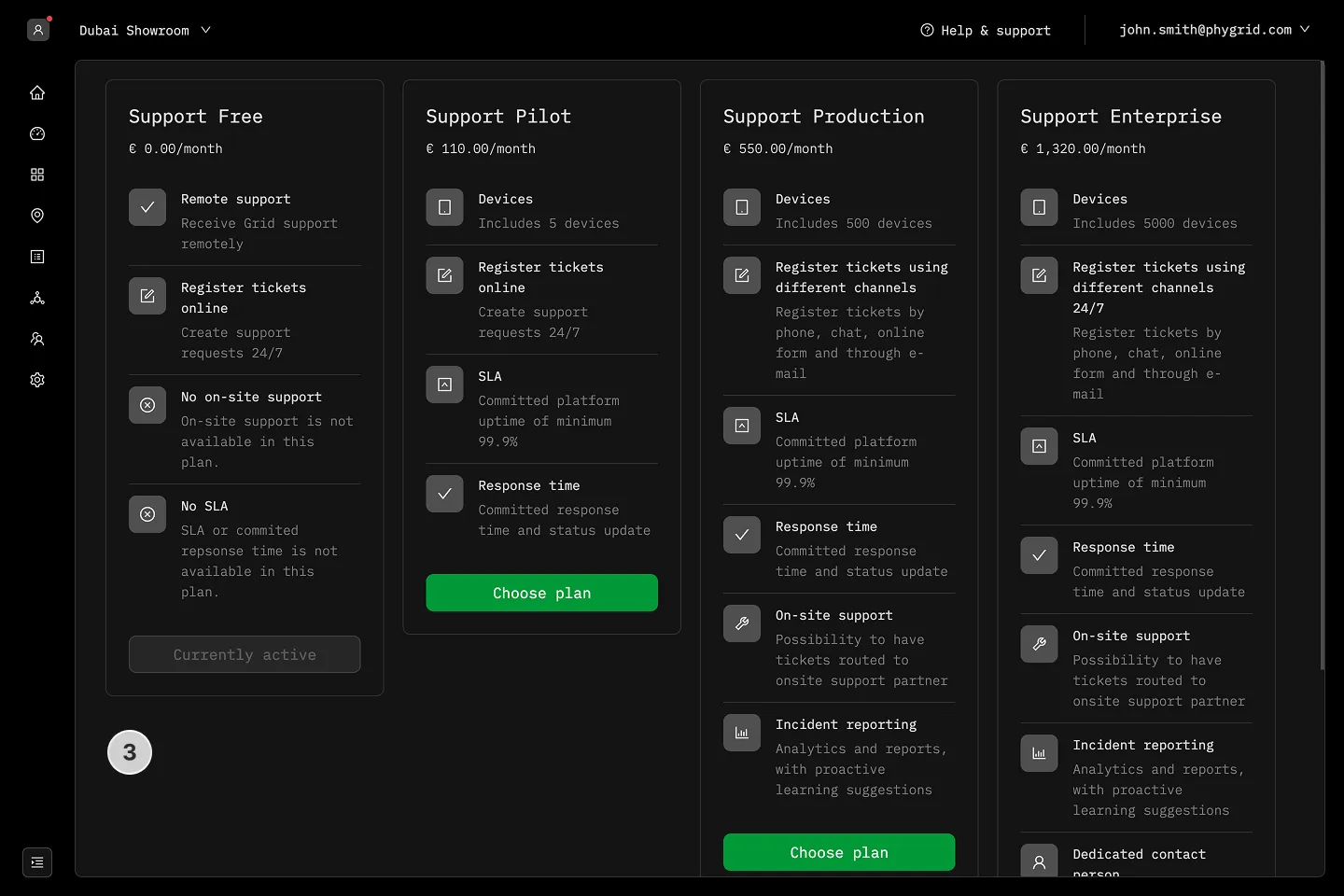
- Click on the Change or Upgrade plan button to view support options
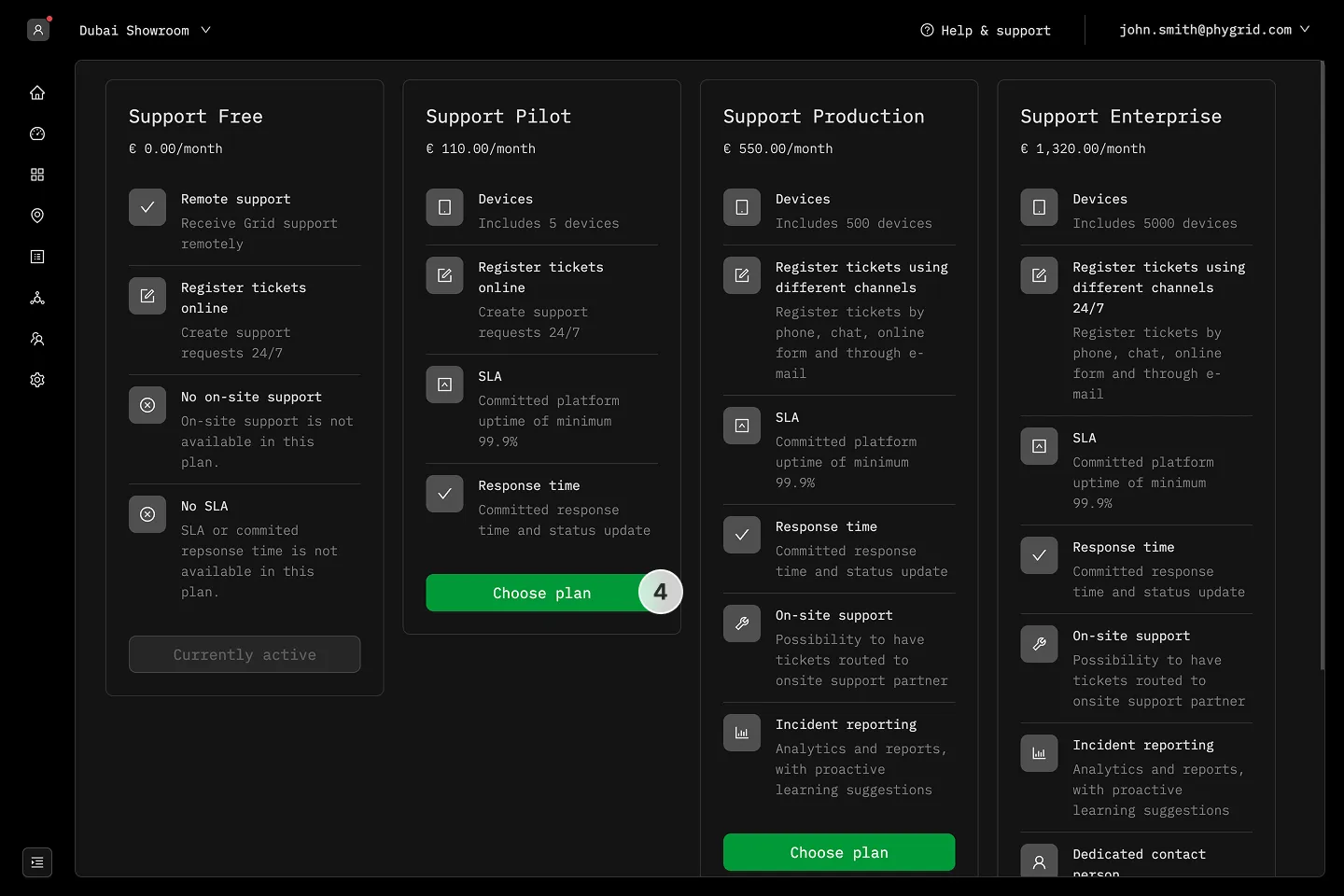
- Select the support plan that aligns with your requirements
- Click the Choose plan button and complete the payment process