Change tenant settings
How to change tenant settings
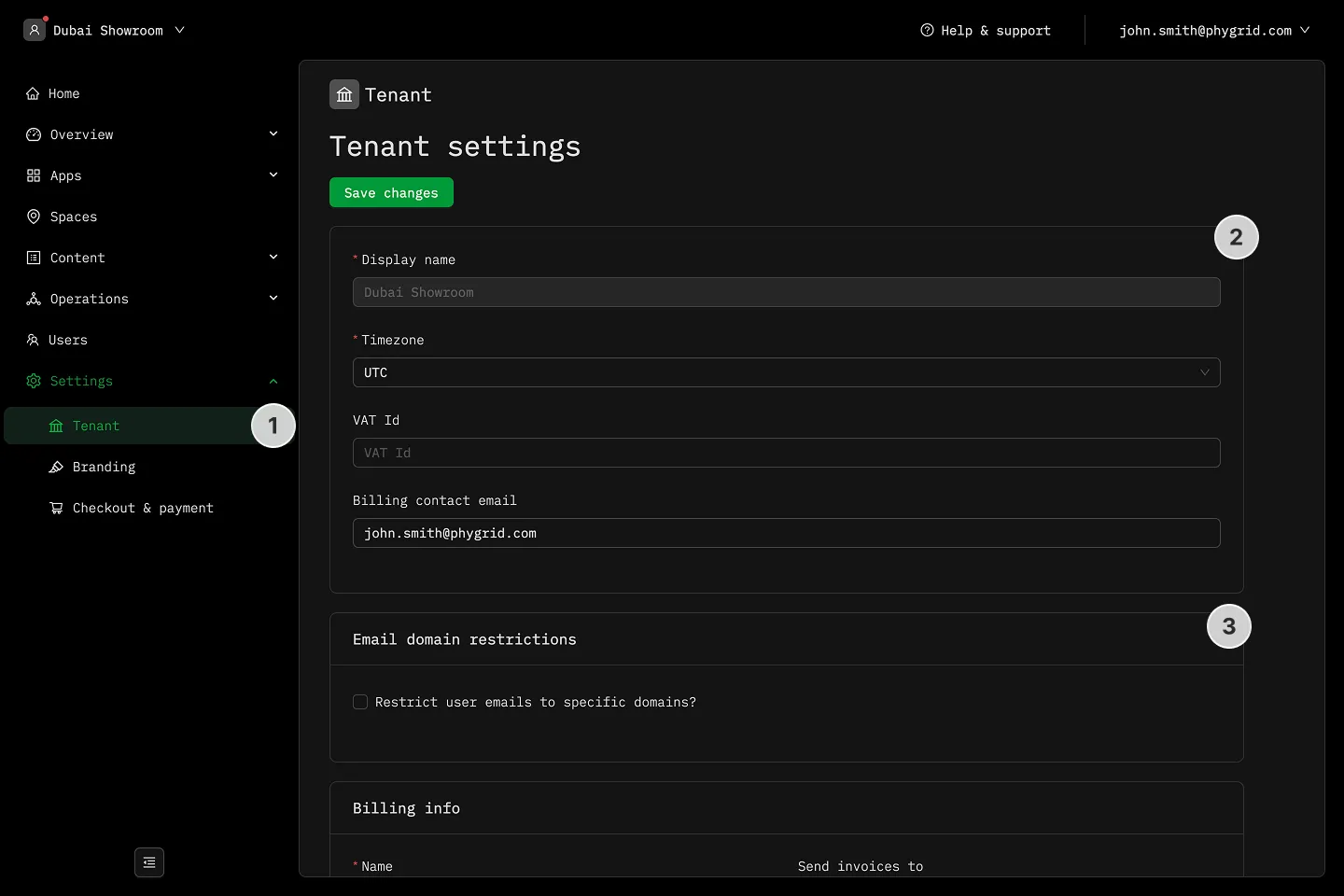
Section titled “How to change tenant settings”- In the sidebar, navigate to Settings → Tenant
- Update tenant information as needed:
- Timezone: Update your organization’s default timezone
- VAT Id: Set the default VAT id
- Billing contact email: Set the default contact for billing-related matters
- Restrict user emails to specific domains if needed
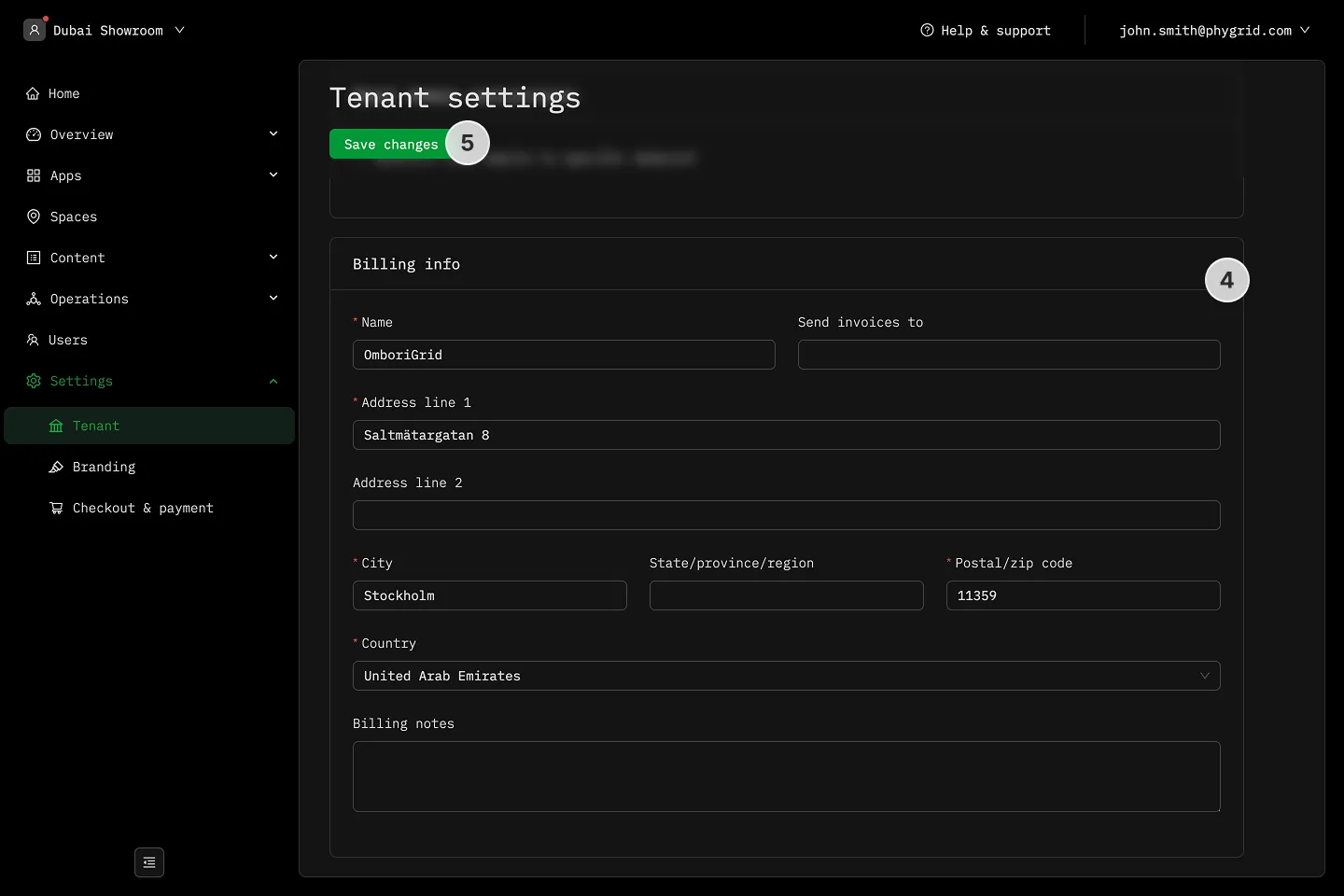
- Update billing address
- Click Save changes to confirm the changes