
Alerts Overview
What are Alerts?
Section titled “What are Alerts?”Alerts are automated notifications triggered by specific device conditions or events. They help monitor status, performance, and issues across your PhyStack infrastructure, keeping the right people informed through configurable channels.
Why are Alerts important?
Section titled “Why are Alerts important?”Alerts provide several key benefits for operational monitoring:
- Proactive Monitoring: Automatically detect device issues before they impact operations
- Targeted Notifications: Send alerts to specific teams or individuals based on severity and scope
- Flexible Triggers: Monitor device status, session counts, or custom events with configurable thresholds
- Multiple Channels: Deliver notifications via email or webhooks to chat applications and external systems
Alert System Components
Section titled “Alert System Components”Alert Rules (Device alerts)
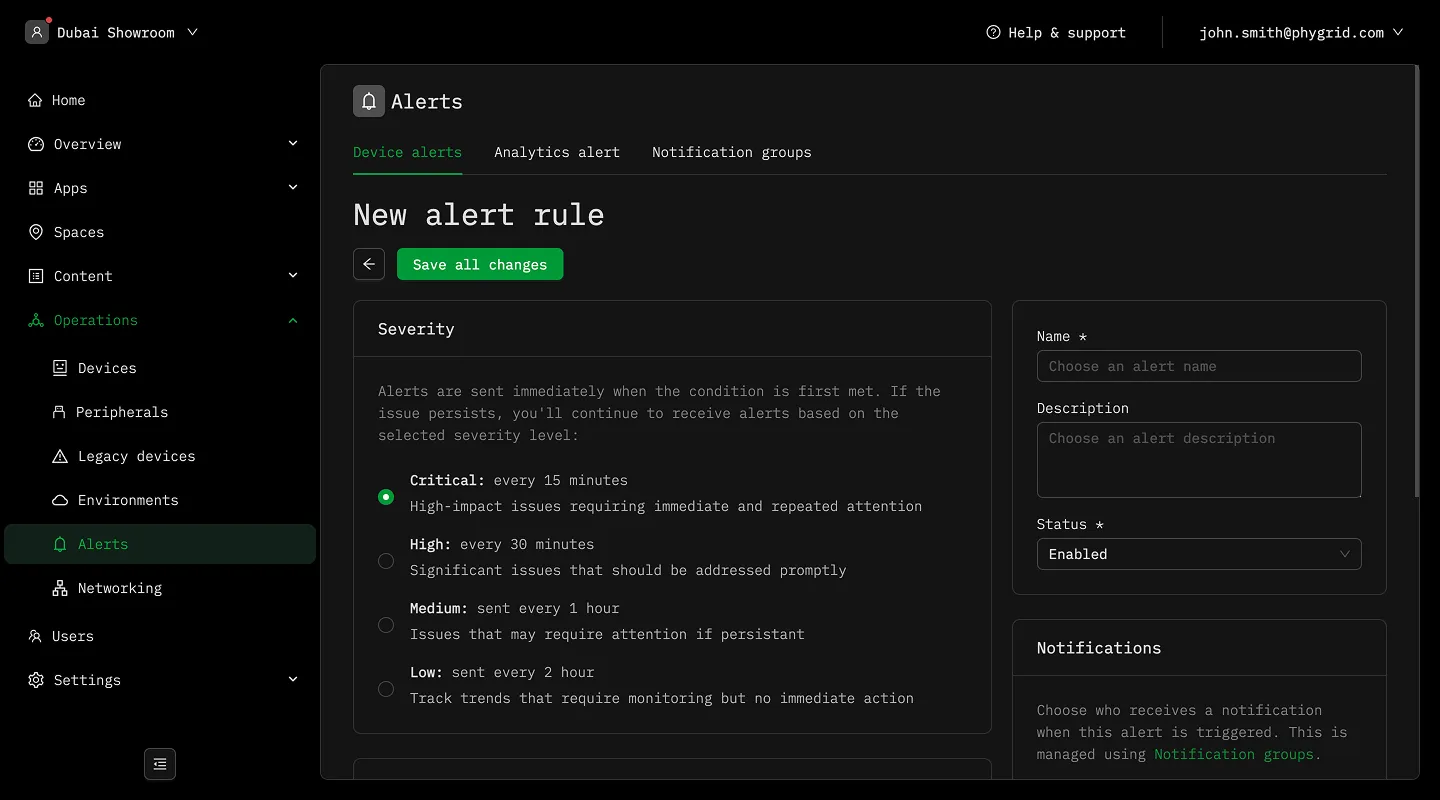
Section titled “Alert Rules (Device alerts)”Device alerts are triggered by specific device conditions such as status, sessions, and events. They are useful for monitoring the health and performance of your devices.
- Trigger Conditions: Monitor device status, session counts, or specific events with customizable thresholds
- Severity Levels: Define notification frequency based on alert importance and urgency
- Scope Control: Target specific devices or limit alerts to certain spaces for focused monitoring
- Status Management: Enable or disable alert rules as needed for operational flexibility
Analytics Alerts (Performance alerts)
Section titled “Analytics Alerts (Performance alerts)”Performance alerts are triggered by specific performance metrics from your Tenant, Space, Installation, or Device analytics dashboards.
- Severity: Define the severity of the alert based on the performance metric
- Scope: Target specific devices or limit alerts to certain spaces for focused monitoring
- Trigger: Define the trigger for the alert based on the performance metric
- Notification: Define the notification method for the alert
Notification management
Section titled “Notification management”- Recipient Groups: Organize notification recipients into logical groups for efficient management
- Multiple Delivery Methods: Send notifications via email to users or webhooks to external systems
- Chat Integration: Configure webhooks to deliver alerts to Slack, Teams, or custom applications
- Monitoring Requirement: Device monitoring must be enabled for condition tracking and alert functionality