
Tenant Settings Overview
What are Tenant Settings?
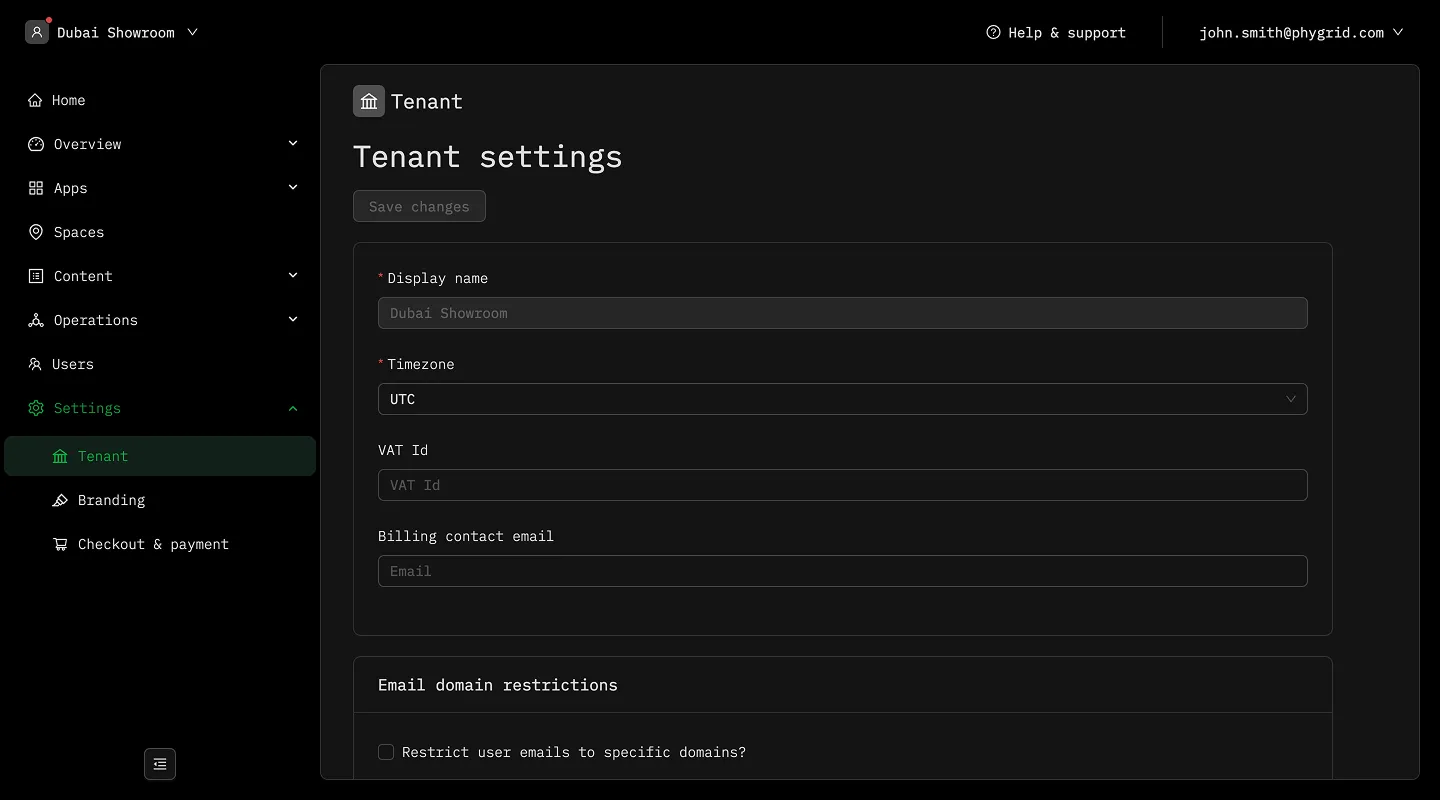
Section titled “What are Tenant Settings?”Tenant Settings in PhyStack allow you to configure your organization’s workspace preferences, visual identity, and payment processing options. These settings define how your tenant operates and appears to users across the platform.
Access tenant settings through the sidebar menu in the header and select Settings.
Settings Configuration
Section titled “Settings Configuration”The tenant settings system provides tools to customize your organization’s experience:
Branding
Section titled “Branding”- Logos: Upload and configure logos for different contexts and applications
- Color schemes: Set primary, secondary, and accent colors across all interfaces
- Typography: Customize font families, sizes, and styles for consistent presentation
- Social media: Add links to connect customers with your online presence
General settings
Section titled “General settings”- Tenant information: Update organization name and contact details
- Regional preferences: Configure timezone and language settings
- User preferences: Set default options for your tenant’s users
Checkout and payments
Section titled “Checkout and payments”- Payment methods: Enable or disable available payment options
- Currency and tax: Configure currency, tax rates, and rules
- Receipts: Customize receipt format and delivery options