
Create a space
How to create a space
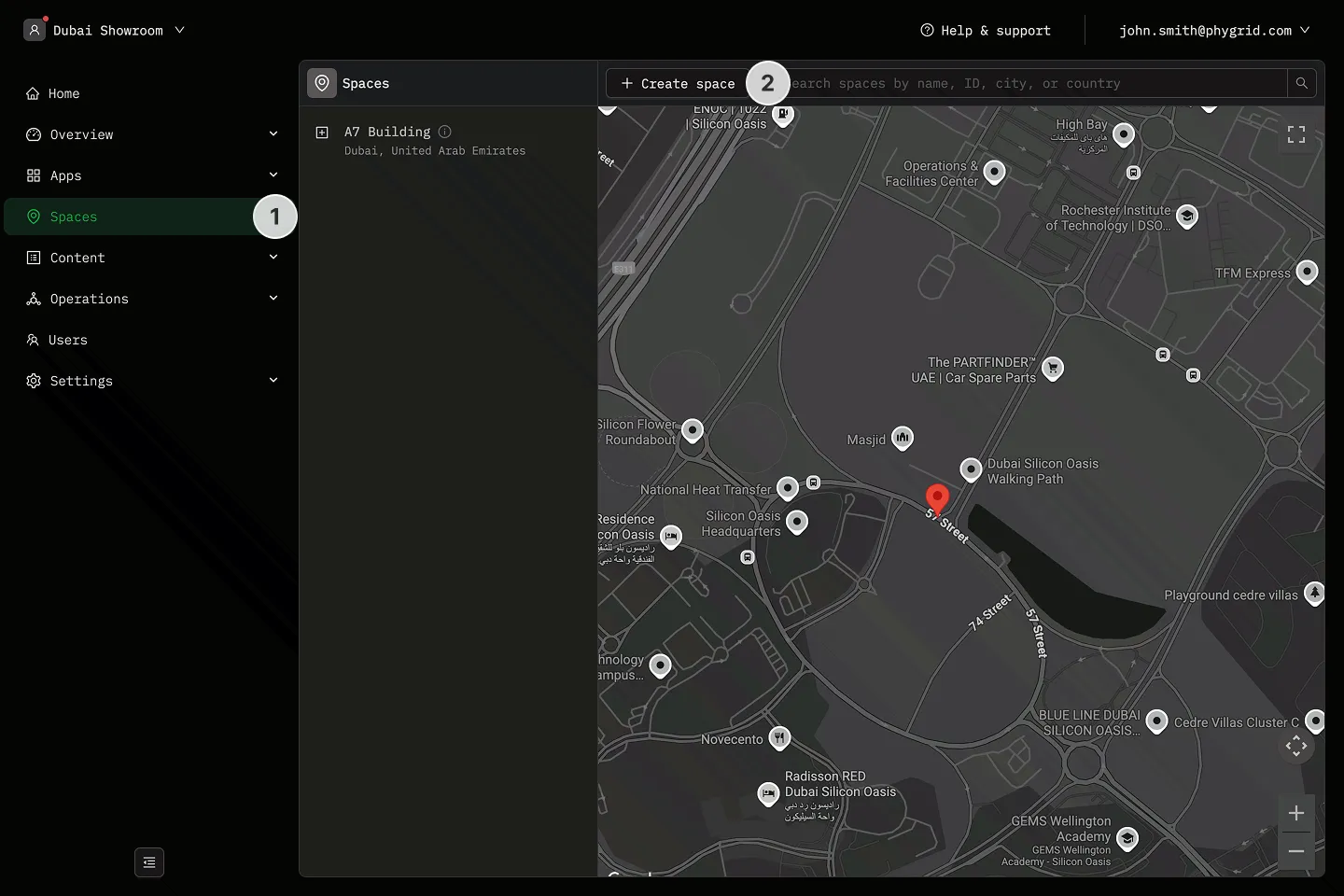
Section titled “How to create a space”- Navigate to Spaces in the sidebar
- Click New space
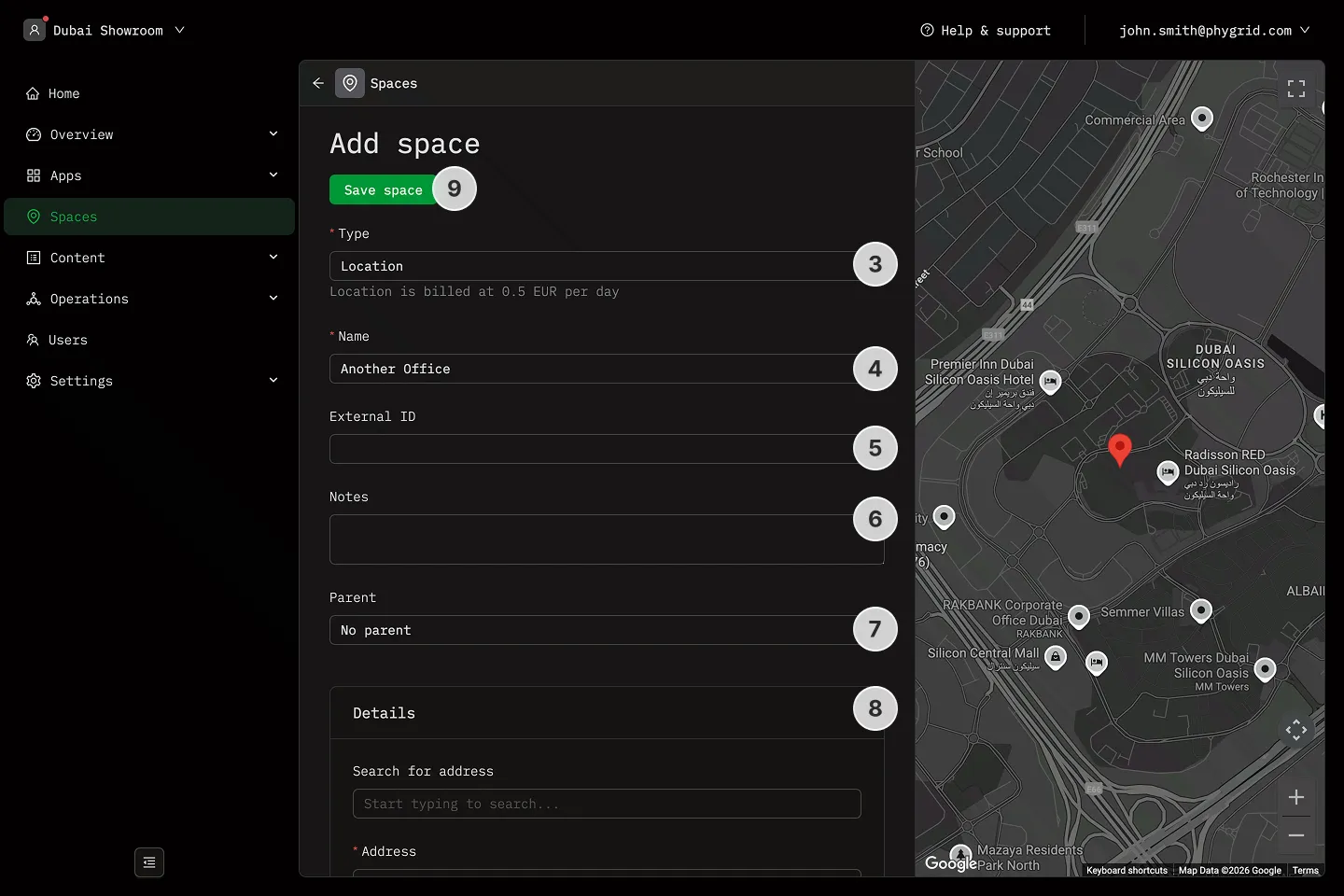
- Choose a space type or select custom
- Name the Space
- Set optional External ID
- Add optional notes
- If desired, set the space as a subspace of an existing space
- For Location spaces, set Location address, working hours, and content tags
- Click Submit to create the space
How to create multiple spaces at once
Section titled “How to create multiple spaces at once”For Floor, Section, and Custom space types, you can create up to 50 spaces in a single step.
- Navigate to Spaces in the sidebar
- Click New space
- Choose Floor, Section, or Custom as the space type
- Toggle Create multiple
- Enter a prefix — this becomes the base name for all spaces (e.g.
SCO) - Enter the amount of spaces to create (up to 50)
- Preview the generated names — numbering continues automatically from your highest existing space with the same prefix
- If desired, set a parent space
- Click Submit to create all spaces
After creation, you land on the parent space with the new spaces highlighted in the sidebar.
Explanations
Section titled “Explanations”- What is a Space External ID?
- What are content tags?