
Networking Overview
Networking in PhyStack
Section titled “Networking in PhyStack”Reliable operation of PhyStack Devices requires secure, outbound-only internet connectivity. Networking configuration ensures Devices can connect to the platform and any external services required by your applications.
Core Capabilities
Section titled “Core Capabilities”- Wired or Wireless: Devices support Ethernet, Wi-Fi, and 4G/5G
- Outbound-Only: Only outbound connections are made—simplifies enterprise firewall setup
- Secure by Design: All traffic uses encrypted WSS and HTTPS protocols
- Flexible IP Setup: Supports DHCP and static IP configurations
Key Configuration Areas
Section titled “Key Configuration Areas”1. Infrastructure Firewall (for Network Admins)
Section titled “1. Infrastructure Firewall (for Network Admins)”Controls connectivity to PhyStack services and tools.
- Allowlisted domains and IPs based on your data residency region
- Required for device provisioning and platform operation
- Supports additional services (e.g., management tools)
See Network Infrastructure Requirements for IPs and domains.
2. Application Whitelisting (for Platform Users)
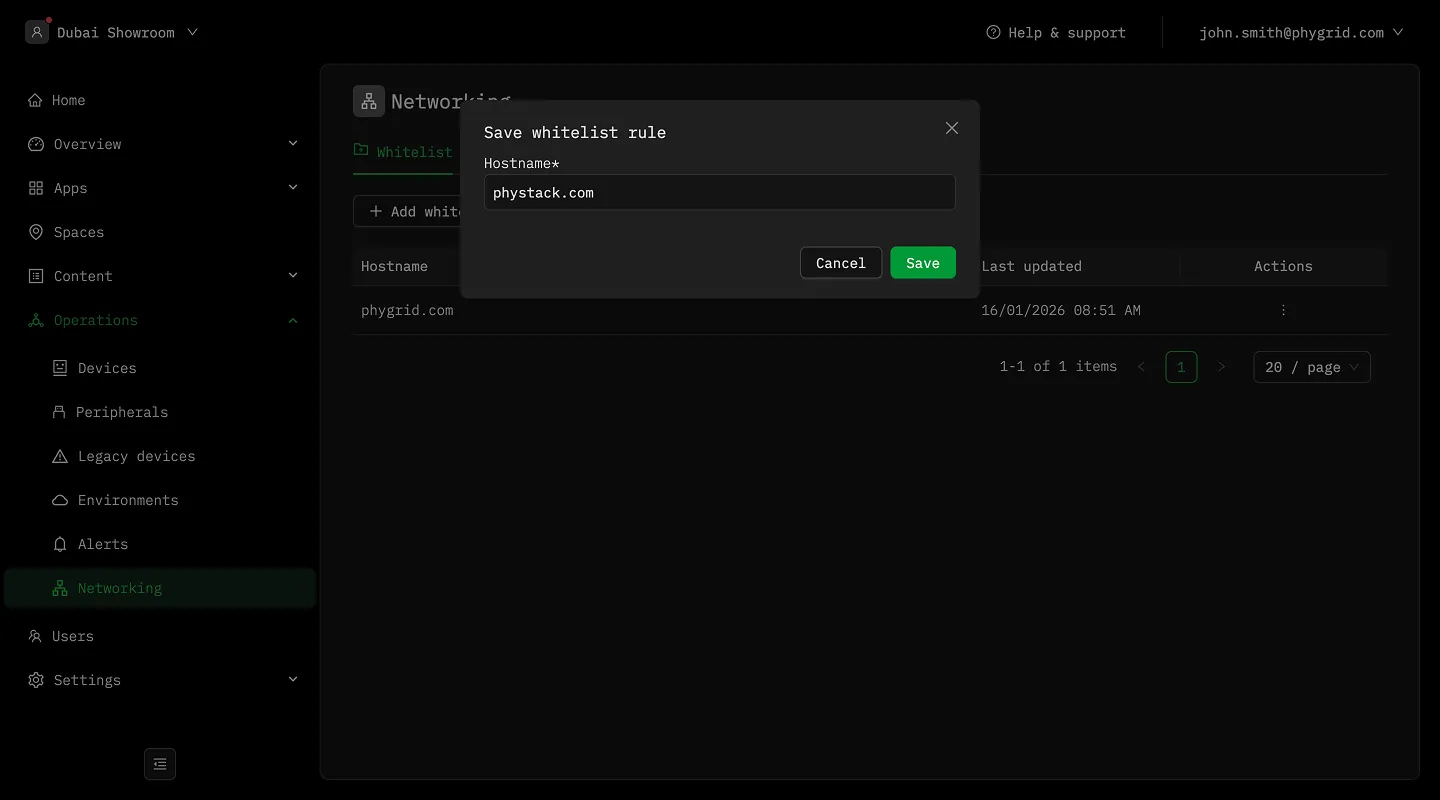
Section titled “2. Application Whitelisting (for Platform Users)”Controls access to external APIs and content from within your Apps.
- Enable access to media servers, APIs, and third-party tools
- Define allowed hostnames per Installation
- Manage rules directly in the PhyStack console
Use these guides to manage your rules:
Why Networking Matters
Section titled “Why Networking Matters”- Platform Access: Connect to PhyStack services by region
- External Access: Safely reach APIs and media resources
- Offline Operation: Devices function offline after sync
- Security Control: Balance open access with strict boundaries