Create a custom user role
How to create a custom user role
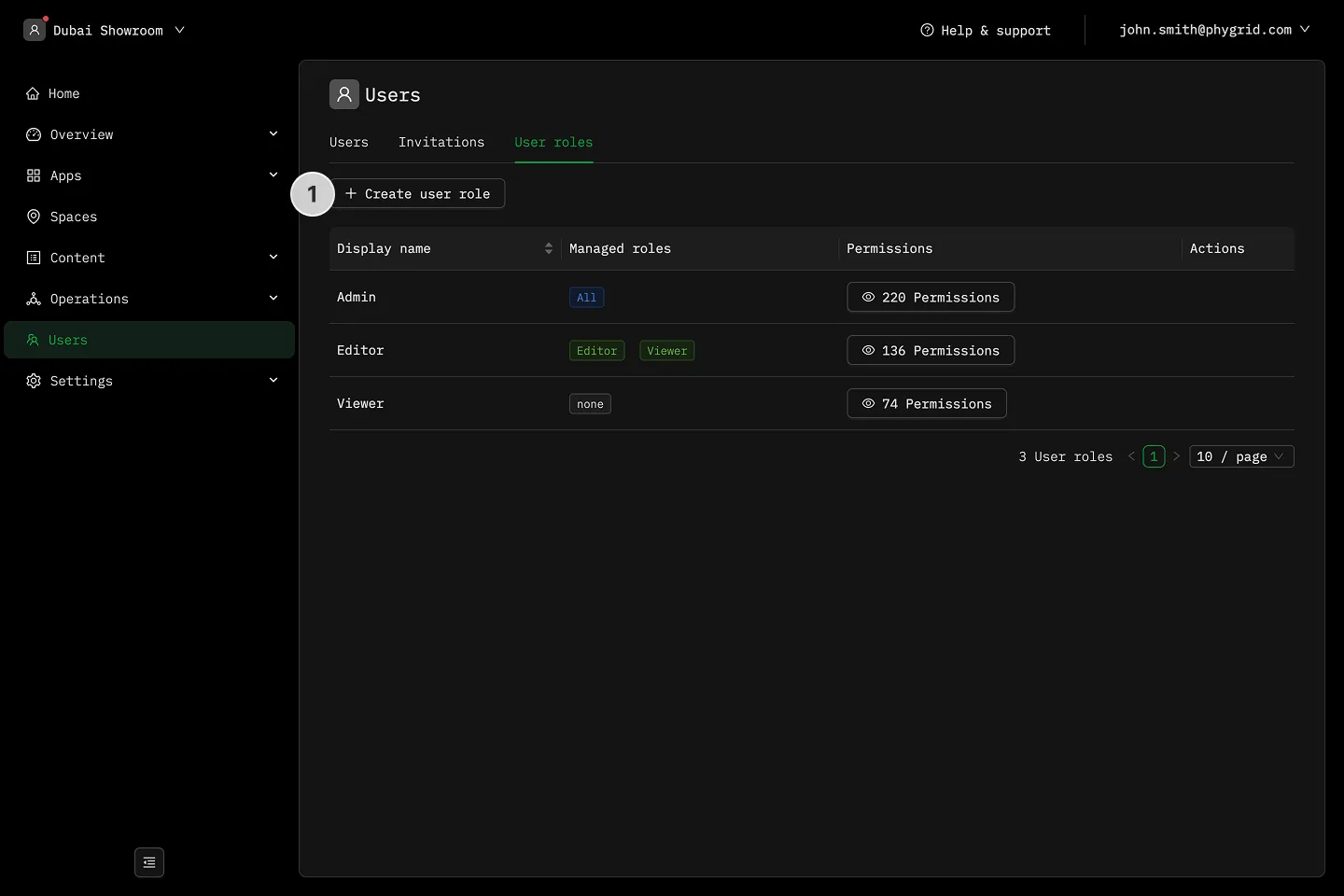
Section titled “How to create a custom user role”- Navigate to Users in the sidebar, then select the Roles tab and click Create user role
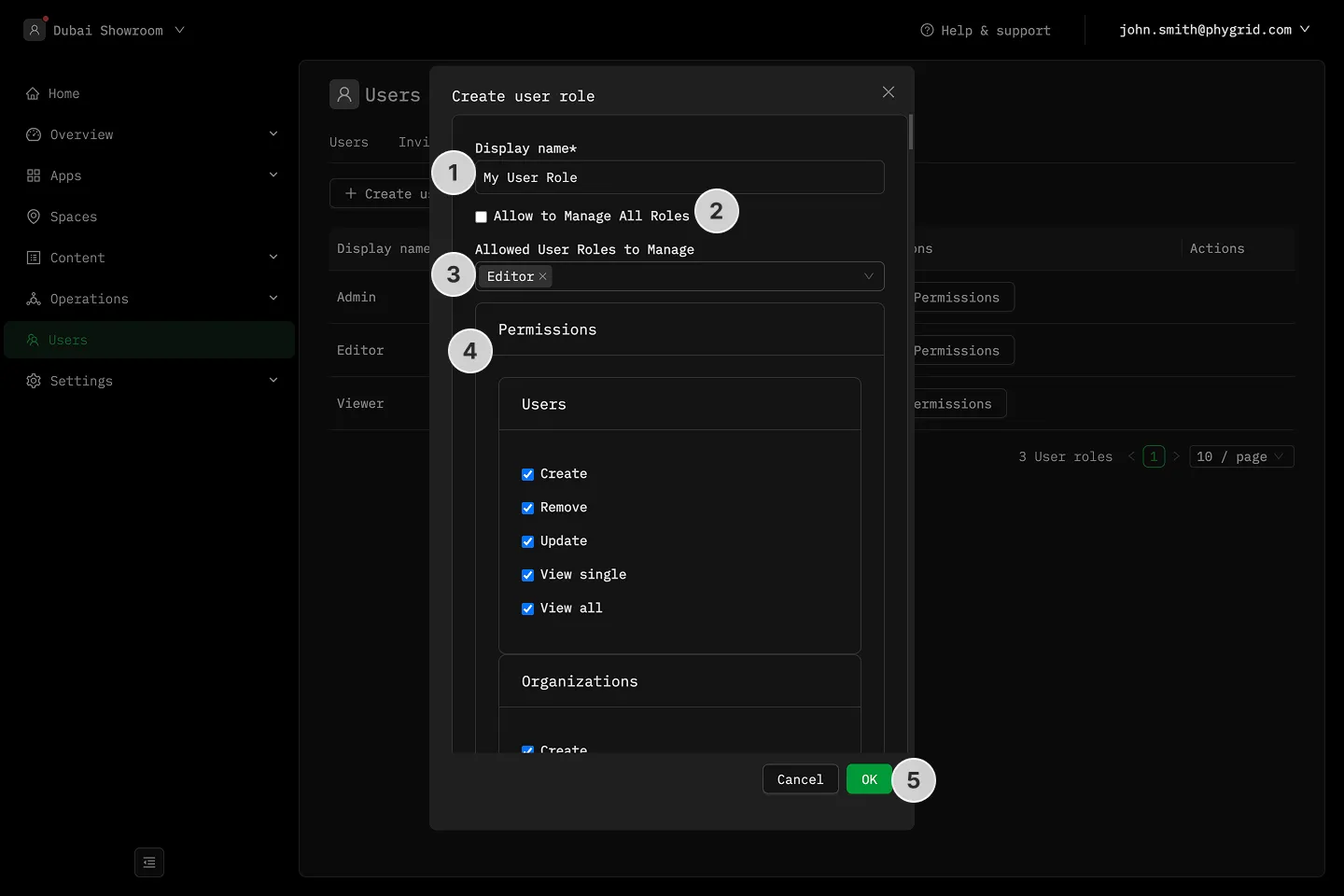
- Add a descriptive name for this user role
- Decide if this role should have the ability to manage any or all other user roles
- Go through the list of features and select the ones you want this user to manage
- Save the role by clicking OK