
Managed Tenants Overview
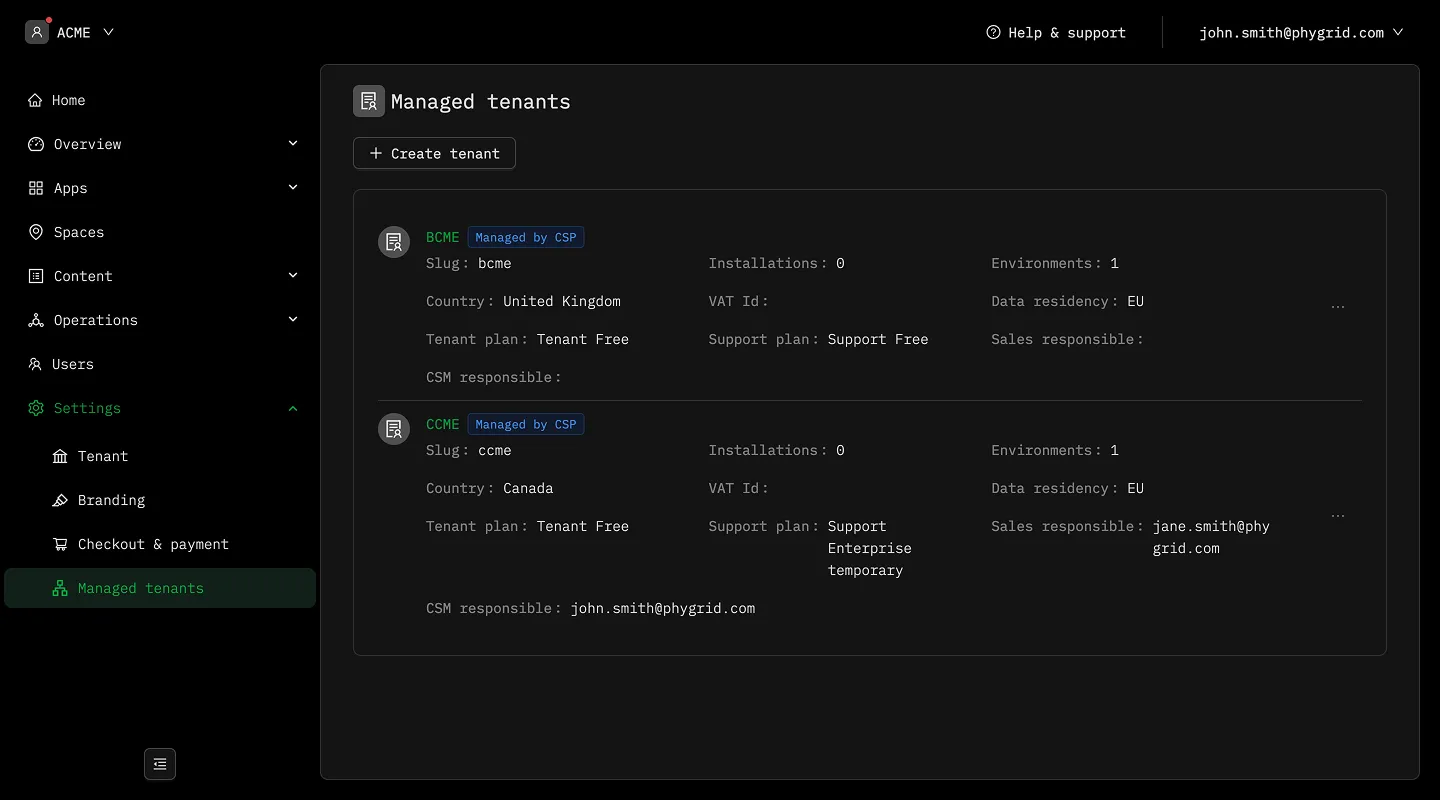
What are managed tenants?
Section titled “What are managed tenants?”A managed tenant is a tenant that belongs to a partner tenant. The partner tenant is the billing account; each managed tenant under it is a separate workspace with its own users, spaces, devices, and installations.
This setup is for partners who deliver Phystack to several customers — agencies, system integrators, hardware resellers — and want to keep each customer’s data isolated while billing centrally.
Who can create managed tenants?
Section titled “Who can create managed tenants?”Only admins of a partner tenant see the Managed tenants entry under Settings. A tenant becomes a partner tenant when an admin flips its partner flag (an internal Phystack toggle today; reach out to your contact at Phystack to enable it on your tenant).
Tenants that aren’t flagged as partners — and tenants that are themselves managed by a partner — don’t see the Managed tenants section at all.
What’s inherited from the partner tenant
Section titled “What’s inherited from the partner tenant”When you create a managed tenant, two things copy over from the partner tenant automatically and can’t be changed on the form:
- Currency — the managed tenant bills in the same currency as the partner.
- Billing entity — the Phystack legal entity that issues invoices.
This keeps all managed tenants on a single, consistent billing line for the partner.
What you choose per managed tenant
Section titled “What you choose per managed tenant”Everything else is picked at creation time:
- Display name — the name the managed tenant shows under in the console.
- Country — the country the managed tenant operates in. It can differ from the partner tenant’s country; currency and billing entity still come from the partner.
- Tenant plan — the paid plan tier the managed tenant is subscribed to. The dropdown shows the partner’s tenant-plan catalog, sorted by monthly price.
- Support plan — the paid support tier the managed tenant is subscribed to, same catalog rules.
The managed tenant is billed on the partner invoice from the moment it’s created.