
View managed tenants
How to view managed tenants
Section titled “How to view managed tenants”- Open your partner tenant and click Settings → Managed tenants.
- The list shows every managed tenant under this partner.
- Click a row to switch into that managed tenant.
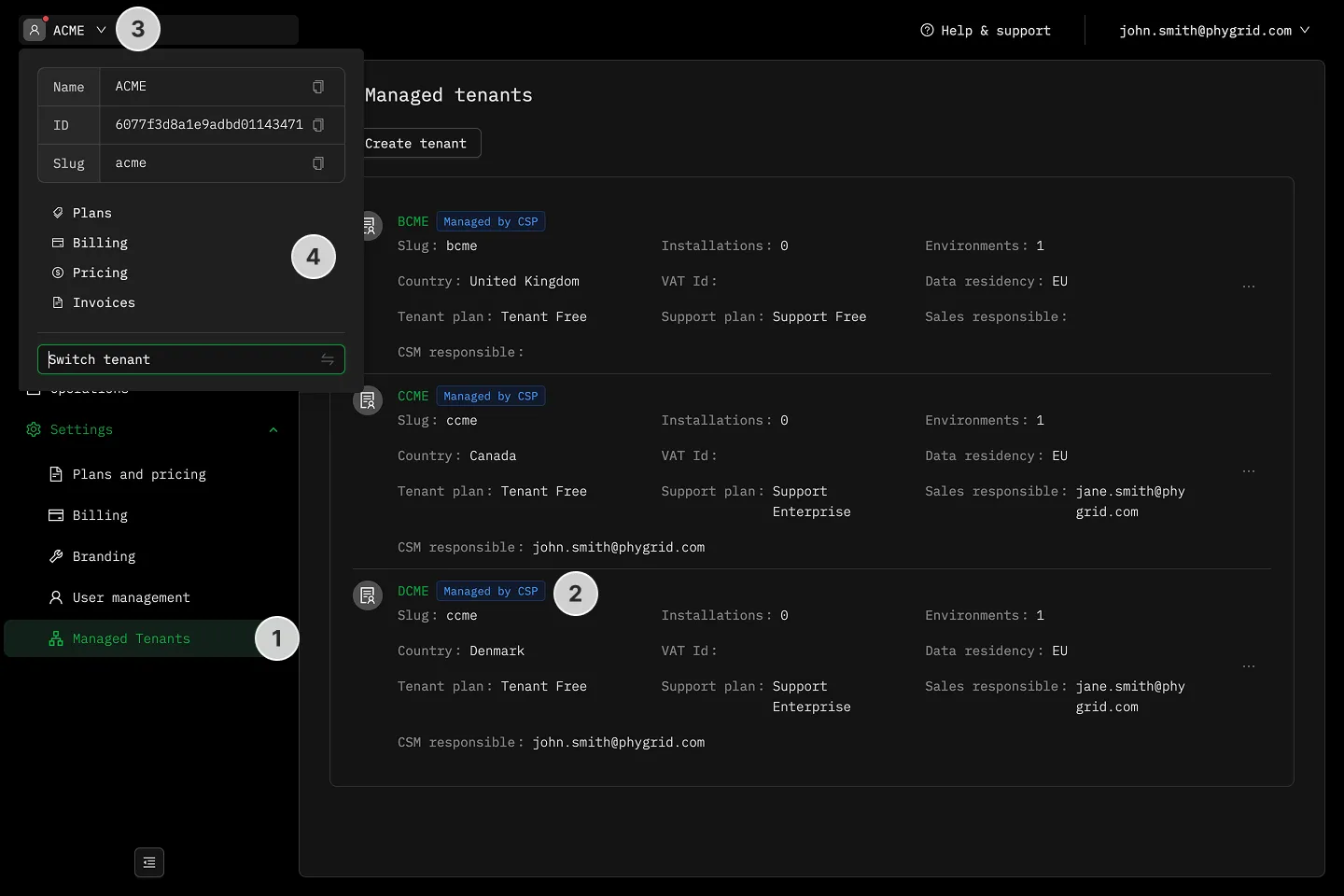
You can also use the global tenant switcher (⌘K / Ctrl+K, or click your tenant name) to jump straight into a managed tenant without going through the Managed tenants page.