Configure a peripheral
How to configure a peripheral
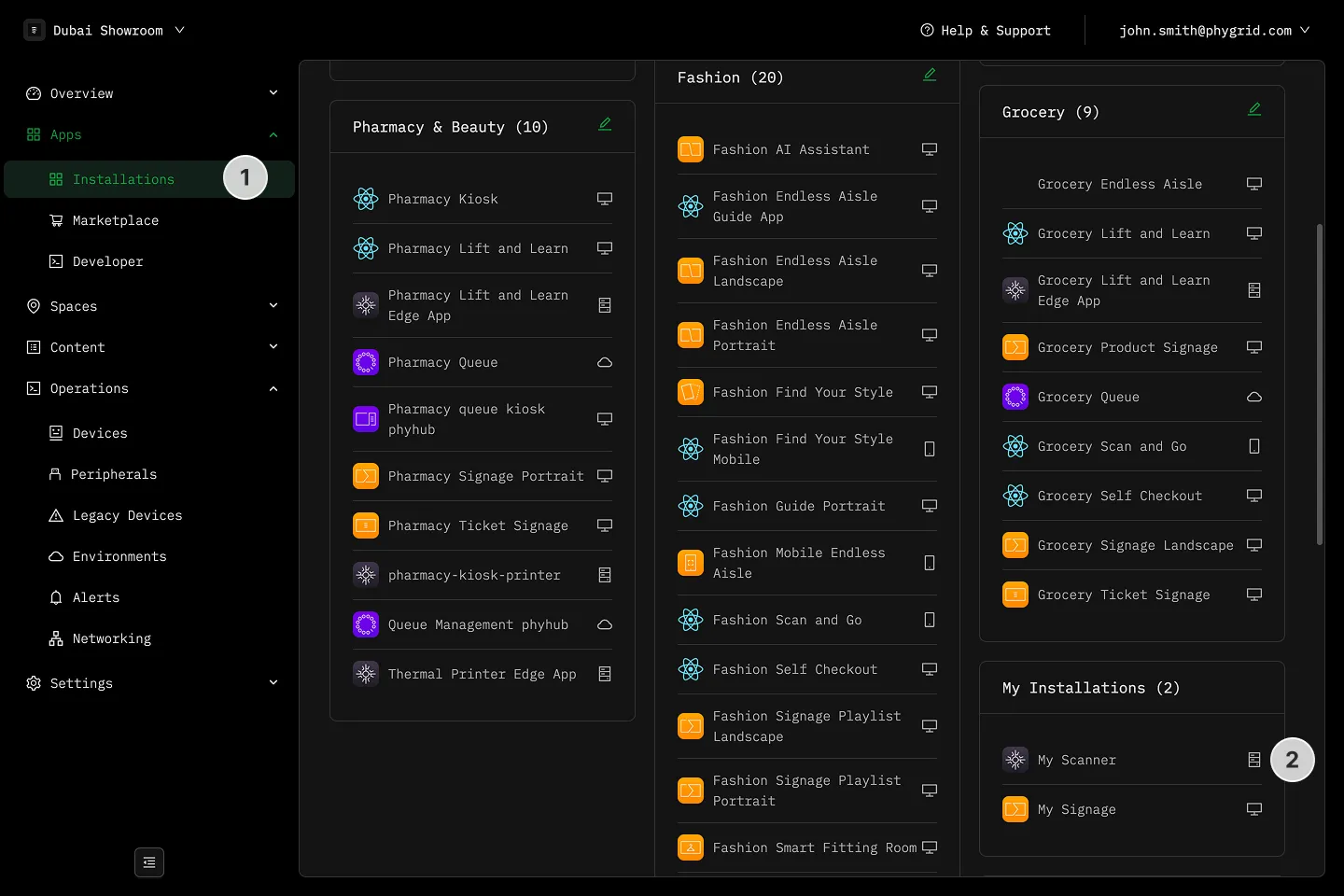
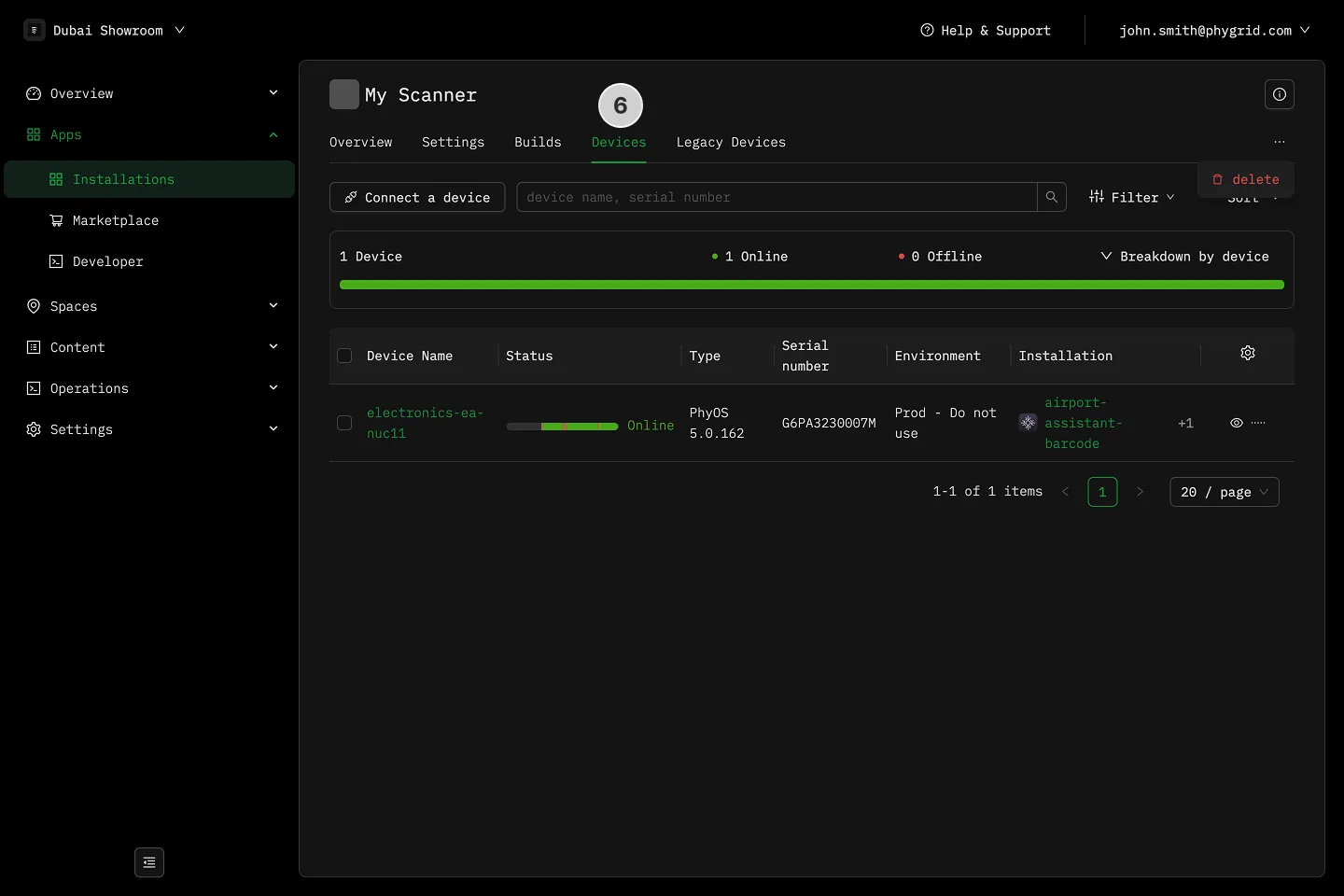
Section titled “How to configure a peripheral”- In the sidebar, navigate to Apps → Installations
- Find and open your peripheral edge app
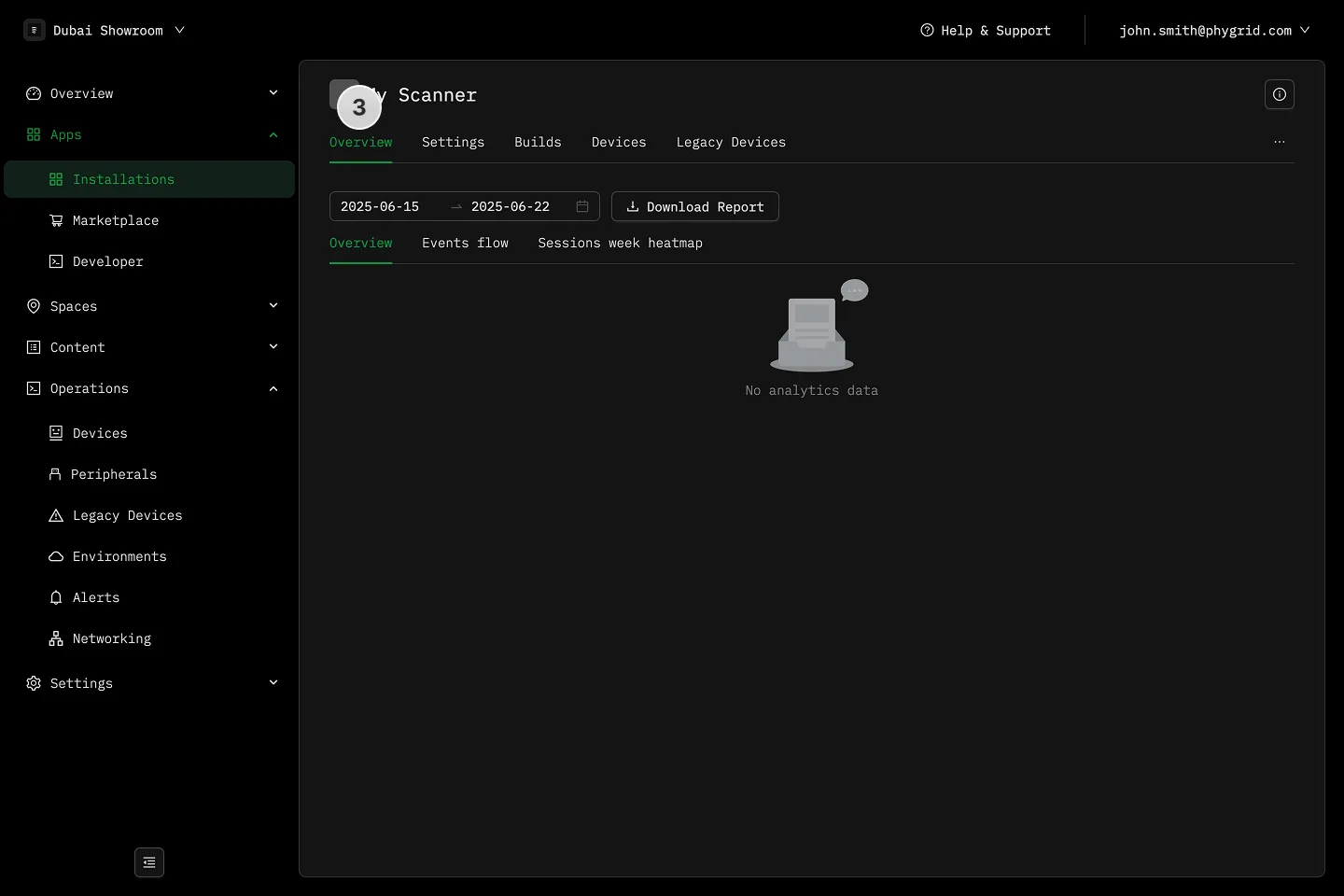
- In the Overview tab, you can view peripheral analytics
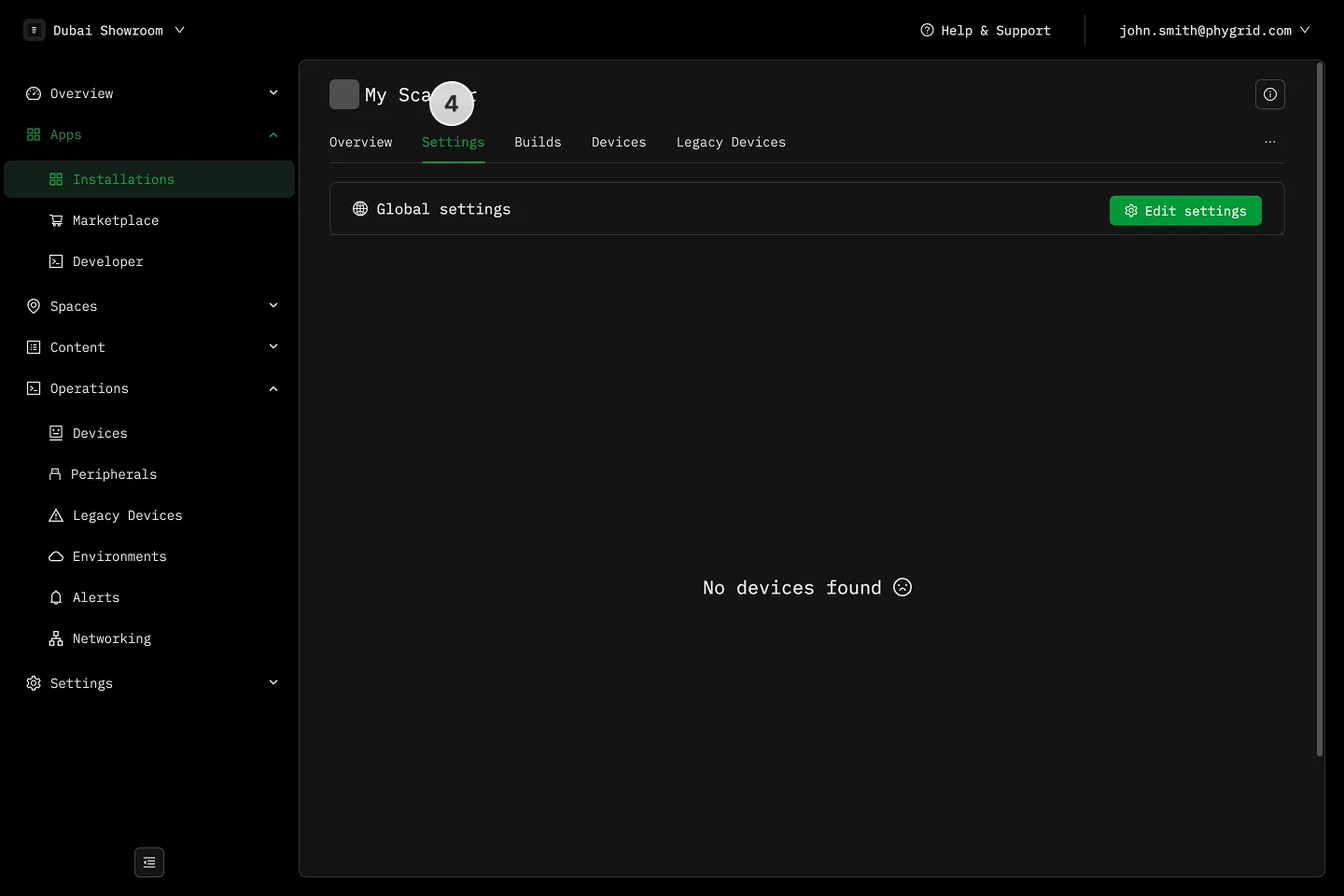
- In the Settings tab, you can adjust peripheral settings
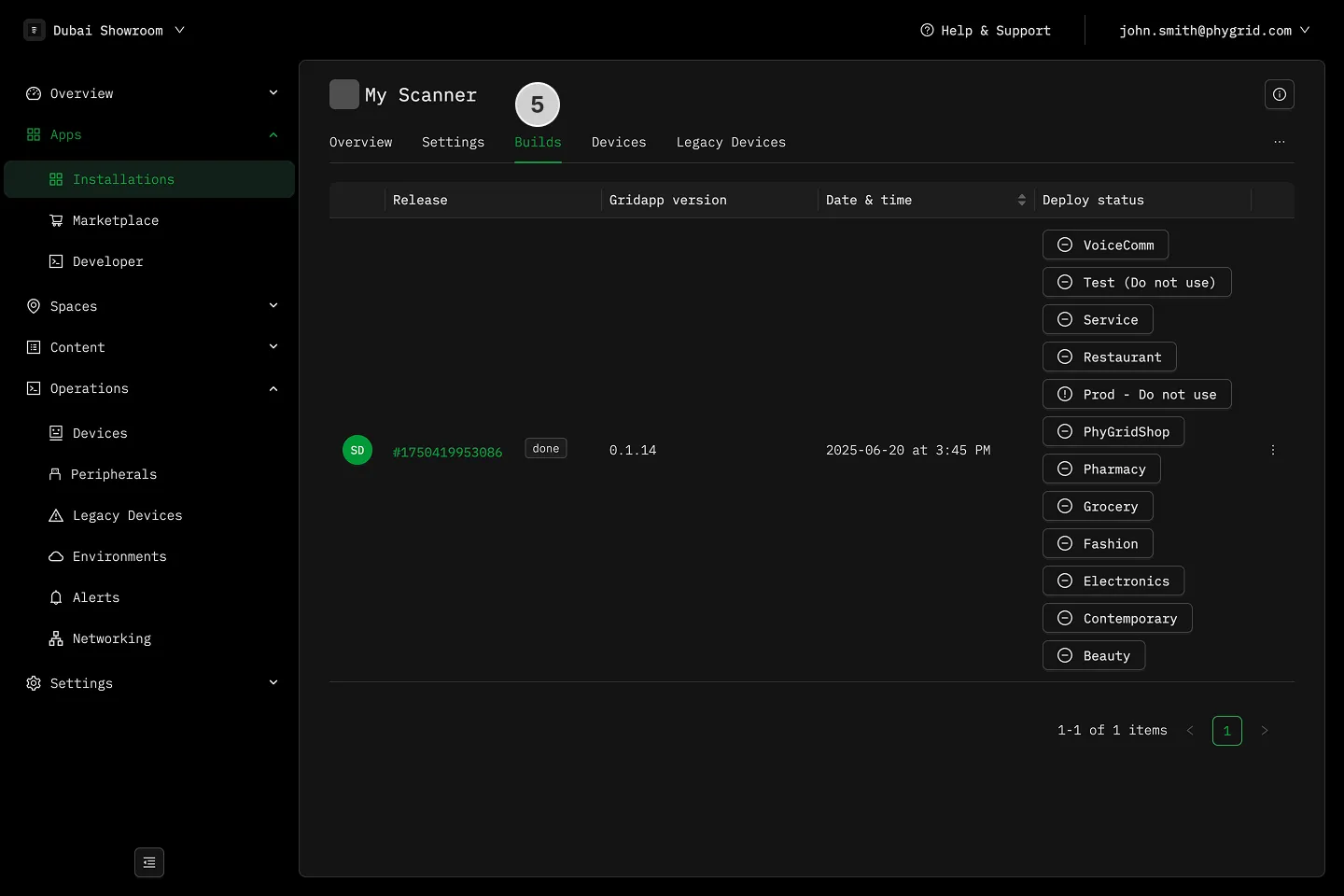
- See build deployments in the Build tab
- See connected devices in the Devices tab