Add a peripheral
How to add a peripheral
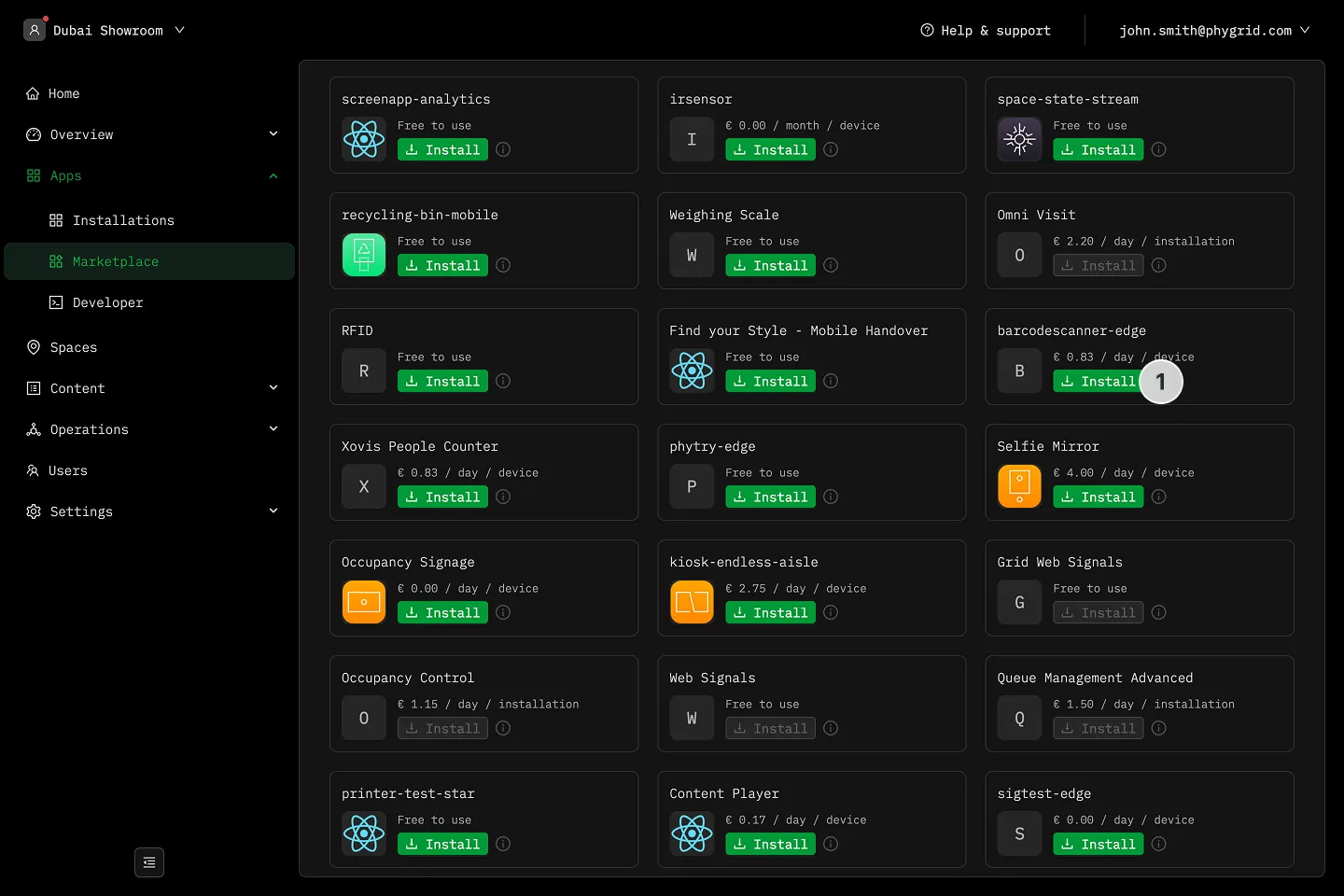
Section titled “How to add a peripheral”- Install the peripheral edge app from the Marketplace
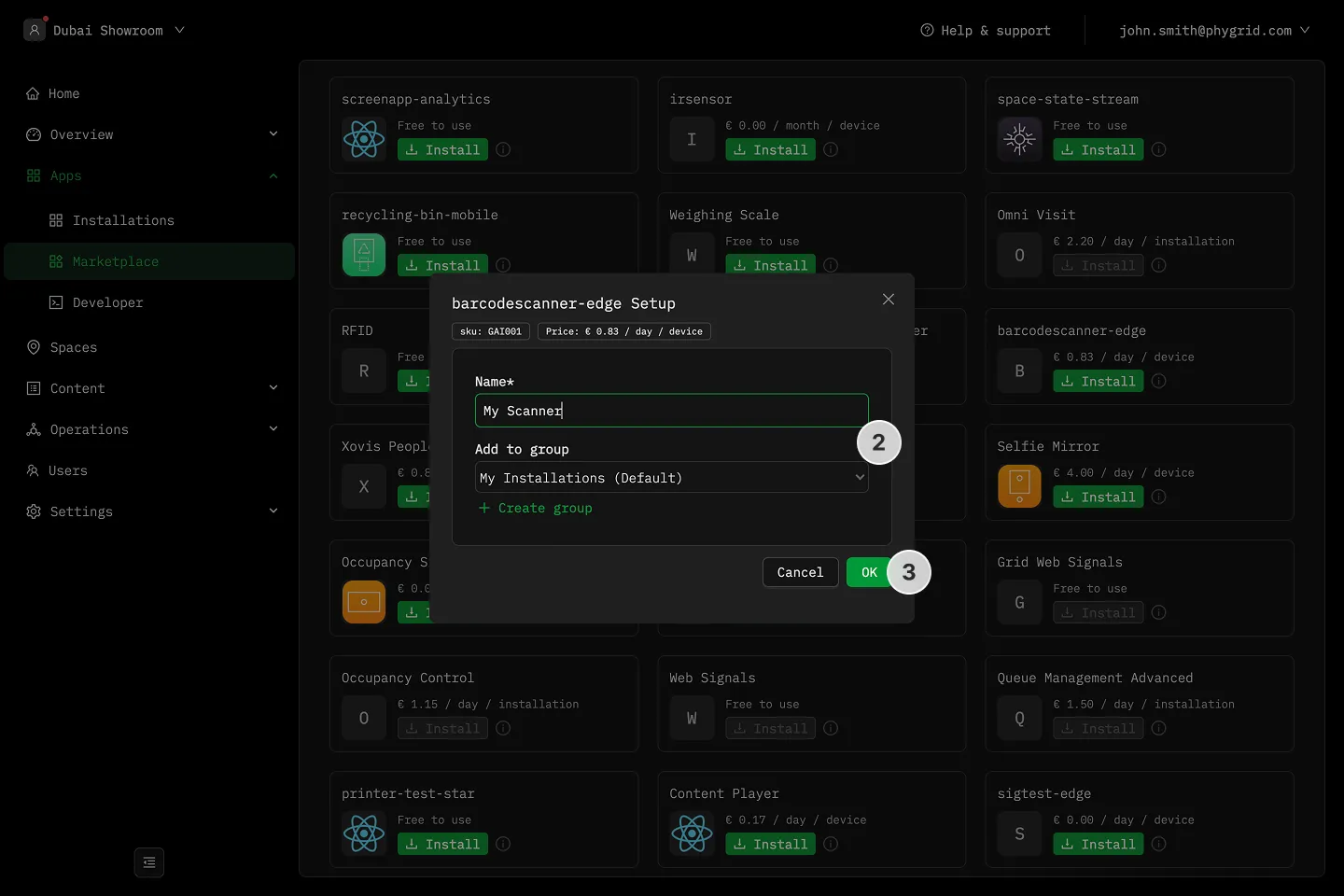
- Name and optionally add the edge application to an installation group
- Click OK and the edge app will install and open
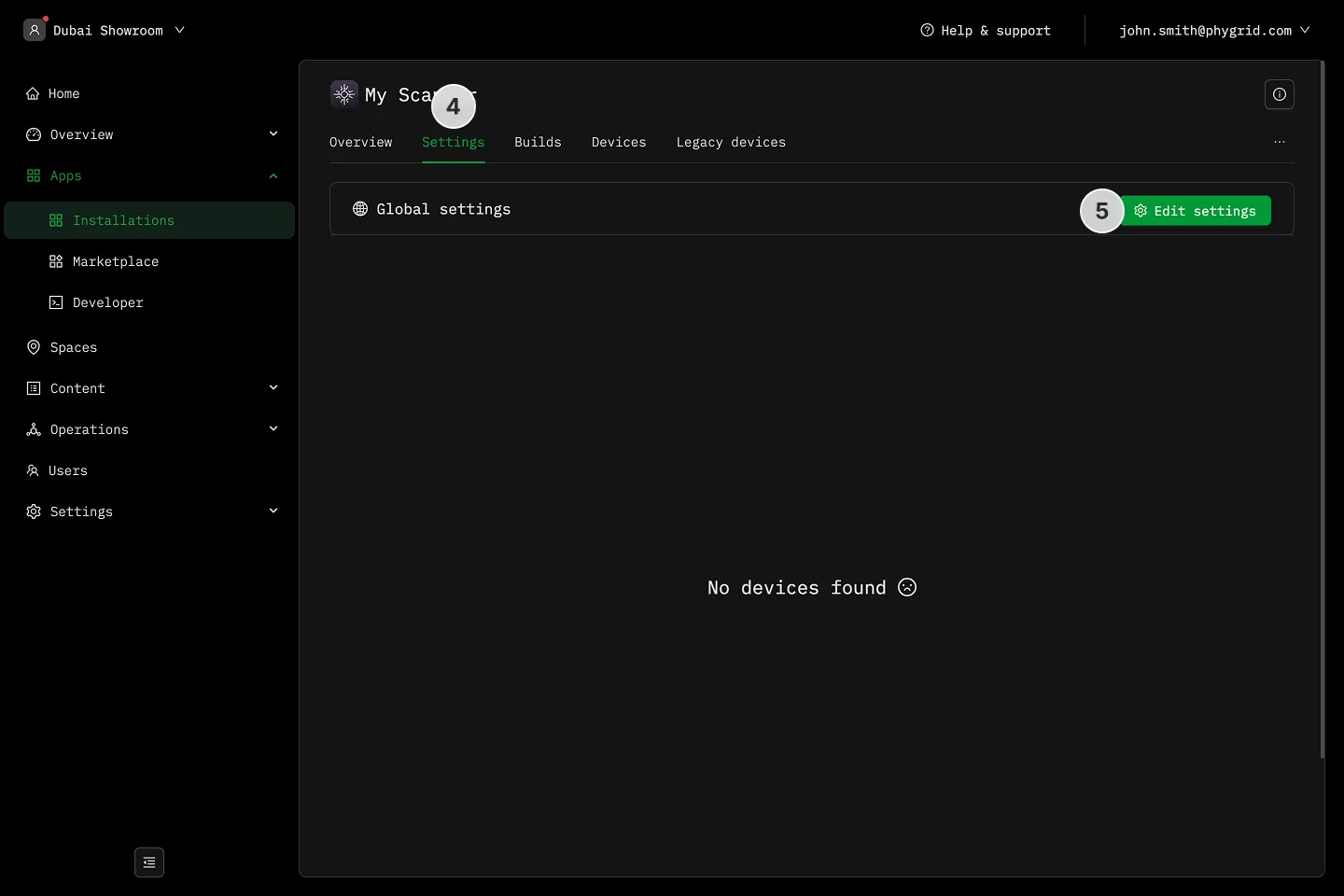
- Go to the Settings tab
- Click Edit settings
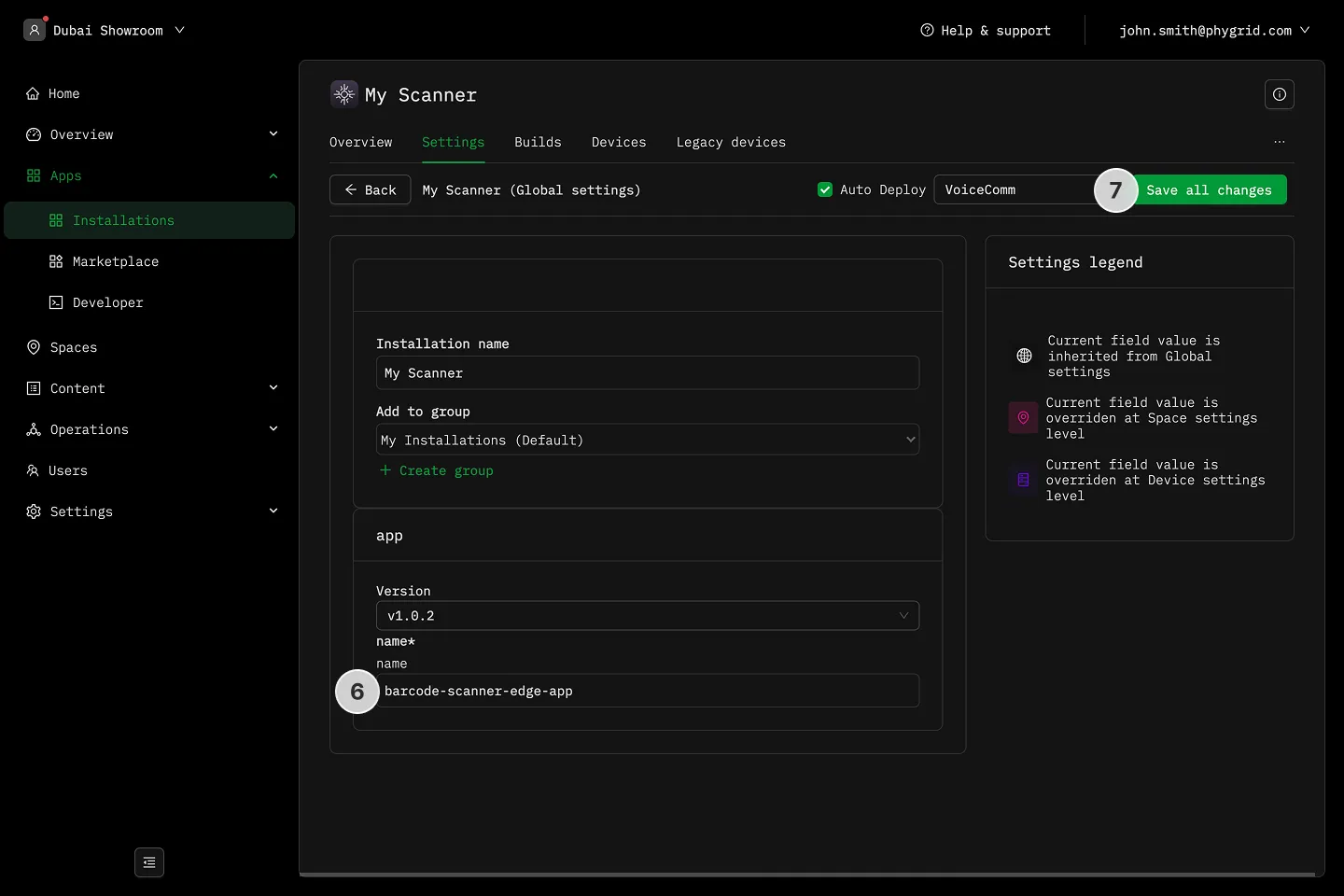
- Assign a name to the peripheral, and adjust any other available settings
- Select deploy and click Save
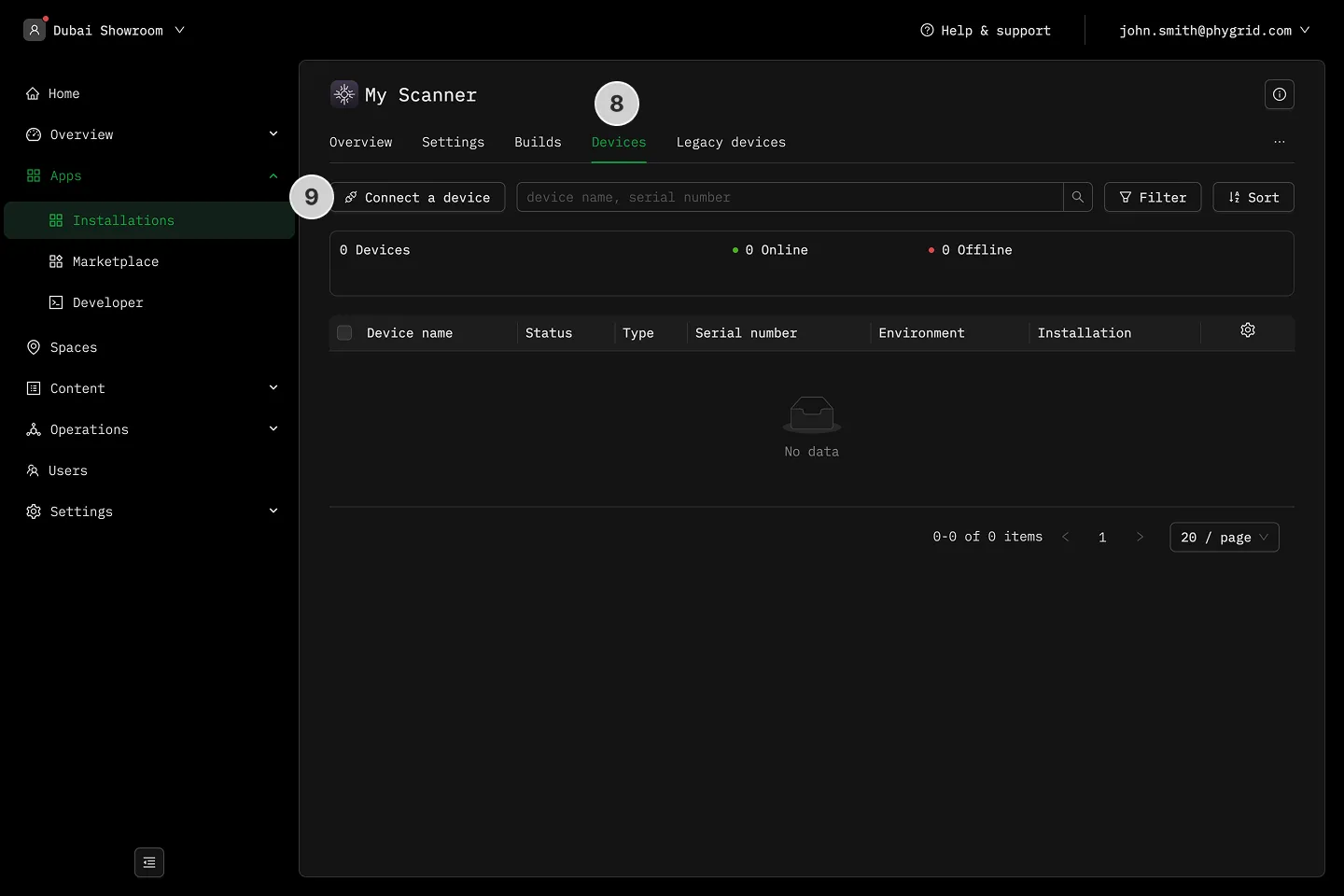
- Go to the Devices tab
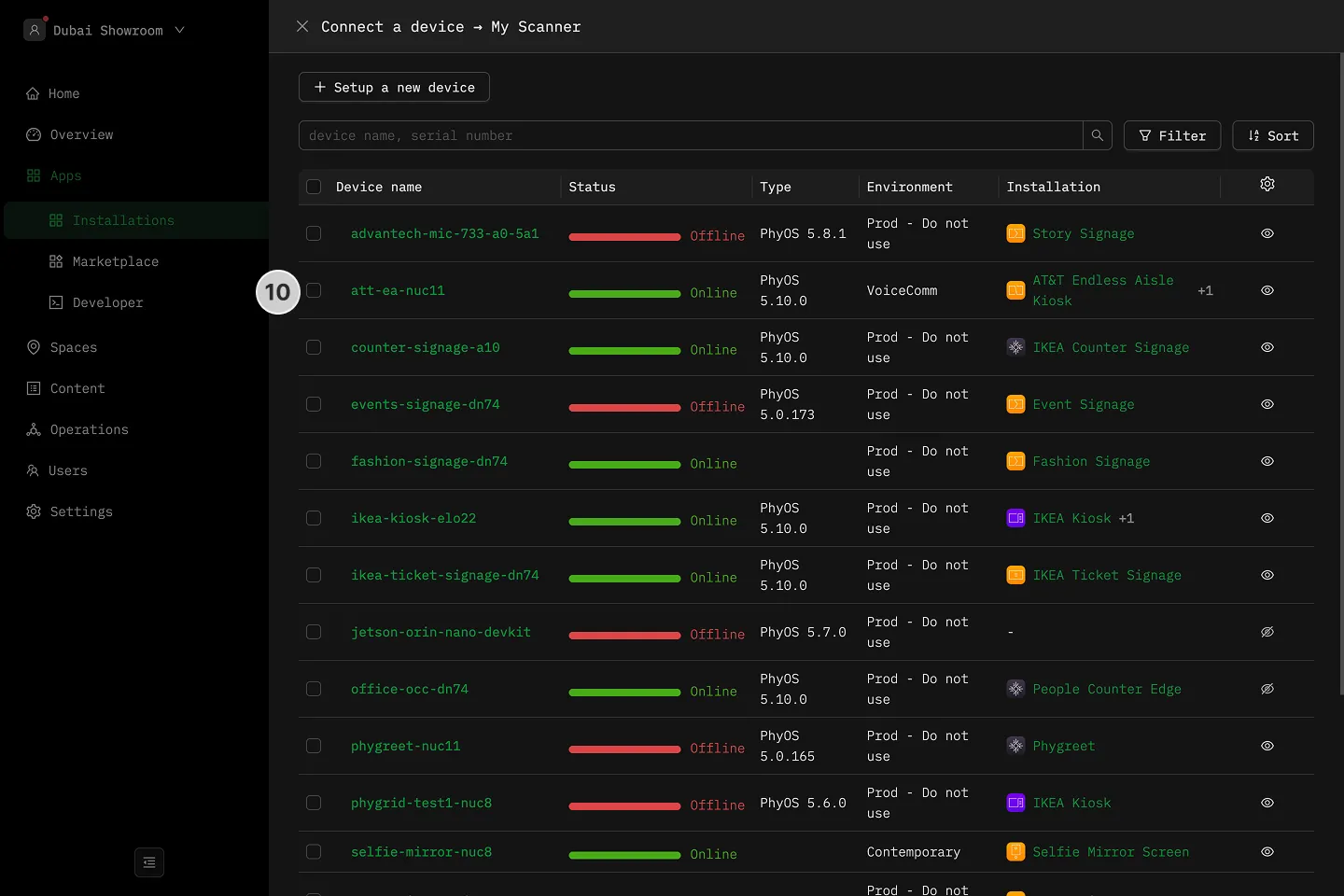
- Click Connect a device to connect the peripheral edge app to a device
- Select a device from the list and click on the name to connect
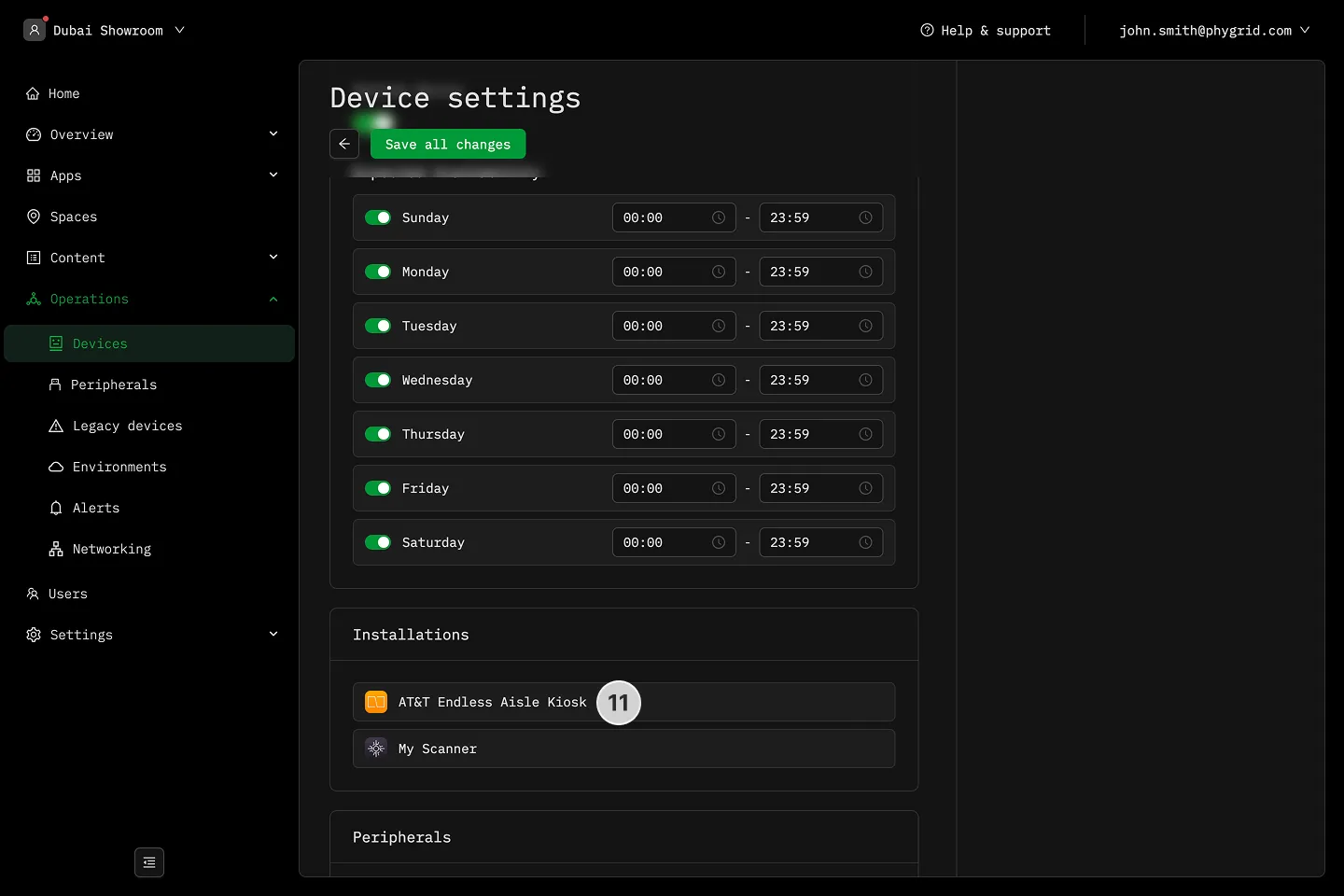
- Open the installation that is connected to the same device
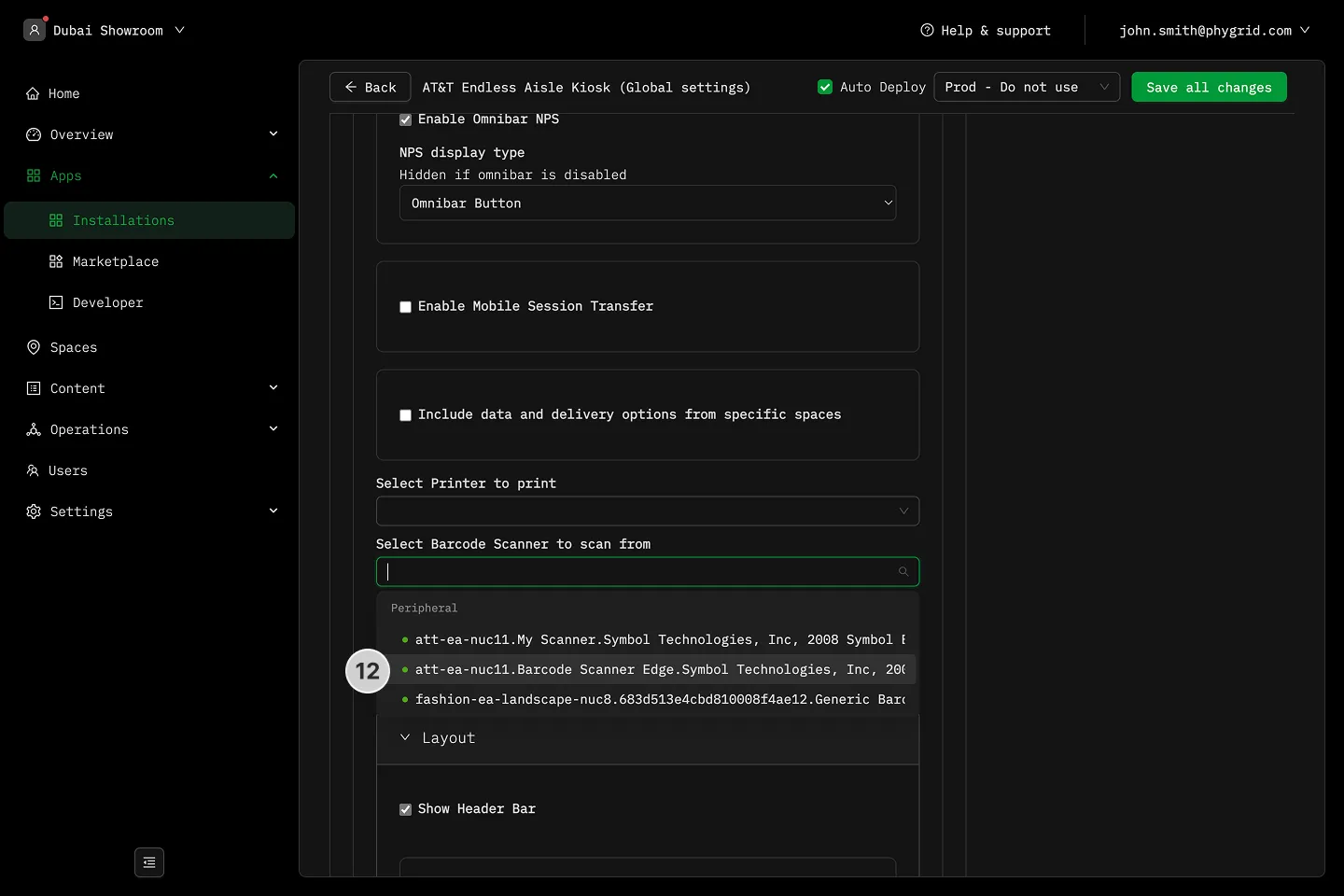
- Choose the peripheral in your installation by selecting it in the application settings